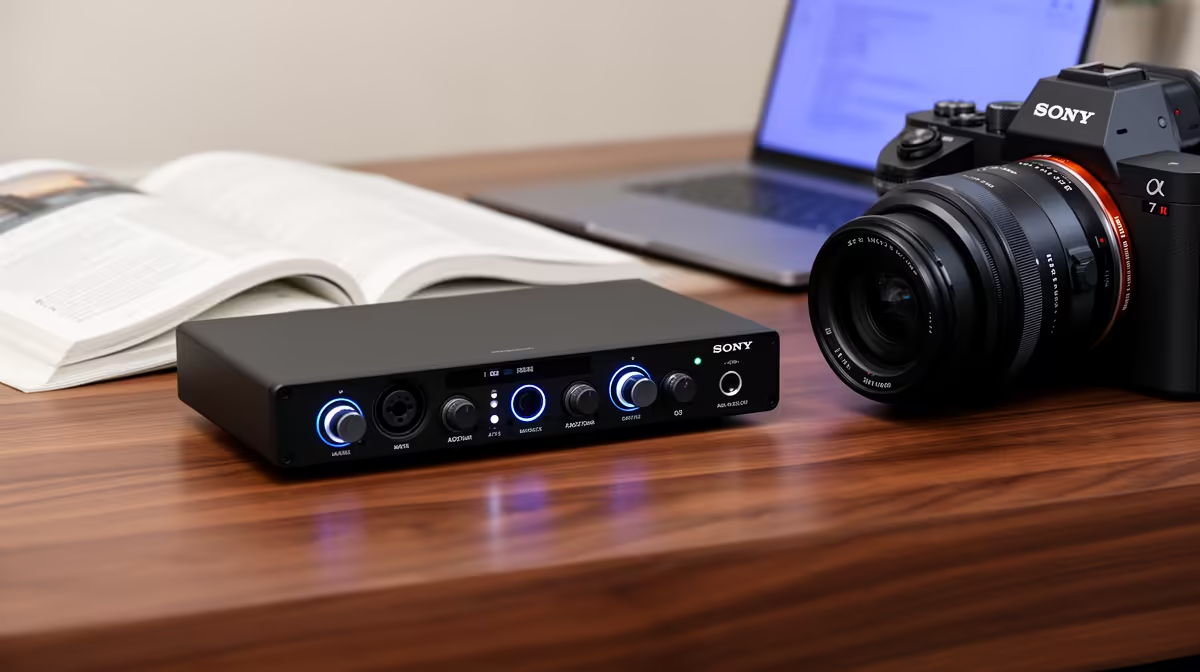
An audio interface is unnecessary for most matric studies. Online classes, recorded presentations and calls can usually use a laptop microphone or simple USB headset. An interface becomes worthwhile only for a music, drama or media project that needs XLR microphones, multiple inputs or direct monitoring.
Identify the school assignment first
Record a sample presentation using existing equipment and listen for speech clarity, echo and background noise. Check microphone distance and room conditions before adding hardware. If the project involves instruments or several speakers, draw every input, headphone and computer connection.
No dedicated audio interface with verified pricing appears in the evidence. The NearStream USB/XLR microphone at R676 is a confirmed microphone reference, not an interface. The Logitech Z150 speakers at R421 and ASUS ExpertBook P1503 laptop at R9,858 are separate verified references. Check current drivers, input count, gain, monitoring, included cables, software and warranty for any interface.
Use safe headphone levels, label files and keep raw recordings plus edited versions in independent backups. Disable private notifications before presentations. A quieter room and closer microphone placement may solve the problem without extra controls.
Buy only when a real assignment requires connections that simpler audio cannot provide. Dependable computing, course software, data access and recoverable schoolwork deserve priority during matric.
Preparing a matric study setup? > Compare Evetech computers and microphones after testing existing audio.