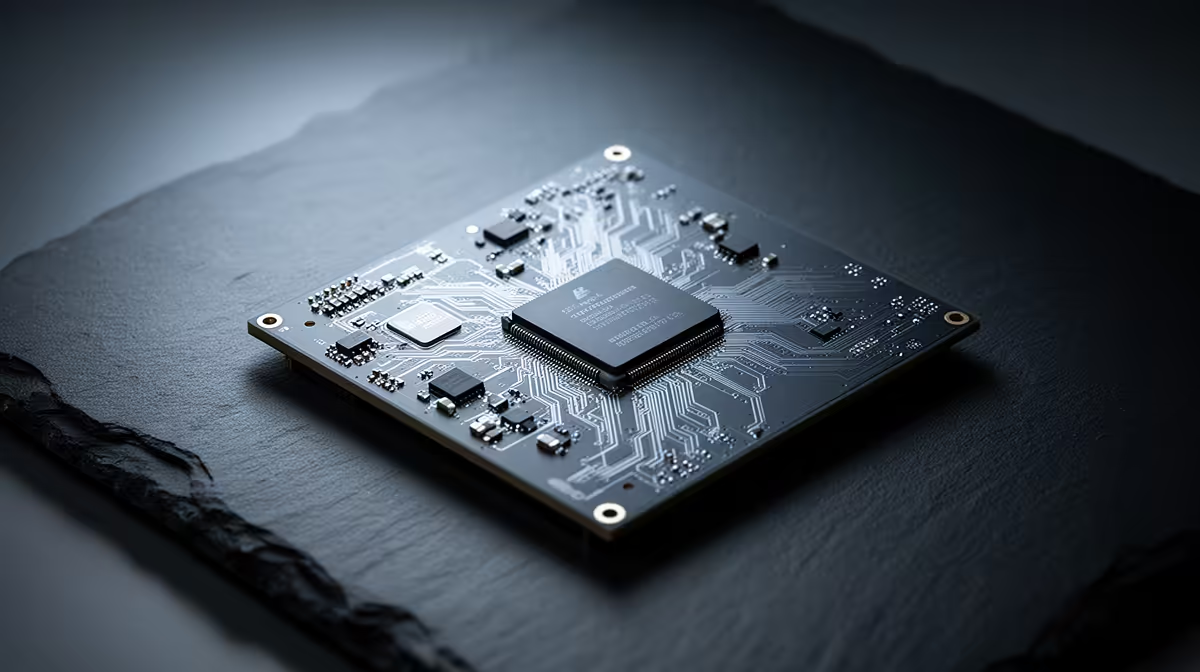
Yes, the ASUS Prime B850M-F WiFi at R2,300 suits a home or small-office PC used for browser tabs, email, spreadsheets, video calls, and document work without paying for a higher-tier board. For this kind of everyday desktop, the motherboard needs the right platform, dependable connectivity, and enough headroom for a clean build, not an extreme gaming-room feature list.
B850 is enough for normal desktop work
The ASUS Prime B850M-F WiFi at R2,300 is the sensible starting point because its B850 spec keeps the build current, while the WiFi detail matters in homes and offices where running a cable is awkward. For browsing and Office, that makes more practical sense than overspending on features that sit unused.
The ASROCK B850 Pro RS at R2,850 gives you another B850 option if you prefer a slightly higher-positioned board name and a cleaner upgrade feel. It is still aimed at the same everyday workload, so the extra spend should be about board preference rather than expecting Word, Excel, or web apps to suddenly feel different.
The MSI B850 Gaming Plus at R2,900 is worth considering when the same PC may later move from admin work into a gaming room. Its B850 Gaming Plus spec makes it the more enthusiast-leaning pick from the B850 options, while still being completely suitable for normal daily use.
Reception desk and home-office use in SA
At a reception desk, student desk, or home-office corner, the ASUS Prime B850M-F WiFi at R2,300 is easier to justify than the ASUS TUF Z890-Pro at R5,000, because the Z890-Pro spec is a higher-tier route than a basic browsing and Office machine needs. The MSI A520M-A PRO at R700 is cheaper, but its A520M-A PRO spec puts it in a more basic class, so B850 is the better fit when you want a fresher everyday build.
Ready to choose the right motherboard?
Use MSI A520M-A PRO at R700 as the home office desk benchmark, then check whether its listed spec matches the space, workload, and upgrade path.