Why You Must Backup Files Before Loadshedding Hits
We’ve all been there. You’re mid-raid or finishing a report when the lights flicker and die. Loadshedding doesn’t just ruin your vibe... it puts your data at risk. Learning how to backup files before loadshedding is essential for every South African tech user. One power surge can wipe your drive. Don't let Eskom win this round. Protect your digital life today. ⚡
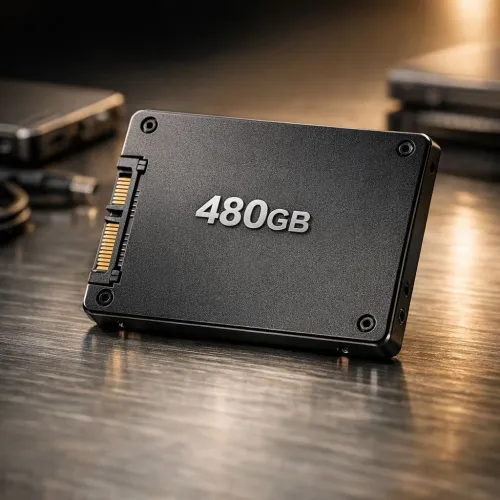
Sudden power cuts are more than an inconvenience. They can lead to file system corruption. When your PC loses power during a write operation, you risk losing everything. Investing in high-quality solid state drives is the first step toward better data resilience. Modern drives from reputable brands like ADATA offer built-in protections against minor fluctuations. However, even the best hardware needs a solid backup strategy to survive Stage 6. 🔧
Choosing the Right Storage for Your Backups
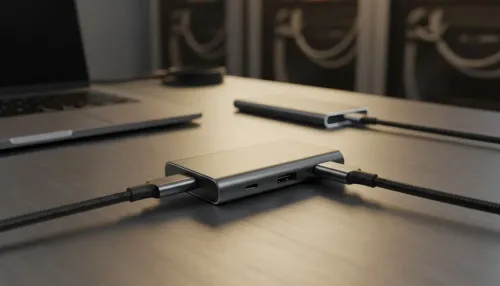
Physical backups are your best line of defence. A portable external SSD allows you to quickly move sensitive data off your main machine before the scheduled outage starts. This is especially useful for gamers with massive libraries or creators with 4K footage.
If you prefer a dedicated solution, look for external form factor drives that offer shock resistance. They are built to handle the bumps of South African life. Having a disconnected copy of your data ensures that even a massive surge won't reach your precious files. 🚀
Backup Pro Tip ⚡
Always follow the 3-2-1 rule. Keep three copies of your data. Use two different media types. Keep one copy off-site or on a disconnected drive. This ensures that even if a power surge fries your PC, your memories and work remain safe on an unplugged drive.
Advanced Protection for Power Users
Speed is crucial when the schedule says the power goes off in five minutes. You need something fast and reliable. Trusted Western Digital options provide the consistency needed for heavy workloads.
For those who demand the absolute best, the latest Gen 5 NVMe technology ensures your backups finish before the lights go out. These speeds are perfect for last-minute saves. Don't let a slow drive be the reason you lose a day's work. ✨
Ready to Protect Your Data?
Loadshedding is unpredictable, but your data security shouldn't be. Whether you need lightning-fast internal storage or a rugged portable drive, we have the solution. Explore our massive range of SSD specials and keep your files safe from the next blackout.