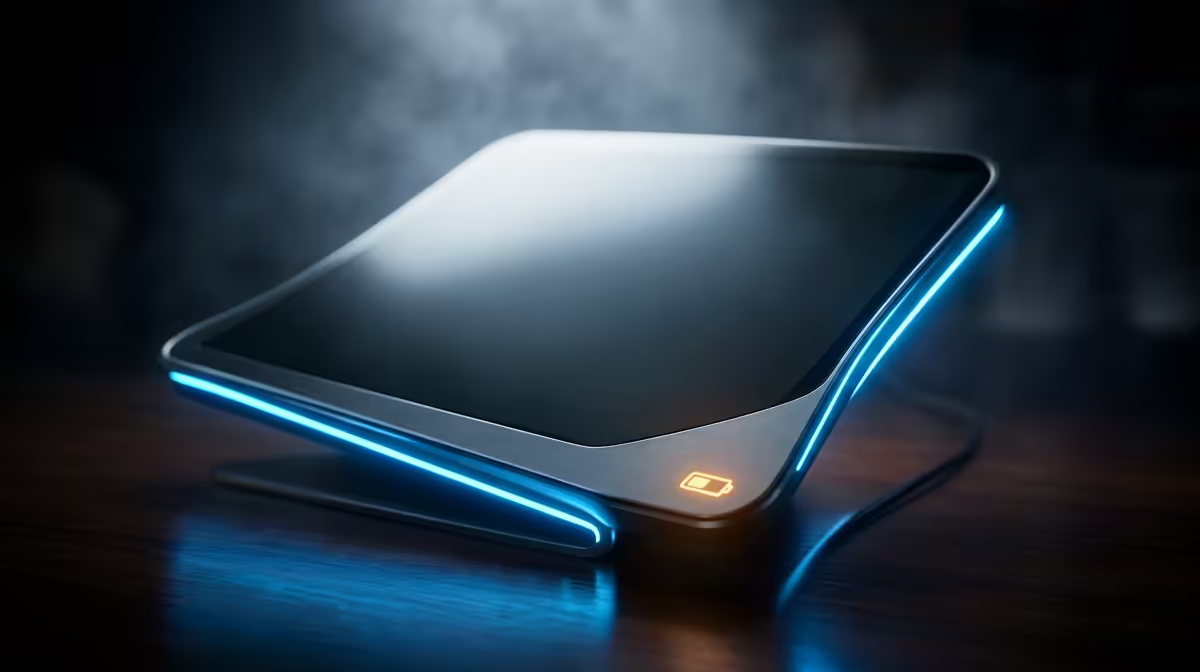
The single spec that decides which portable monitor is right for you is power. A built-in-battery panel runs on its own for a couple of hours with no cable at all, while a USB-powered model is lighter and cheaper but draws every watt from your laptop or a charger and cannot switch on by itself. Pick the wrong one and you either lug a battery you never use or get stranded without a wall socket.
Quick Answer
Choose a built-in-battery portable monitor if you need to work fully unplugged for a couple of hours, on a plane, in a car or away from any socket. Choose a USB-powered model if you mostly work near power and want the lightest, cheapest, slimmest second screen. The battery adds weight and cost you only benefit from off-grid.
How Each Type Gets Its Power
A USB-powered portable monitor has no internal cell. It pulls power and the video signal down a single USB-C cable from your laptop, or from a separate charger if your laptop port cannot supply enough. That makes it thin and light, but it also means it leans on your laptop's battery, draining it faster, and it goes dark the moment the cable is unplugged.
A built-in-battery monitor carries its own cell. Charge it ahead of time and it runs independently for roughly two hours depending on brightness, with nothing plugged in. It can even spare your laptop, since the screen is not feeding off the same battery you are working from. The trade-off is a thicker, heavier panel and a higher price for the same screen size and resolution.
Choosing the One That Fits Your Day
Think about where you actually work. If your day runs through coffee shops, co-working desks, hotel rooms and your own setup, all of which have sockets nearby, a USB-powered panel is the better buy. You save money and carry less, and you will rarely miss the battery. The portable monitor range at Evetech lists the power input each model needs so you can confirm a single cable from your laptop is enough.
If you genuinely work where power is not guaranteed, on the move between sites, presenting from a car boot, or on long flights, the battery earns its weight. The freedom to set up a full second screen anywhere, with zero cables, is the whole point, and no USB-powered panel can match it. For a sense of which sizes and panels SA buyers favour, the monitor best sellers at Evetech are a quick reference.
Frequently Asked Questions
How long does a built-in-battery portable monitor last?
Roughly two hours on a charge, depending on brightness and the panel. Lower the brightness and you stretch it further; run it at full brightness and it drains faster. It is meant for short unplugged stints, not all-day untethered use.
Will a USB-powered monitor drain my laptop?
Yes. It draws power from your laptop over the USB-C cable, so your laptop battery runs down faster than usual. If your laptop port cannot supply enough, you plug the monitor into a separate charger instead.
Which type is lighter to carry?
USB-powered panels are lighter and thinner because they have no internal cell. The battery in a self-powered monitor adds noticeable weight and thickness for the same screen size.
Can a USB-powered monitor work without my laptop?
No. It has no battery of its own, so it needs a constant power source, either your laptop or a charger, to switch on. Unplug it and the screen goes dark.
Is the battery version worth the extra cost?
Only if you regularly work away from power. If you are almost always near a socket, the battery is dead weight and dead spend. If you are not, it is the feature that makes the monitor usable at all.
Not sure which power setup suits how you work? Browse the portable monitor range at Evetech, check the power input on each model, and pick a second screen that matches where your day actually happens.