Quick Answer
Buy better case fans now for engineering simulations if your CPU thermal-throttles during long solver runs; otherwise upgrade later. A quality 120mm airflow fan costs R150 to R450 in SA, and a simulation that pins all cores for hours needs steady airflow to keep the CPU below its 90 to 95C throttle point.
Buy Now If You Are Throttling
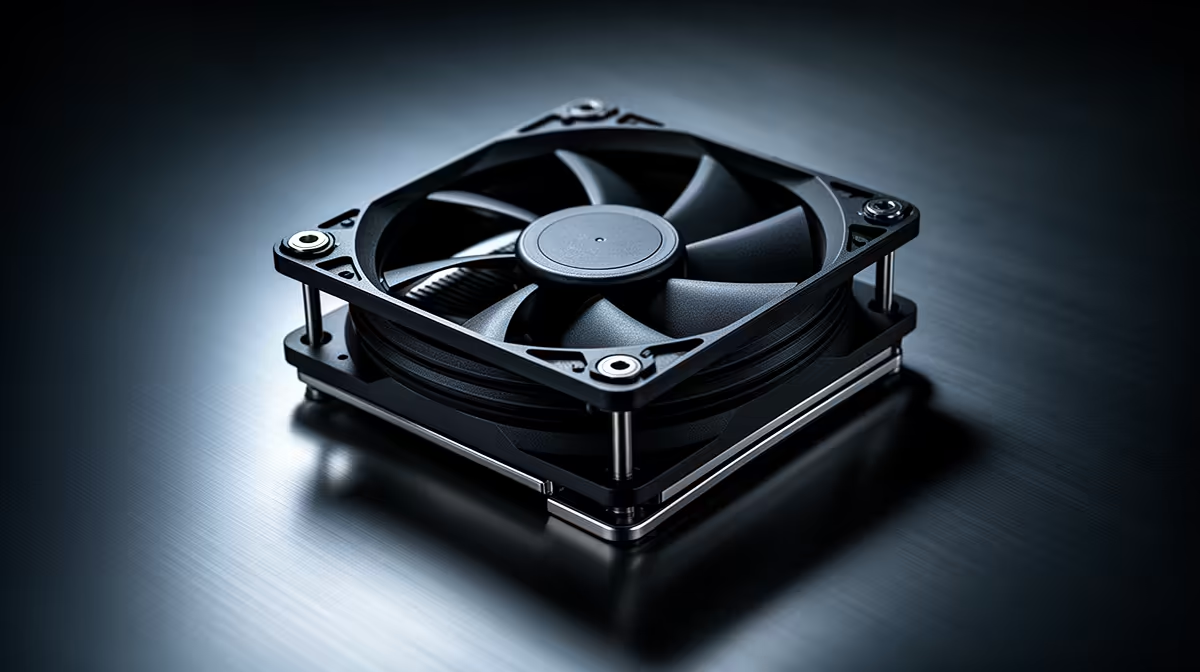
Engineering simulations in tools like ANSYS, MATLAB, or SolidWorks Flow load every CPU core to 100 percent for long stretches, producing sustained heat that weak fans cannot clear. If your CPU package climbs toward 90C and clocks drop mid-solve, the run takes longer than it should, and that justifies buying fans now. Two or three 120mm airflow fans moving 50 to 75 CFM each, intake front and exhaust rear, hold temperatures down so the CPU keeps full clocks through the whole solve.
Prioritise airflow ratings (CFM) over looks. Fans around 50 to 75 CFM at R200 to R350 each form a solid baseline for a compute-heavy workstation.
Upgrade Later If Temperatures Hold
If your CPU stays in the 70s under a long simulation and never throttles, your current cooling is adequate and new fans can wait. Check actual load temperatures with monitoring software before spending. When the budget is limited, RAM (32GB or 64GB for large models) and CPU cores cut solve times far more than fans do, so fix any real throttling first, then put the rest toward compute.
FAQ
Do case fans affect simulation run times?
Indirectly. If the CPU throttles from heat during a long solve, fans that keep it cool restore full clocks and shorten the run. If temperatures already stay in range, fans will not speed things up.
How hot is too hot during a simulation?
Modern CPUs throttle around 90 to 95C. If your package temperature reaches that under a sustained solve and clocks drop, add airflow. Holding the CPU in the 70s keeps full performance.
Should I buy fans or more RAM for simulations first?
Fix real throttling with fans first, since it directly slows solves. Otherwise prioritise RAM, as large models often need 32GB or 64GB to avoid swapping, which slows runs more than heat does.
CPU package temperature during a long test solve. If it crosses 90C and clocks fall, add a front intake fan before assuming you need a new CPU; the throttling is often just airflow.