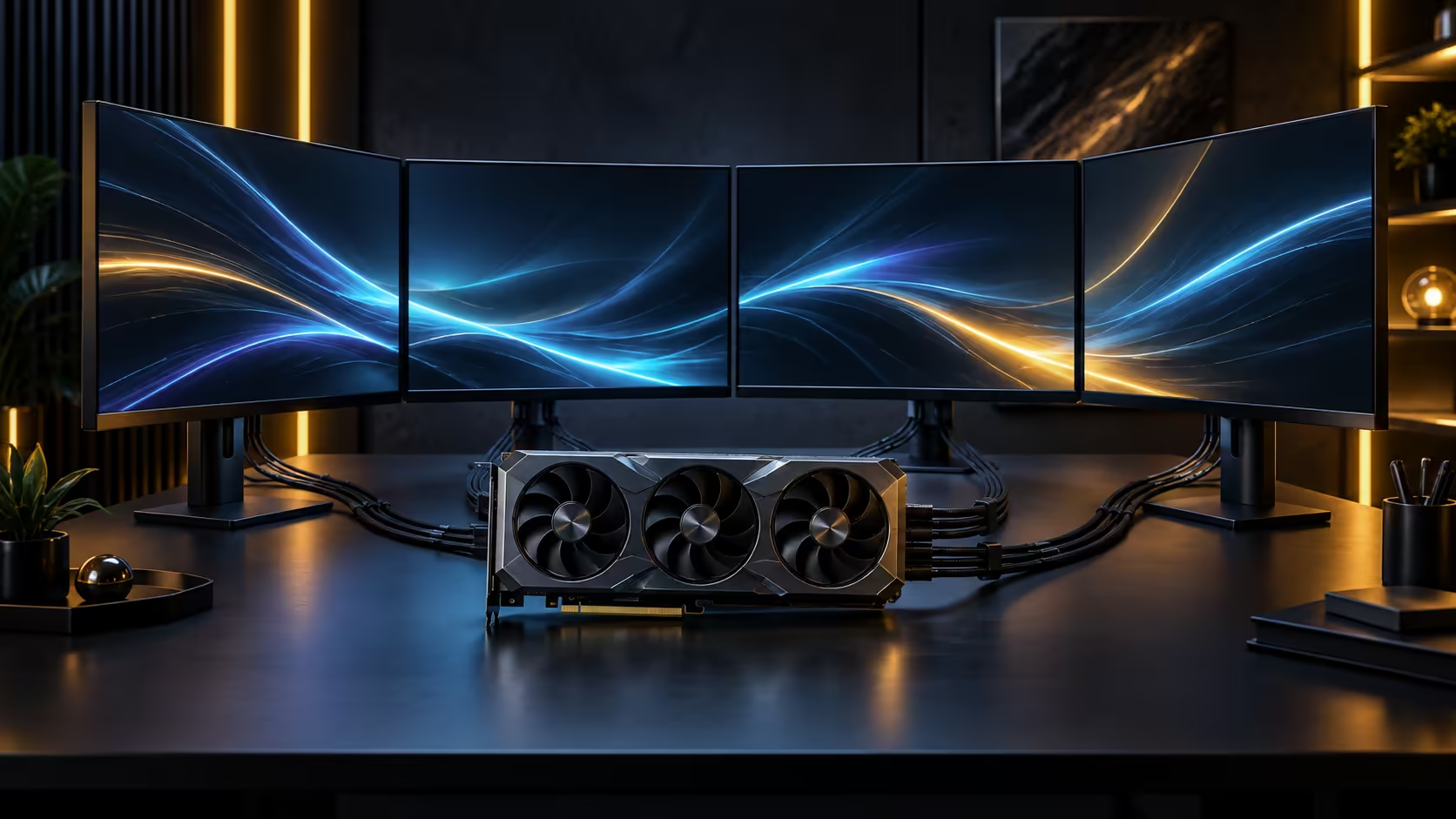
Whether a specific card handles a specific job is a more useful question than whether a memory generation sounds impressive on paper. Asking if 32GB of GDDR7 can handle large AI models and 8K textures has a genuine yes-and-no answer, and the dividing line is worth knowing before you buy.
Quick Answer
Yes for mid-sized AI models and full 8K texture sets, with the practical limit set by what has to be resident in memory at once rather than by the memory generation's name. A 32GB pool on a 512-bit bus holds a great deal, though the largest research-scale AI models still need splitting across multiple cards or quantising down regardless of any single card's capacity. Evetech lists the card carrying this configuration, the ROG Astral Edition 20, at R119,999.
✅ Where 32GB comfortably handles the job
Full 8K texture sets across a densely detailed game scene, a mid-sized open-source AI model at standard precision, and a professional 3D scene with high-resolution assets all fit comfortably within a 32GB pool for the vast majority of real-world cases. This is genuinely more headroom than mainstream cards offer, and it is the reason this capacity tier gets recommended specifically for 8K and heavier creative work rather than for standard 1080p or 1440p gaming, where it is comfortably more than needed.
⚠️ Where 32GB genuinely is not enough
The largest research-scale AI models, the kind built assuming data-centre infrastructure from the outset, exceed what any single consumer card offers regardless of price or memory tier. That is not a shortfall specific to this card; it is a category of hardware entirely separate from consumer graphics cards, and no amount of memory on a gaming-class card changes that.
Quantising a model, running it at a lower numeric precision, reduces its memory footprint substantially and is the standard way to fit a larger model into a smaller memory budget, at some cost to precision. Check whether a quantised version of your target model exists before assuming it needs splitting across multiple cards.
🔍 Checking your specific case before buying
Rather than trusting a general answer, check your specific model's stated memory requirement against whatever numeric precision you actually intend to load it at, and check your specific rendering project's actual scene file size rather than assuming a resolution alone tells you enough. Both numbers are usually available from the model's own documentation or the rendering software's scene statistics.
Compare the exact RTX 5090 listing for current configuration and pricing, or browse the broader graphics card range if your workload turns out to need less capacity than this tier provides, since paying for headroom you will never use is not a sensible trade either. If your work is closer to AI infrastructure than a single desktop workload, the AI PC builder is worth reviewing for a platform sized to that scale specifically.
Frequently Asked Questions
Can this level of memory run every AI model available today?
No. The largest research-scale models require multiple cards or dedicated infrastructure regardless of a single card's memory capacity, and that is a separate category of hardware entirely.
Does 8K gaming always need this much memory?
Not every 8K game does, but texture-heavy open-world titles at 8K are exactly where 32GB moves from comfortable to genuinely useful rather than excessive.
What is quantising, and does it help fit a bigger model?
It reduces a model's numeric precision to shrink its memory footprint, letting a larger model fit in less memory at some cost to output precision. It is worth checking whether your target model offers a quantised version.
How do I know if my specific project needs this much capacity?
Check your model's documentation for its memory requirement at your intended precision, or check your rendering software's own scene statistics rather than assuming resolution alone answers the question.
Ready to check whether your specific project actually needs this much memory?
Look up your model's real footprint or your scene's actual size before deciding.