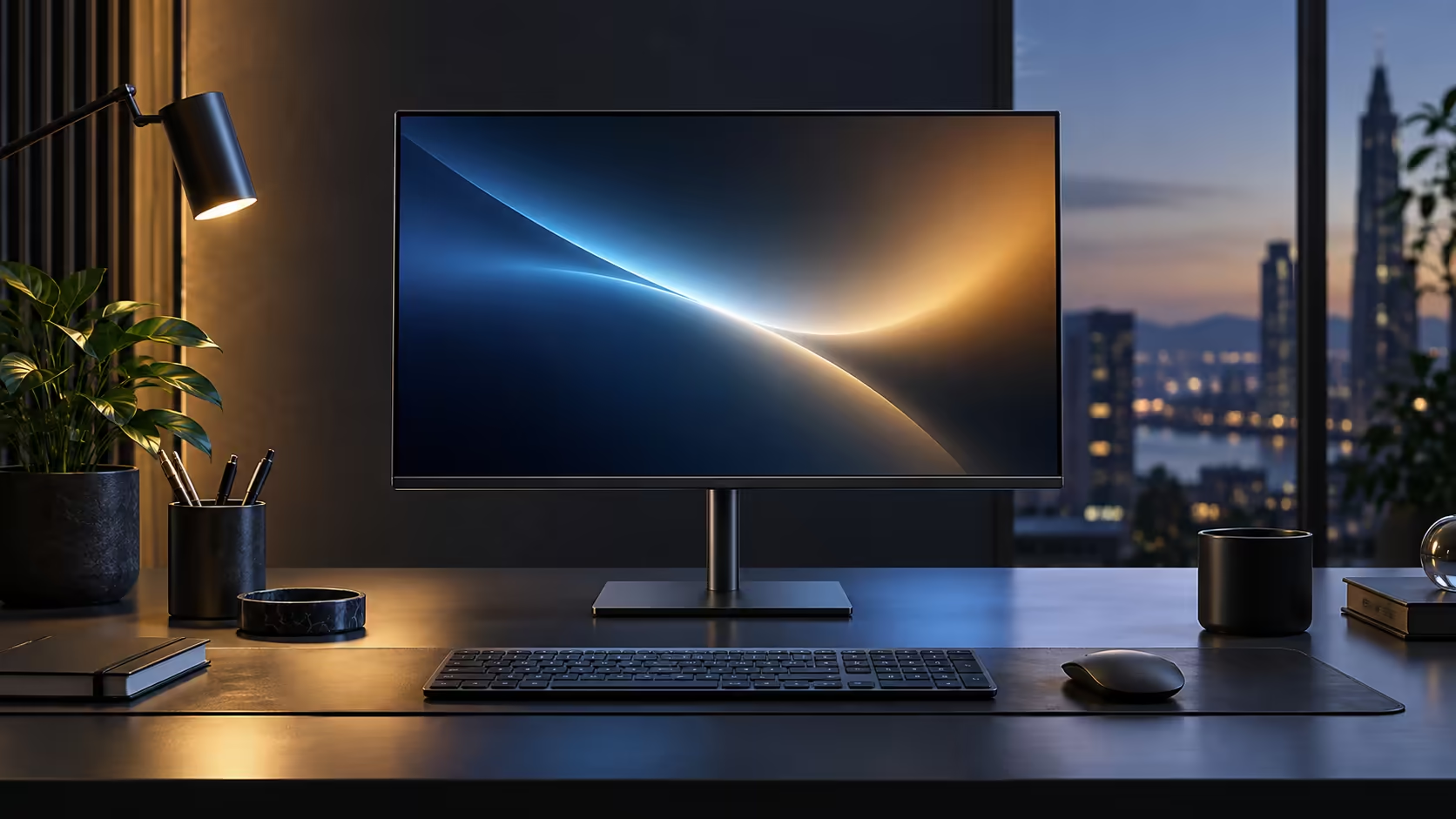
A long spreadsheet scrolling past at 60Hz has a faint smear most people stop consciously noticing after a while, right up until they use a 100Hz QHD monitor and realise how much cleaner the same motion can look. The Dell Pro 24 Plus P2425DE combines both at R6,099.
Quick Answer
It sharpens moving content, which is most of what a working day is made of. Rows stay readable as a long sheet scrolls, and the pointer keeps up with your hand. Evetech carries the 23.8-inch 100Hz QHD Dell at R6,099.
📊 What actually changes in a spreadsheet
Scrolling is where the two specs work together, not separately.
QHD's higher pixel density means each row of a spreadsheet renders with sharper individual characters at rest. The 100Hz refresh rate is what happens the moment you actually scroll: rows update more often per second, which keeps text more legible mid-motion instead of blurring into a grey smear for the fraction of a second it takes to settle. On a large financial model with many rows, the combination means less time spent waiting for your eyes to catch back up after each scroll, particularly when scanning quickly for a specific figure rather than reading line by line.
🖱️ Everyday scrolling beyond spreadsheets
The same effect shows up anywhere you move quickly through content.
Long email threads, PDF reports and web pages with a lot of text all scroll more cleanly at 100Hz than 60Hz, for the same reason a spreadsheet does. The mouse cursor itself also tracks more smoothly across the screen, which becomes noticeable the moment you drag a window or a scrollbar quickly rather than clicking a fixed target.
🧮 Whether the upgrade actually matters for your specific work
Not every job spends its day scrolling, which is worth admitting before treating 100Hz as essential for everyone.
Someone writing long-form documents or reading fixed pages without much scrolling will notice the QHD sharpness far more than the refresh rate, since the screen rarely moves. Someone working through large spreadsheets, dashboards or reports all day, scrolling constantly to find figures, gets more day-to-day benefit from the 100Hz side of the combination. Since this monitor bundles both at no separate cost for the higher refresh rate, the practical question is really about the QHD resolution rather than whether 100Hz on its own justifies the purchase. Compare current options in the office monitor range and the best-selling monitors page, or pair the desk with an office keyboard if the rest of your setup needs an upgrade too.
Frequently Asked Questions
Does 100Hz make text sharper, or just smoother?
Smoother, specifically during motion like scrolling. Sharpness at rest comes from resolution and pixel density, which is the QHD side of this monitor.
Is 100Hz worth it if I mostly read fixed documents without scrolling much?
Less so. The benefit is concentrated in scrolling and dragging; a mostly static screen looks identical at 60Hz and 100Hz.
Does scrolling a spreadsheet at 100Hz require a powerful graphics card?
No. Office applications place a light load on graphics hardware regardless of refresh rate, well within what integrated graphics on a typical business laptop can handle.
Will I notice 100Hz immediately, or does it take getting used to?
Most people notice it within the first few minutes of scrolling, particularly if they are used to a 60Hz screen beforehand.
Ready to see whether 100Hz changes how your spreadsheets feel to use?
Try scrolling a long document or report and compare it against your current screen.