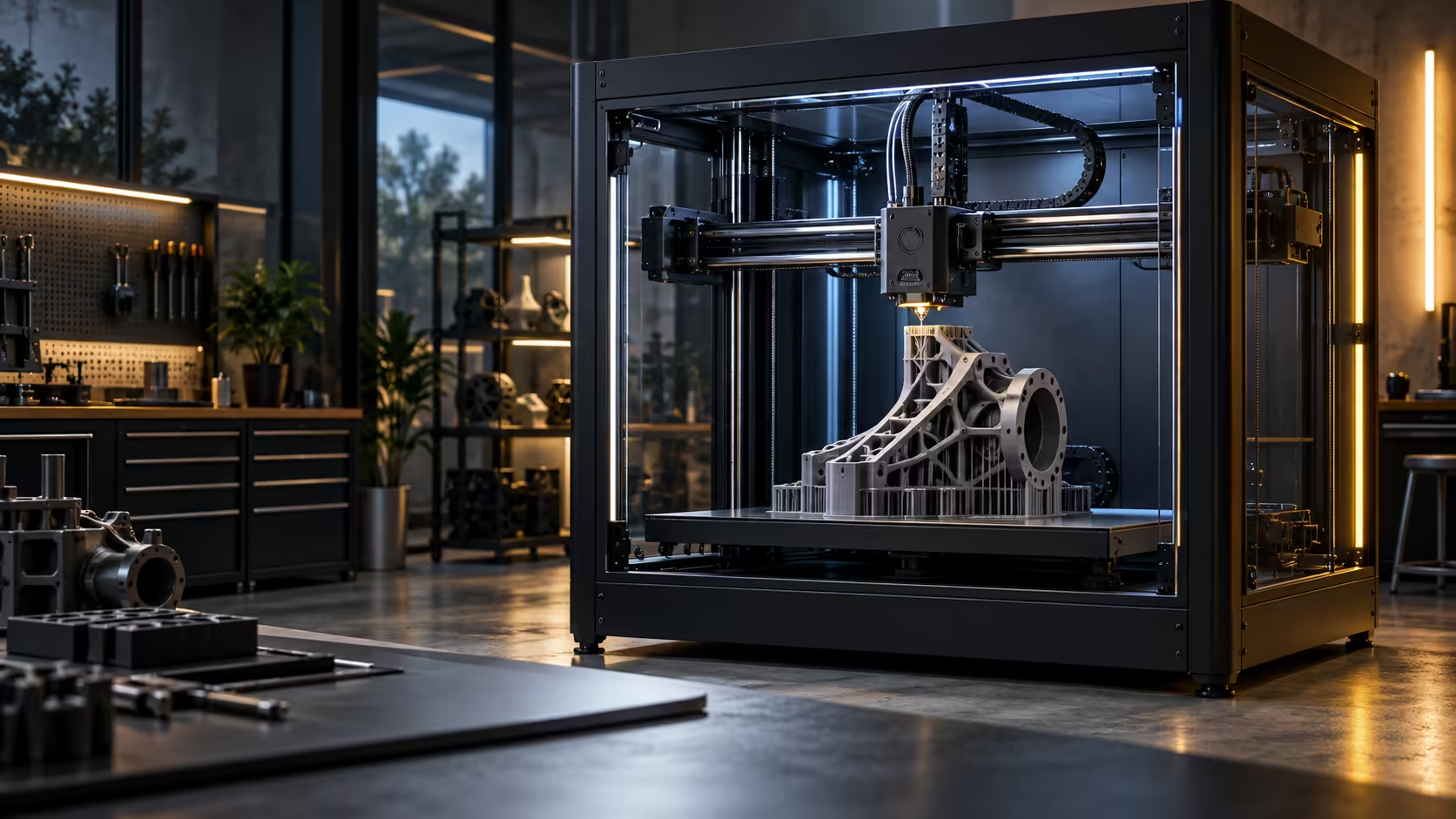
Speed and accuracy are usually presented as opposites, as if a printer has to choose between being fast and being correct. A 3D printer at 600mm/s does not actually have to choose, but only if the mechanics underneath it are built to keep the two apart.
Quick Answer
Accuracy survives at high speed because CoreXY motion keeps the heavy parts of the printer completely still while it moves, and input shaping cancels out the vibration that speed would otherwise create. The plate itself never moves on this design, so a 250mm part is not being thrown back and forth during the print, and the Creality K1 Max spends its 20000mm/s2 of acceleration on a toolhead that weighs very little rather than on anything heavy. It costs R13,999.
⚙️ Why moving mass is the real enemy of accuracy
Every time a printer changes direction at 400 to 600mm/s, whatever is moving has momentum that has to be overcome, and that momentum is what turns into ringing and inaccuracy if the frame or the part itself flexes in response. A design that moves the bed, the model and its own weight back and forth multiplies that problem, since a growing print becomes a growing, wobbling mass with every layer.
A CoreXY design anchors both motors to the frame itself, so only a small print head assembly and the belts driving it ever accelerate or change direction. Nothing bulky is swinging back and forth in this arrangement, which removes most of the momentum that would otherwise fight accuracy.
🧮 Input shaping cancels what mass alone would create
Even a light toolhead generates some vibration at speed, and input shaping is the calibration process that measures a machine's specific resonant frequencies, typically somewhere in the 20 to 100Hz range, and adjusts its motion to cancel them out before they show up as ringing on a print. This is a firmware-level correction rather than a physical redesign, and it is why a well-tuned CoreXY can run fast and still print sharp corners.
🏗️ Where the bench still matters even with all of this
None of this replaces a solid surface under the printer. Input shaping compensates for the machine's own resonance, not for a table that flexes under the reaction force of every direction change. A rigid bench remains the first thing to check if ringing shows up despite good motion design, before assuming the calibration itself needs redoing. Browse the 3D printer range for CoreXY options if accuracy at speed is the priority, and stock up on filament that holds dimensional accuracy well, since some materials shrink more unevenly than others regardless of how good the motion system is.
Frequently Asked Questions
Does CoreXY motion guarantee accuracy on its own?
It removes a major source of vibration by keeping heavy parts still, but a solid bench and correct input shaping calibration still matter for the final result.
What is input shaping in simple terms?
A calibration process that measures a printer's own vibration patterns and adjusts its motion to cancel them out before they appear on the print.
Does a taller print become less accurate as it goes?
It can, if the part itself is tall and thin enough to flex, but the bed and frame staying still means the printer's own motion is not adding to that problem.
Is a bed-slinger design ever as accurate at high speed?
It can be accurate at moderate speeds, but the moving bed adds mass and momentum that makes matching CoreXY accuracy at very high speeds considerably harder.
Want speed without sacrificing sharp corners?
Look for CoreXY motion and proper input shaping calibration together, not either one alone.