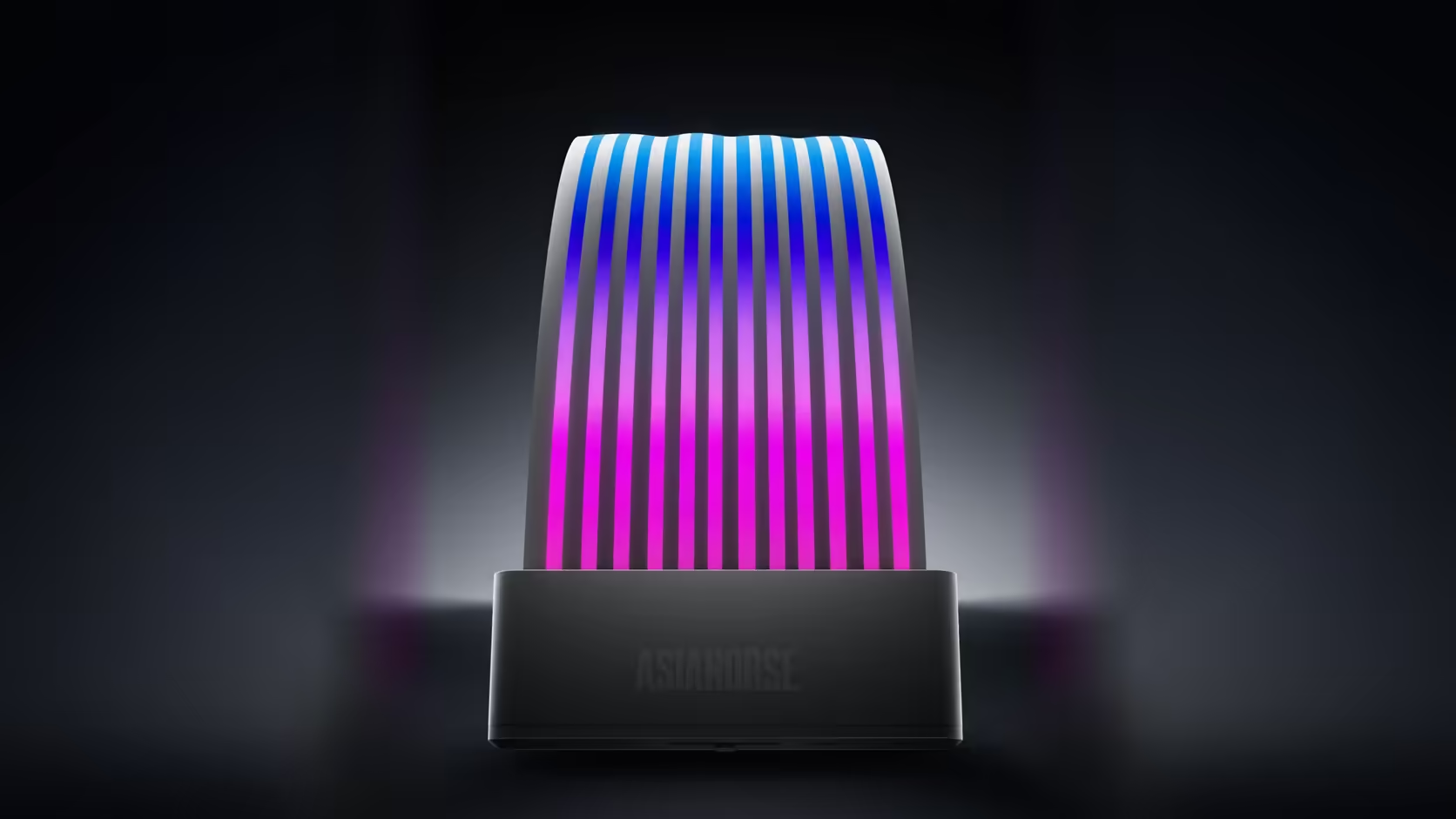
A shared household machine rarely gets rebuilt for looks - it gets used, and nobody wants to open it up and swap out parts that still work just to add some lighting. Most of the AsiaHorse range was built for exactly that constraint: retrofitting a scheme onto a case that is not going to be gutted.
Quick Answer
Yes. A family PC can gain a single lighting scheme without replacing anything that works, since most of the AsiaHorse range clips onto or extends parts already in the build rather than swapping them out. Fans are the one exception that actually replaces something; covers, extensions and lit cables all attach around existing components.
🧩 What attaches without replacing anything
Cable covers, the memory heatsink, the drive cover and the sleeved extension kits all sit over or alongside parts that stay exactly where they are. The Aurora cover clips over a 24-pin run that is already there, the RAM cover slides onto memory sticks already installed, and a sleeved extension kit plugs onto power supply leads without touching the supply itself. None of that requires pulling a working part out of the machine, which is the whole appeal for a shared build nobody wants to take fully apart.
🔁 The one thing that does get replaced
Fans are the exception. Lighting a case's airflow means swapping whatever fans are currently mounted for lit ones, and on AM5 boards the contact frame replaces the stock retention arms outright rather than sitting alongside them. Both are small, contained swaps rather than a rebuild, but they are genuinely replacements and worth flagging as the one part of this plan that is not purely additive.
🎛️ Tying it together with one scheme
Every lit accessory in the range connects over a 5V 3-pin addressable standard, which is what lets a family build run one consistent scheme rather than several accessories doing their own thing. Plugged into the same motherboard header, or into an ASH-S1 hub if the board is short of headers, cable covers, fans and memory lighting can all follow one colour and effect at once instead of clashing. That single-scheme approach matters more on a shared machine than a personal one, since nobody in the household wants to remember which app controls which part.
🕹️ Why a remote-controlled cover suits a shared machine
The Aurora Learn cover is worth calling out specifically for a family setup, since it ships with its own remote carrying over 124 presets. That means anyone in the house can change the scene directly, without opening lighting software or logging into anything - a genuinely useful shortcut when the person wanting a colour change is not the person who set the build up in the first place. The same simplicity applies to a lit fan row from the case fan range once it is set once and left alone.
🐢 Starting small rather than buying the whole range
The sensible way into this is one lit element first - a cable cover or a row of fans - rather than the full case accessories line in one order. That single piece shows fairly quickly whether the household actually wants more lighting or whether the one accent is enough, and it is far easier to add a second piece later than to have over-bought the first time. A shared machine rarely benefits from every accessory in the range being lit at once - one or two well-chosen pieces usually reads better than five competing for attention.
Frequently Asked Questions
What can be added without replacing anything that works?
Cable covers, the memory cover, the drive cover and the sleeved extensions, all of which sit over or alongside parts that stay exactly where they are.
What does actually get replaced?
Fans, which take the place of whatever is currently mounted, and on AM5 boards the contact frame, which replaces the stock retention arms.
How does the lighting get tied into one scheme?
Through 5V 3-pin addressable connections, letting every lit accessory follow one colour and effect from a single board header or hub.
Does a shared machine suit a remote-controlled option?
The Aurora Learn cover includes one, letting anyone in the household change the scene without opening software or logging into anything.
Is there a sensible starting point for a family build?
One lit element first, such as a cable cover or a row of fans, which shows fairly quickly how much lighting the household actually wants.
What should be avoided?
Buying the whole range in one order, since a shared family machine rarely benefits from every accessory being lit at the same time.
Does every accessory need a spare header?
Lit accessories do, which is exactly where the ASH-S1 hub helps if the board itself is short on addressable connections.
Adding lighting to a machine the whole household uses?
Browse Evetech's case accessories to find a starting point that does not mean opening up working parts.