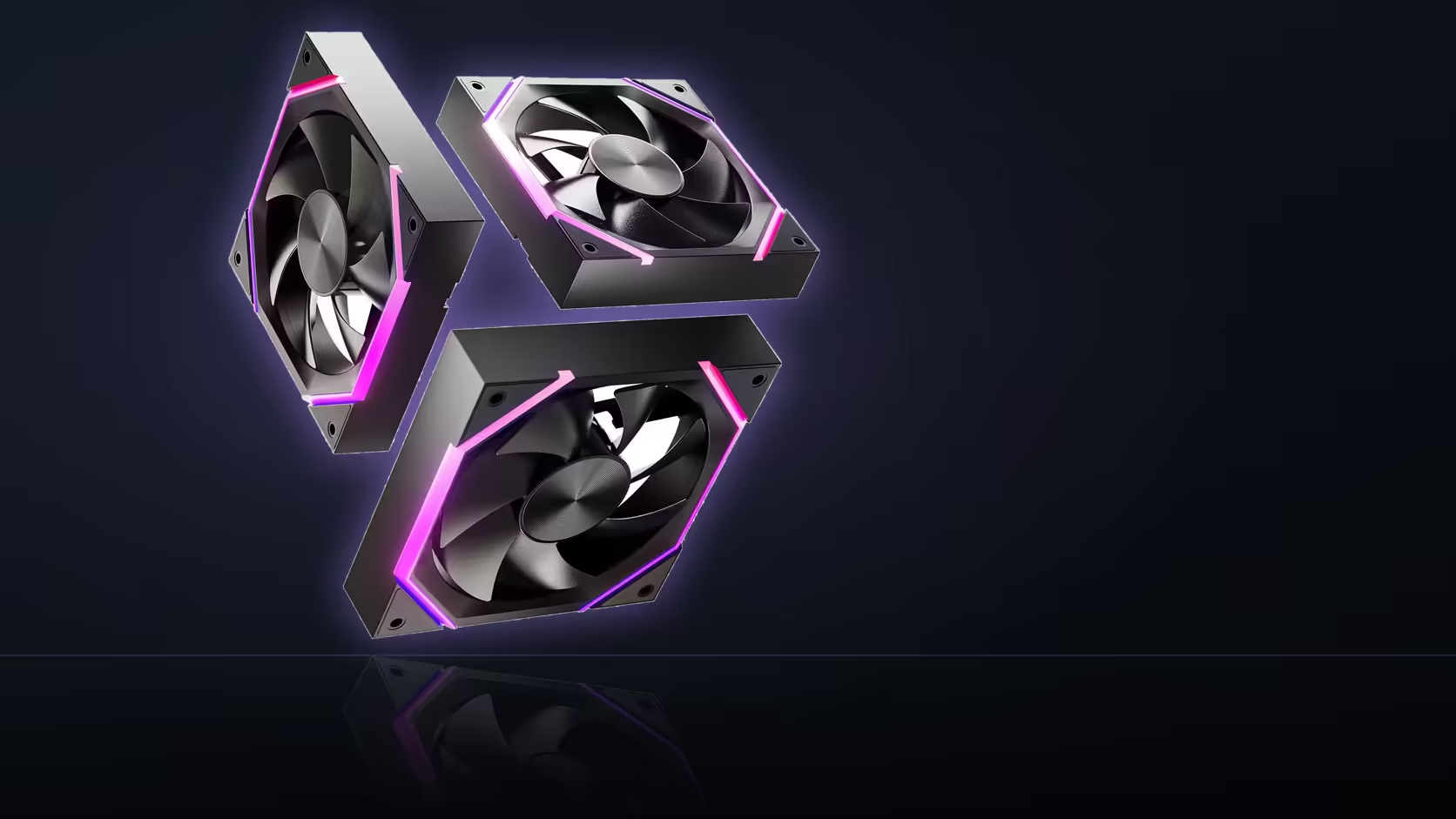
A student rig rarely has room in the budget for a dedicated fan controller, and it shouldn't need one. The Nyota A12 speaks PWM directly to the motherboard, which means speed tuning happens inside the BIOS you already have open on day one.
Quick Answer
Yes - a student PC can tune Nyota A12 fan speed entirely from the BIOS, no extra hardware required. Each 120mm fan uses a 4-pin PWM connector for speed control, running from 800 to 2000 RPM under board command, while a separate 5V 3-pin link handles the ARGB lighting. The three-pack sells for R499 in black or white and carries a 1 Year Local Warranty.
🖥️ Why PWM removes the extra box
Four-pin PWM fans take their speed instruction straight from the motherboard header, following whatever curve you set in the BIOS fan control screen. There's no signal splitter, no USB hub, and no companion app required just to get the fan spinning quieter at idle. For a build on a tight budget, that's one less line item.
A controller still earns its keep in specific situations - mainly when a board runs out of physical fan headers before the case runs out of fan positions. That's a headers problem, not a speed-control problem, and the A12's daisy-chained PWM and ARGB cables reduce how quickly you hit it.
🎓 Two systems, two settings screens
Fan speed and fan lighting are handled by different parts of the board, so expect to visit two places. The BIOS fan curve section controls RPM against a chosen temperature sensor, while the ARGB lighting typically lives in the motherboard's own software running under Windows. Neither depends on the other being configured.
A curve that applies from the moment the PC switches on is one advantage of setting it in the BIOS rather than in an app that only loads once the desktop appears.
Chaining and header count
Because the three fans link their PWM cables together, the whole row occupies a single header rather than three. On a budget board with limited headers, that difference can be what makes three fans fit without a splitter at all.
Frequently Asked Questions
Does BIOS fan control need extra software?
No, the BIOS fan curve screen is built into the motherboard firmware and works without installing anything.
Is a fan controller ever worth buying alongside these?
Only if your board runs short of physical fan headers - not because the fans themselves need one to reach a given speed.
Where is the ARGB lighting configured?
In the motherboard manufacturer's lighting software, which runs separately from the BIOS and typically loads with Windows.
Can the fan curve run before Windows loads?
Yes - a BIOS-level curve is active from power-on, which is one reason to set it there rather than through desktop software.
Does chaining the fans save headers?
It does. Linked PWM connectors mean the whole three-fan row uses one motherboard header instead of three.
What speed range does the A12 cover?
800 to 2000 RPM under PWM, giving a workable spread between idle and full load for most curves.
What does the pack cost?
R499 for three fans in either black or white, VAT included, with the figure moving as pricing updates.
Ready to fit a quiet, board-controlled fan row into a student build? Take a look at the case fans range and the matching case accessories before you finalise the parts list.
Building on a student budget?
Explore Evetech's case and cooling range to see what fits your build without adding extra controllers.