A backrest can fit differently as the user shifts from typing to gaming or reclining. Dynamic lumbar support chair fit improves only when its moving contact suits the individual body and surrounding adjustments.
Quick Answer
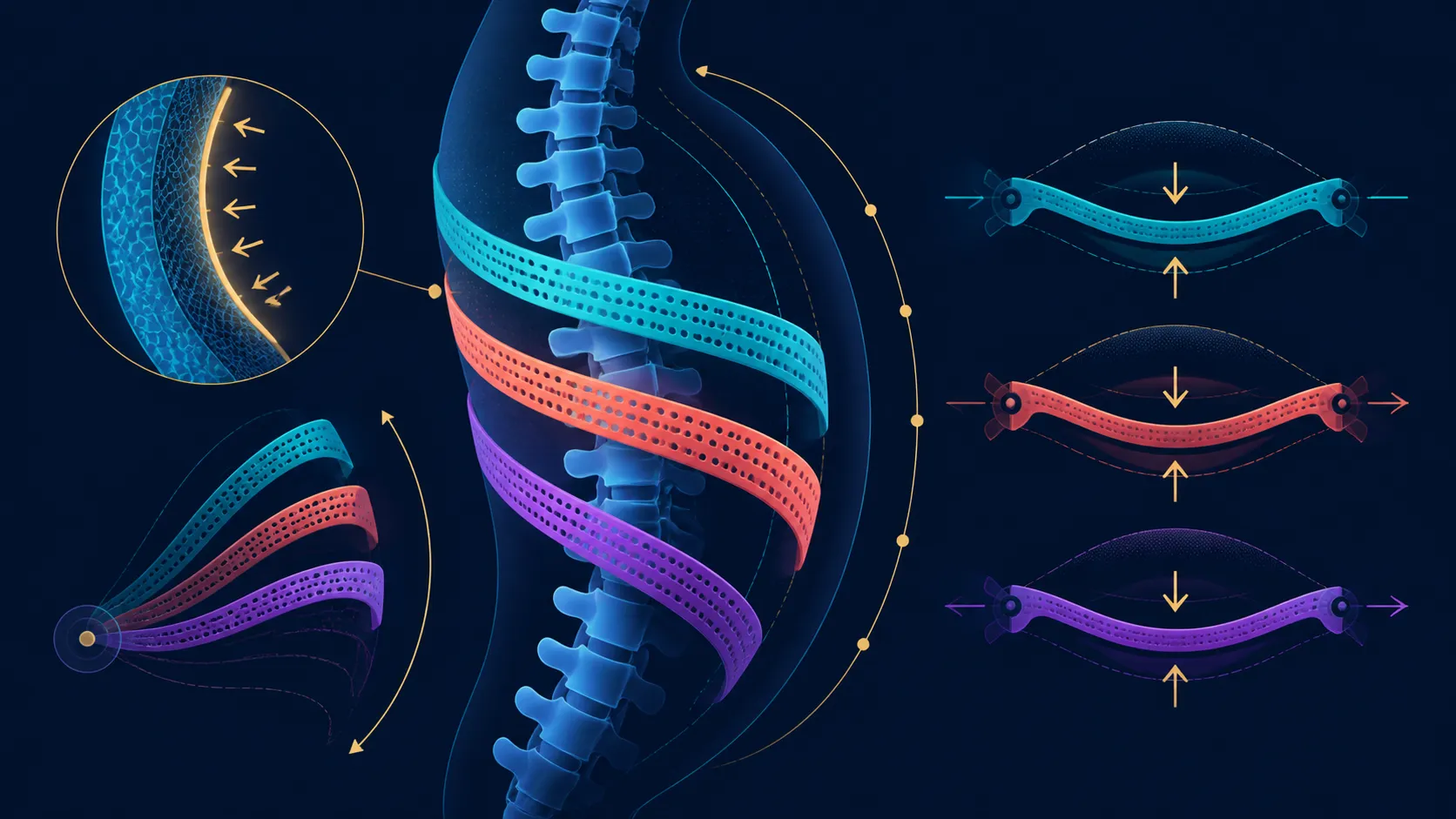
Dynamic lumbar support can improve chair fit by following changes in seated position. The AutoFull M6 Pro+ 2.0 includes that function for R16,599, together with adjustable arms, a 3D ErgoCloud neck pillow and 160-degree recline. It cannot guarantee comfort or treat back pain.
🧭 Establish a neutral setup
Start with the chair facing the desk and place the feet, seat and arms in a workable position. Set the armrests for the actual keyboard, mouse or controller. Then observe where the lumbar contact sits before changing recline.
Dynamic support should be assessed as part of this complete relationship. Browse Evetech's AutoFull chair collection with desk height and body measurements written down rather than judging a support label alone.
↔️ Test movement, not stillness
Shift between ordinary task positions and notice whether lower-back contact remains useful. The M6 Pro+ dynamic system responds to seated movement, so a single showroom pose cannot represent a full work or gaming session.
Make one adjustment at a time. Changing recline, arm height and desk relationship together makes the result hard to interpret. Exact lumbar controls, if any, should follow the instructions for this chair.
🧩 Coordinate upper support
Upper support comes from the 3D ErgoCloud neck pillow, while the responsive lumbar area works lower on the back. Because the arms fold and turn through 360 degrees, forearm placement can be evaluated independently during the fit trial.
The wider Evetech South African gaming-chair range provides context for combining upper and lower support. The 6D name does not establish a particular axis map.
✅ Judge personal response
Repeat the setup over several normal activities and record which positions feel workable. Comfort remains personal, and body dimensions still matter. A 150kg load maximum establishes capacity rather than seat width or ideal user size.
If pain or a medical concern is involved, chair adjustment is not treatment. Use the product to refine a desk setup while seeking appropriate professional advice for health questions. At R16,599, value should come from useful support and climate functions.
Photograph or note the working chair-to-desk relationship once a useful setting is found. The record should include arm position, approximate backrest relationship and the task being performed. It makes later changes easier to evaluate without claiming that the chair stores a profile.
Repeat the same task after a short break and confirm that the lumbar contact can be found again. A fit benefit is more meaningful when it is reproducible rather than dependent on one accidental sitting position.
Do not use the 160-degree endpoint as part of every lumbar test. Begin with ordinary gaming and office positions, then add only the break angles the owner expects to use. This keeps a dramatic maximum from distorting the everyday fit question.
Photograph or note the working arrangement once a useful relationship is found. Include chair height, desk distance, arm position and the backrest zone rather than documenting the lumbar feature alone. Recreate that combination on another day and repeat the same task. A setting that remains useful after an ordinary reset carries more weight than a favourable first impression.
Frequently Asked Questions
How can dynamic lumbar support change chair fit?
It can maintain lower-back contact as the seated position changes, making the support relationship less fixed.
Does dynamic support guarantee comfort?
No. Body shape, desk relationship, recline and arm position all affect the individual's response.
Can it treat back pain?
No chair feature should be treated as medical care or a promised remedy for pain.
Which AutoFull chair includes dynamic lumbar support?
The R16,599 AutoFull M6 Pro+ 2.0 Gaming Chair includes a dynamic lumbar system.
What should be adjusted around the lumbar system?
Coordinate seat position, recline, armrests, desk height and the 3D neck pillow around normal tasks.
How much is this dynamic-lumbar example?
R16,599 buys the M6 Pro+ 2.0 package, including climate functions, moving lumbar contact and deep recline.
Ready to test lumbar contact through real desk movements?
Compare Evetech's AutoFull chairs after defining your typing, gaming and break positions one adjustment at a time.