



1000W PSU Planning for RTX 5090 Builds in SA
1000W for RTX 5090 needs a full-build check, not a simple yes. Review GPU guidance, CPU draw, transient load, connectors, PSU quality, and upgrade plans before deciding.
Read more8GB RAM can finish a computer science degree, but running virtual machines or Docker containers pushes toward 16GB. Evetech's comp-sci-friendly laptops increasingly ship with 16GB as the practical starting point.
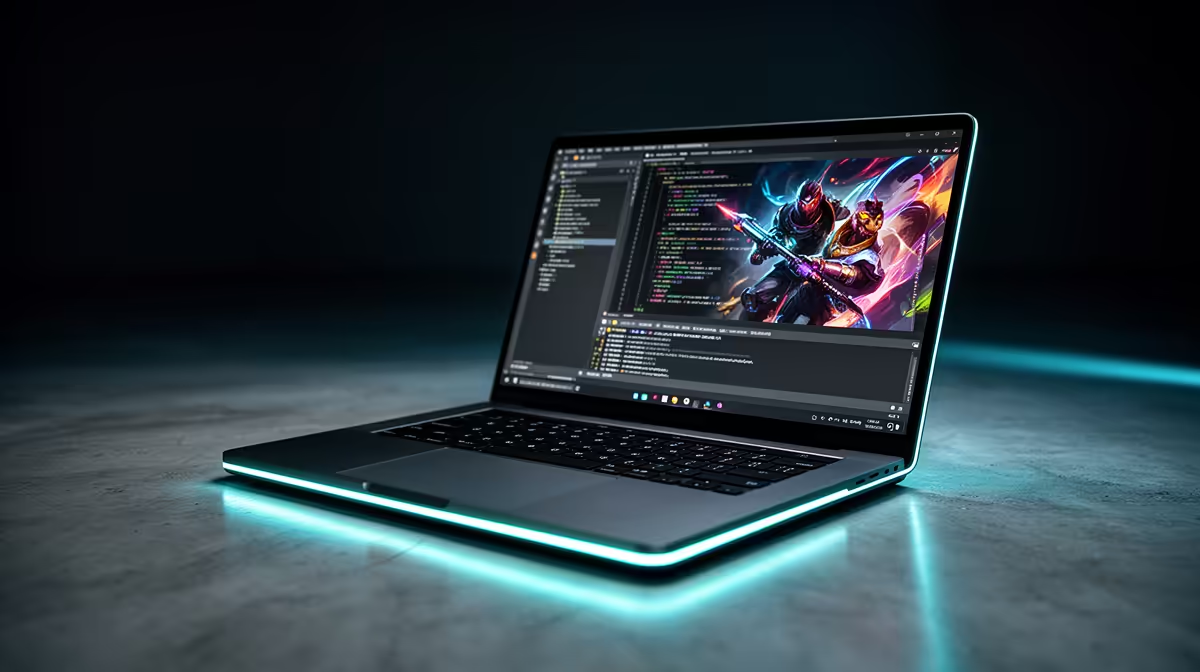
You can finish parts of a computer-science degree on 8GB RAM, especially when the work is code, browser research and one local development environment. Virtual machines, Docker, Android emulators and data tools can make 16GB the practical baseline.
Choose 16GB when you want one laptop to cover the degree with fewer memory compromises. Start at 8GB only when the machine has a verified upgrade path or the curriculum stays light and offers lab resources.
The Ninkear A15 Pro was priced at R9,499 as of July 2026. Its named Ryzen 5 5500U configuration carried 16GB RAM and 512GB SSD storage, giving you a concrete general-development reference without dedicated graphics.
Compare popular laptop models and current laptop promotions by full specification.
An editor or IDE, a browser and a local compiler can work. The experience depends on project size, extensions, operating system and how many background tools are open.
When memory fills, Windows uses the SSD as slower working space. A clean 8GB machine with NVMe storage feels better than one with eMMC, but the SSD does not create more RAM.
A virtual machine reserves memory for another operating system. Containers, databases, Android emulators and several development services add their own footprint. Running those beside Teams and a research browser can overwhelm 8GB.
Machine-learning modules may use cloud or lab resources, but confirm that with the department. A discrete GPU is rarely required for a general CS degree, while RAM and SSD capacity affect more modules.
Ask whether 8GB is soldered and whether a slot remains free. Confirm maximum capacity, module type and warranty steps. An upgradeable 8GB laptop can be a sensible first-year start.
If memory is fixed, buy 16GB when the budget allows. Also aim for a 512GB SSD if the student keeps virtual-machine images and local datasets.
A current mid-tier processor helps compiles, tests and local services. Record the full CPU code instead of choosing from Core i5 or Ryzen 5 branding alone.
Battery life and keyboard comfort matter across long coding sessions. A discrete GPU can add weight and power draw without helping most modules. Add one only when a named graphics, machine-learning or game-development workload uses it.
Check operating-system expectations. Many courses support Windows, macOS or Linux, but assessment tools and department instructions can narrow the choice. Dual boot and virtualisation also consume storage.
Keep projects in version control and maintain a second backup. More RAM protects a session; it cannot recover lost source code.
Small programs do not. The surrounding IDE, browser, services and test environments create the larger demand.
Yes, with a controlled workload. Heavy extensions, many tabs and a local database can make it tight.
Sixteen gigabytes with SSD storage and a current processor. Eight gigabytes works best when it can be upgraded.
Choose 16GB for a full CS runway, or verify that an 8GB laptop can be upgraded before virtual machines and containers arrive.
Small programs do not. The surrounding IDE, browser, services and test environments create the larger demand.
Yes, with a controlled workload. Heavy extensions, many tabs and a local database can make it tight.
Sixteen gigabytes with SSD storage and a current processor. Eight gigabytes works best when it can be upgraded.
1000W for RTX 5090 needs a full-build check, not a simple yes. Review GPU guidance, CPU draw, transient load, connectors, PSU quality, and upgrade plans before deciding.
Read more
RTX 5080 Super with a 750W PSU is more comfortable than lower wattage if the unit is quality. SA builders should still confirm GPU guidance, CPU draw, connector type, airflow, and upgrade room.
Read more
How to fix FPS drops after a RX 9070 XT starts with driver cleanup, chipset updates, thermals, and power checks. For SA gaming PCs, confirm PCIe seating, monitor refresh, frame caps, and per-game graphics settings before replacing parts.
Read more
How to fix low FPS Windows 11 Wi-Fi 7 issues starts by checking whether the problem is frame rate or network lag. Test ping, drivers, power settings, Ethernet, and game FPS before adjusting visuals.
Read more
AM5 is smart for SA builders because it supports newer Ryzen CPUs, DDR5 memory, and a longer upgrade path. Compare board cost, cooling, gaming needs, and local part availability before choosing your next PC platform.
Read more
AM5 gives Randburg gaming builders a longer upgrade path. For SA buyers, DDR5 support, newer board features, and future CPU options can justify the platform. Weigh board cost, cooler support, BIOS maturity, and upgrade timing before choosing.
Read more
RTX 5090 on a 550W PSU leaves almost no practical room for OC plans. Treat the setup as constrained, with CPU draw, power spikes, cable quality, thermals, and stability checks more important than chasing extra clocks.

FPS drops on a Ryzen 9 9950X3D build often have a fixable cause. Check settings, drivers, thermals, background tasks, network conditions, and bottlenecks before assuming a part must be replaced.

The difference between PCIe 5.0 and PCIe 4.0 for SA gamers is mostly bandwidth headroom. Compare GPU slot needs, NVMe speed, motherboard support, and upgrade timing before paying extra for a newer platform.

Gaming PC stuck pixel checks in South Africa should confirm the monitor fault first. Use colour tests, screenshot comparison, cable swaps, display menu checks, and clear photos before deciding on support.

AMD's current driver now lists a Radeon RX 9050 4GB, while product coverage details a narrowed memory system. SA buyers should weigh the low VRAM ceiling against current local Radeon options.

Samsung Display has demonstrated a 16-inch 2.5K OLED laptop panel running at 300Hz. SA buyers should wait for a named notebook, full panel specifications and a local price before planning an upgrade.

Microsoft says some Windows 11 game crashes after recent updates are linked to RGB-related drivers. Affected SA gamers should confirm the update and driver before using the published registry workaround.

Thermalright's Fan Frame Vision-1 adds a 640x172 status screen to a standard 120mm fan. SA builders should check clearance, USB routing and local support before treating it as an easy upgrade.
1000W for RTX 5090 needs a full-build check, not a simple yes. Review GPU guidance, CPU draw, transient load, connectors, PSU quality, and upgrade plans before deciding.

Wi-Fi 6E vs Wi-Fi 6 matters for 4K video editing when files move across a network. The real-world difference between Wi-Fi 6E and Wi-Fi 6 for video editing in 4K depends on NAS access, cloud uploads, router range, and SA creator workflows.
RTX 5080 Super with a 750W PSU is more comfortable than lower wattage if the unit is quality. SA builders should still confirm GPU guidance, CPU draw, connector type, airflow, and upgrade room.

Wi-Fi 6E vs Wi-Fi 6 for Video Editing in 4K comes down to router support, latency, client devices, band support, and home network layout. SA buyers should match the choice to their setup instead of assuming one option always wins.