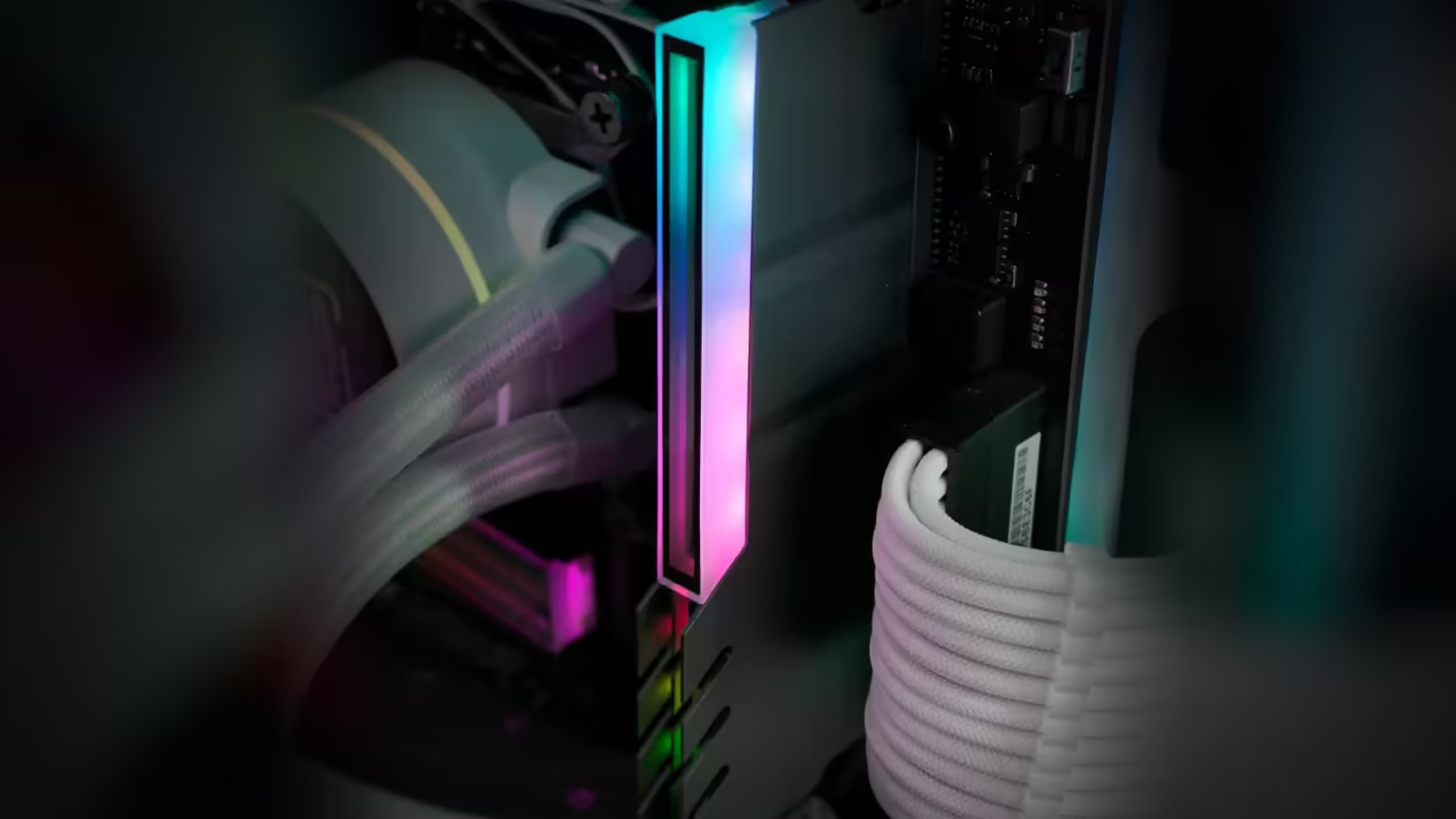
Every memory stick carries a small printed label with everything that actually identifies it - part number, capacity, speed, timings. It is easy to forget that label exists right up until you need it, and a RAM cover sits directly over the spot where it lives.
Quick Answer
No. Fit an AsiaHorse RAM Cover ARGB Heatsink, at R249 with VAT included, and the module's printed label disappears from view, because the cover sits over exactly that area. The part number and specification printed on it stop being visible from that point, so recording that information before fitting the cover is the simple way around an otherwise awkward problem later.
🏷️ What is actually on that label
A memory label typically carries the part number, capacity, rated speed and timings, printed together in a way that uniquely identifies exactly which module it is. That level of detail rarely appears anywhere else on the physical stick itself.
🔍 When that information actually matters
Support queries about a specific module, matching additional memory to an existing set, or accurately describing what is fitted if the machine is ever sold all depend on knowing precisely which module is installed. None of those situations are common day to day, which is exactly why the label tends to get forgotten until one of them comes up.
🖼️ Recording it takes a minute
Photographing each label clearly enough to read the printed details, before any cover goes on, takes barely any time and solves the entire problem in advance. Keeping that photo with your other build notes means the information survives long after the physical label is covered.
💻 What to do if a cover is already on
Lifting a cover to read the label again means disturbing the lighting connection and the module itself, which is considerably more effort than a quick photograph would have been. System monitoring utilities report module details including capacity, speed, and often the part number, which is a reasonable fallback where a label has already gone out of reach.
The label carries the same kind of detail on DDR5 as on DDR4, and covering it hides that detail the same way regardless of generation.
Frequently Asked Questions
What is on a memory label?
The part number, capacity, speed and timings, which together identify exactly which module it is.
When is that needed?
For support queries, for matching additional modules, and for describing the memory accurately if the machine is sold.
Can the cover be lifted to read it?
It can, though that means disturbing the lighting connection and the module, which is more work than recording it beforehand.
Does the BIOS show the same detail?
It reports capacity and speed, and often the part number, though the label remains the most complete source.
Is system software an alternative?
Several utilities report module details, which is a reasonable fallback where a label has already been covered.
Where should the record be kept?
With your build notes, photographed alongside the modules, so it survives longer than a note on paper.
Does this apply to a single cover too?
It does, since any covered module is one whose label is no longer visible.
About to cover your memory labels for good?
Photograph them, then browse Evetech's DDR4 and DDR5 range in case you need a matching module later.