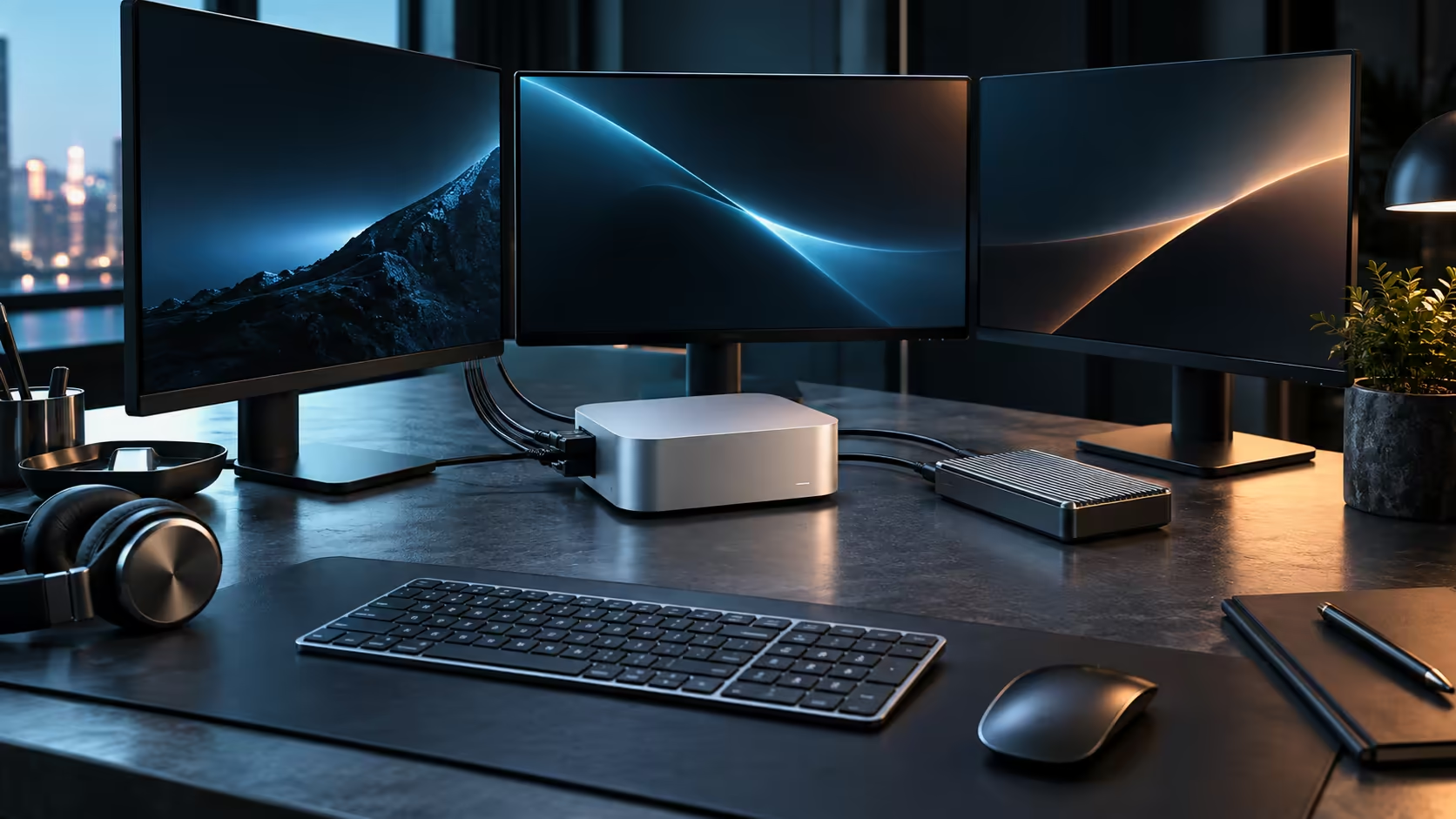
The outputs for a multi-screen desk are physically present on a Mac Mini M5 Pro: three Thunderbolt 5 ports alongside a dedicated HDMI socket. Whether the chip actually drives three panels at once is a separate question from how many sockets sit on the back panel, and it is worth settling before you order stands for a third screen on the R33,599 build.
Quick Answer
Both of this machine's output types carry video, so the physical connections for more than two screens are already there. The chip's own display limit varies by model and Apple states it directly on its own website, so look it up there before adding a third monitor to a R33,599 M5 Pro setup.
🔌 Two kinds of output, one shared budget
Three of the machine's USB-C style ports support Thunderbolt 5, which carries DisplayPort video alongside data and charging, while the single HDMI port drives one screen with no adapter required. Both draw from the same display engine inside the chip, so adding a screen on HDMI does not sidestep whatever ceiling the chip enforces on Thunderbolt. A hub with no video hardware of its own cannot add a fourth output either; it only splits data.
📐 Resolution eats into the same limit
A three-screen plan at 1920x1080 and a three-screen plan at 5120x2880 are not the same request, even on identical ports: the chip does not treat every screen equally, and pushing the resolution or the refresh rate up on any one panel leaves less bandwidth for the rest. If the honest plan is two 3840x2160 panels and one lower-resolution reference screen, the chip generally has an easier time with that mix than with three identical high-resolution panels. Confirm the combination on Apple's specifications page for the M5 Pro before buying three identical monitors.
🧰 Comparing before you commit to three screens
Where three matched screens are the entire point of the purchase, it is worth comparing the display specification against other compact desktops in the wider mini PC range before ordering, since port count alone tells you almost nothing about that figure.
For a two-screen desk, this machine needs nothing extra beyond the cables; browse the Mac Mini range to compare configurations before deciding on a third panel.
Frequently Asked Questions
Is Thunderbolt 5 required for a third display, or does HDMI work too?
Either can carry a screen; the limiting factor is the chip's total display engine, not which port you use for any single monitor.
Does daisy-chaining monitors change the display count?
Only where a specific monitor supports pass-through to a second screen from one port, and that has to be checked per model rather than assumed.
Will an external GPU or dock add another display output?
Not on this hardware; the display engine lives inside the chip itself, so no external accessory increases the total the machine can drive.
Ready to plan a multi-monitor Mac Mini M5 Pro desk?
Confirm the display ceiling on Apple's own specifications page, then browse the mini PC range to compare configurations.