Quick Answer
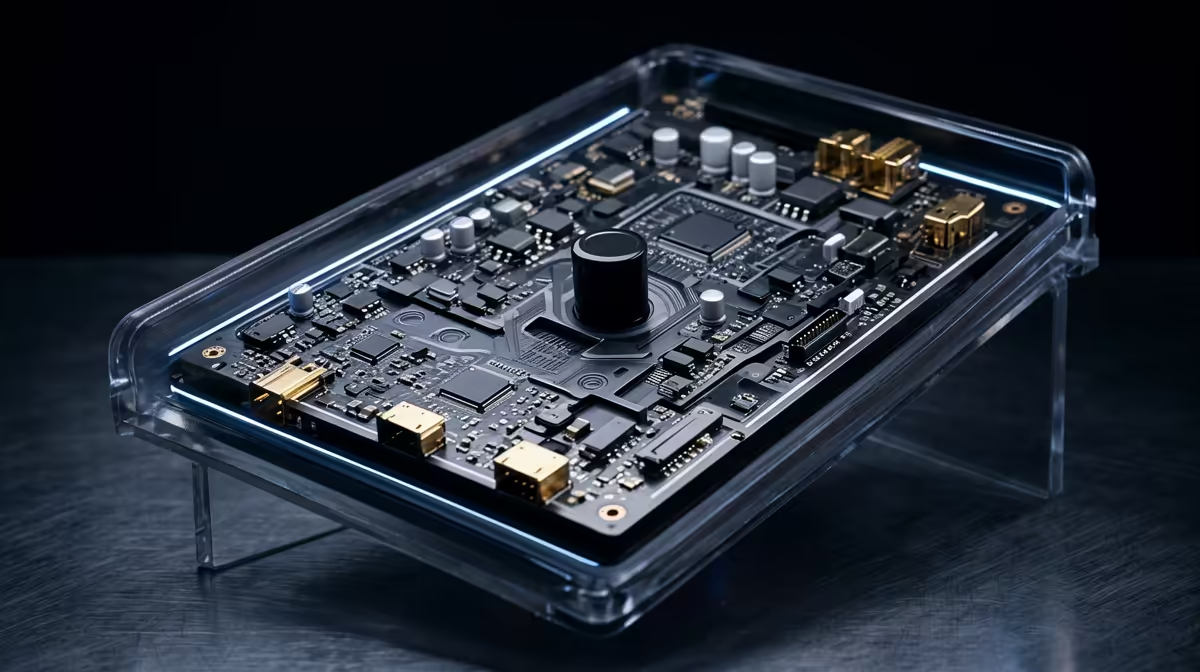
Compare motherboards for racing sim fans by matching the workload to the parts that change daily use: performance, thermals, ports and upgrade room. In SA, the practical shortlist is usually the R2,500 to R8,500 band with 2 or 3 M.2 slots, 2.5GbE LAN, Wi-Fi 6 or 6E, BIOS flashback and enough USB ports.
Mistake 1: buying the headline spec only
Simulation rigs need USB stability, strong frame pacing and space for wheels, pedals, yokes or button boxes. Start with 2 or 3 M.2 slots, 2.5GbE LAN, Wi-Fi 6 or 6E, BIOS flashback and enough USB ports. Named parts such as MSI B650 Tomahawk WiFi, ASUS TUF Gaming B650-Plus, Gigabyte B650 Aorus Elite AX and MSI PRO Z790-A class boards give you a real comparison point instead of a vague tier label. A stable mid-range board usually gives the same fps as a flagship board with the same CPU and GPU.
Mistake 2: ignoring the parts around it
Use the R2,500 to R8,500 band as a working SA shortlist, then check current Evetech stock before the final decision. The better buy removes a real limit in racing sim fans: storage capacity, screen smoothness, cooling, ports, RAM headroom or GPU power. For MSFS, DCS or racing sims, 60 fps can feel better than an unstable 100 fps when frame times jump.
Compatibility checks before checkout
Pay for ports, VRM quality and storage layout you will use; skip decorative extras that do not change the build. Also check warranty handling, physical size, power needs and whether the part works cleanly with the rest of the setup. For Johannesburg, Cape Town and Durban buyers, reliable local support is part of the value.
FAQ
What is the safest motherboard spec for racing sim fans?
The safest starting point is 2 or 3 M.2 slots, 2.5GbE LAN, Wi-Fi 6 or 6E, BIOS flashback and enough USB ports. That gives enough headroom for normal SA home, campus or office use without paying for idle features.
How much should SA buyers budget?
Use R2,500 to R8,500 as a cautious category band, then confirm the current Evetech listing because stock moves. Compare warranty, capacity, cooling and included features, not only the cheapest item.
Which named models should be on the shortlist?
Start with MSI B650 Tomahawk WiFi, ASUS TUF Gaming B650-Plus, Gigabyte B650 Aorus Elite AX and MSI PRO Z790-A class boards and compare them against your monitor, desk space, software and power needs. The best pick fixes the current limit without forcing extra purchases immediately.
Buyer check
Before checkout, write down your current monitor resolution, available desk or case space, RAM capacity and the one task that feels slow. Pick the motherboard that fixes that limit first.