A cheap DDR5 kit can look like an easy saving on a Windows 11 upgrade, but skimping in the wrong place makes the upgrade frustrating or forces a second purchase. The hidden costs show up in capacity, compatibility and configuration.
Quick Answer
A cheap DDR5 kit becomes expensive for a Windows 11 upgrade when it is too small at 8GB, forcing a quick re-buy, or a single stick that loses dual-channel speed, or an unsupported speed your board downclocks. A 16GB matched kit around R1,200 avoids these false economies.
Where the cheap kit costs you
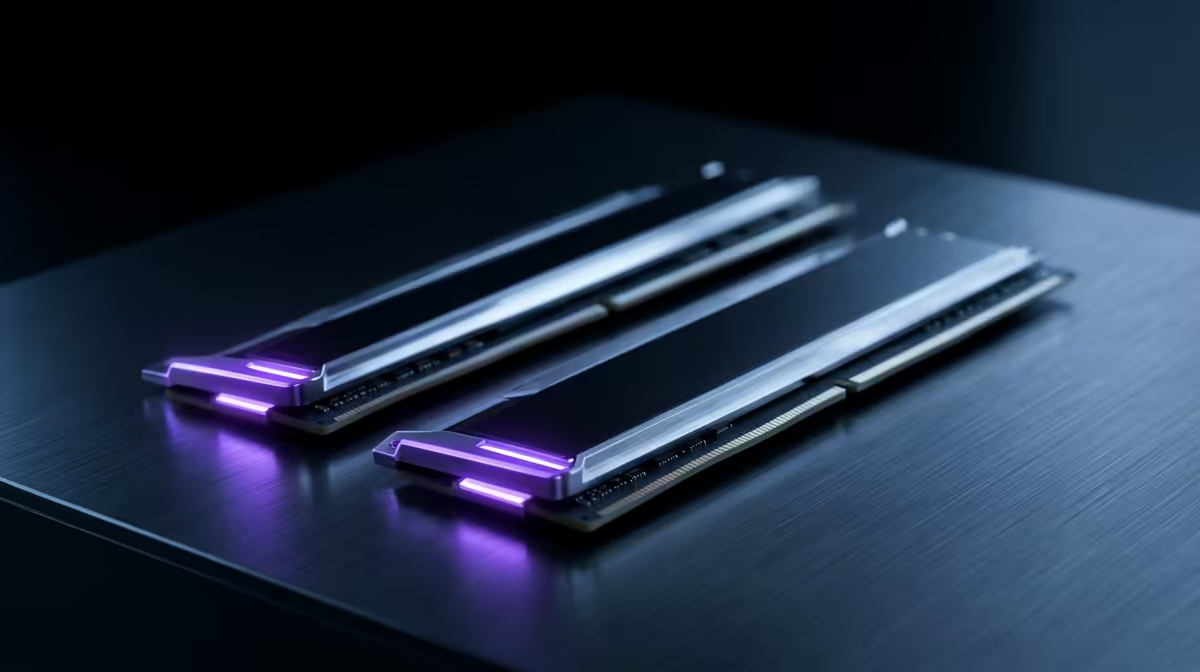
The first trap is capacity: 8GB feels tight on Windows 11 with a browser and a few apps, so a too-cheap kit forces an upgrade within months, costing more overall. The second is buying a single stick to save money, which runs in single channel and noticeably slows the system versus a matched pair of the same total capacity. The third is grabbing a kit at a speed your motherboard cannot support, which simply downclocks, wasting what you paid extra for.
Spend a little more in the right place
For a smooth Windows 11 upgrade, buy a matched 16GB DDR5 kit, two sticks for dual channel, at a speed your board actually supports. That modest spend avoids all three false economies and leaves the system responsive for years. If your work is heavier, 32GB is the next step. The point is that the genuinely cheap-feeling kits, single sticks, 8GB, or unsupported speeds, cost more in the long run than buying the right kit once.
FAQ
Is 8GB of DDR5 enough for Windows 11?
It is tight. Windows 11 with a browser and apps fills 8GB quickly, forcing a re-buy within months. A 16GB kit is the sensible minimum and avoids that false economy.
Why buy two DDR5 sticks instead of one?
A matched pair runs in dual channel, which is noticeably faster than a single stick of the same capacity. Buying one stick to save money quietly slows the whole system.
Does buying a faster DDR5 kit than my board supports help?
No. It downclocks to the speed your board supports, so you paid extra for nothing. Match the kit's speed to what your motherboard and CPU actually support.
Pro Tip
Buy a matched 16GB pair at a board-supported speed for Windows 11; single sticks, 8GB kits and unsupported speeds all cost more once you re-buy or lose performance.