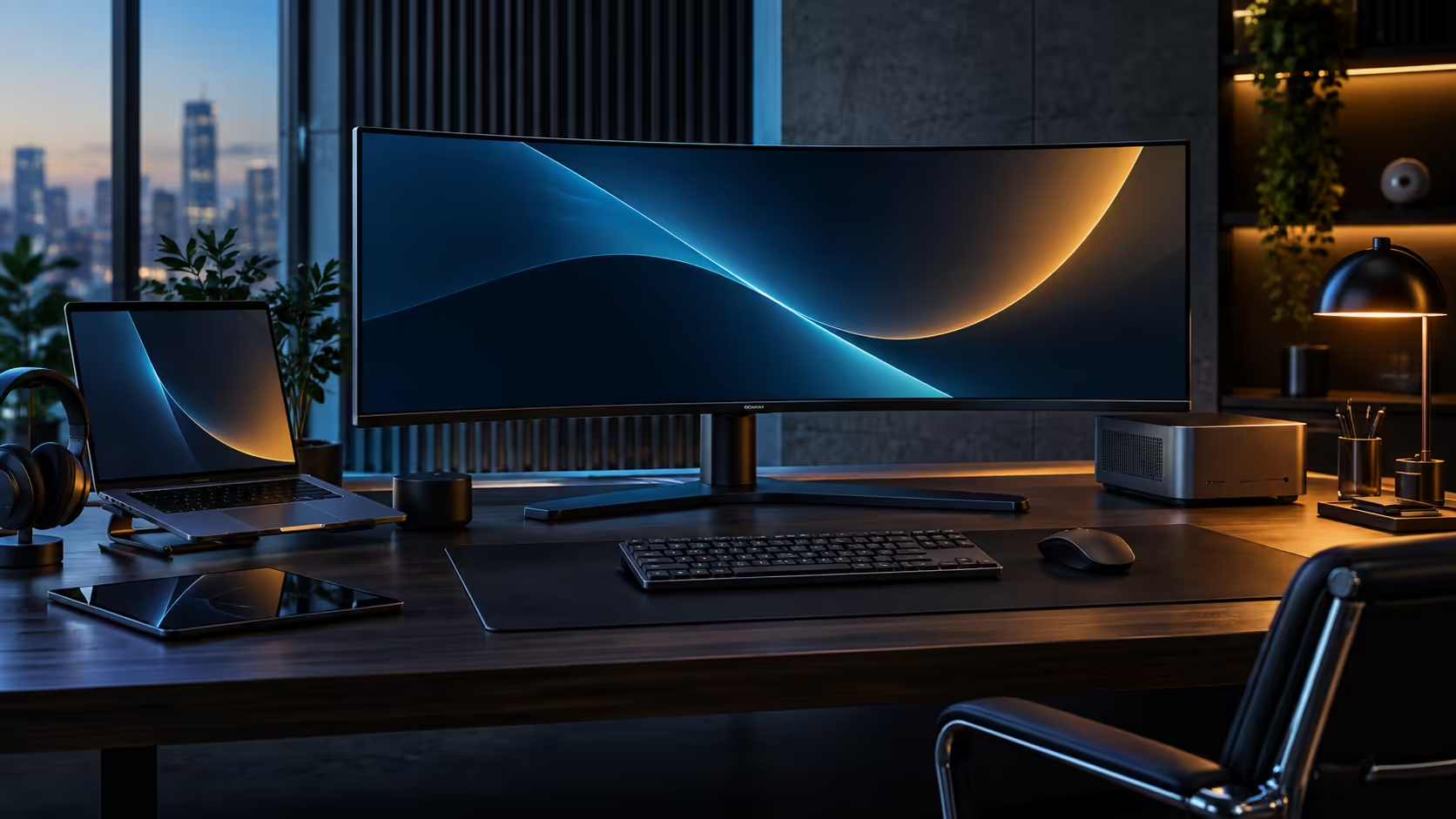
The claim that one cable can charge a laptop, carry the picture and run every accessory on the desk sounds like it needs a catch somewhere. It mostly does not, provided both ends of the connection actually support what is being asked of them, which is the one detail that decides whether one USB-C cable genuinely replaces a desk full of separate leads.
Quick Answer
Yes, provided the laptop's USB-C port supports both video output and Power Delivery, and the cable itself is rated to carry both. Done correctly, the R7,999 CU34E4CW takes the video signal out of the laptop, sends up to 90W of charging back down the same cable, and runs the keyboard, mouse, camera and wired network connection all through that single link at once.
🔍 Checking whether your laptop's port actually qualifies
Not every USB-C port on a laptop does the same job, and this is the single most common reason the setup does not work first try.
Some laptops fit multiple USB-C ports where only one carries video signal alongside charging, while the others handle data or charging alone. Look for a small display icon or the letters "DP" printed beside the correct port, or check the laptop's specification page for USB-C with DisplayPort Alt Mode and Power Delivery support. A small number of budget laptops split these functions entirely, requiring separate cables for video and charging, in which case a single cable will not do everything this setup expects of it.
🔌 Why the cable itself is not interchangeable with any USB-C lead
A USB-C connector looks identical across a wide range of cables that actually support very different things internally.
A basic charging-only USB-C cable, the kind that often ships with budget phone chargers, carries power but has no wiring for a video signal, so it will charge a laptop but show nothing on the monitor. A cable rated for USB-C with DisplayPort Alt Mode and sufficient power delivery, the kind generally supplied with a docking monitor or sold specifically for that purpose, carries all three functions correctly. If a monitor and laptop both support full docking but the picture still does not appear, the cable itself is worth testing before assuming a fault with either device.
⚙️ What happens once the correct combination is in place
When the laptop, the monitor and the cable all support the full feature set, the setup requires no manual configuration to work correctly.
The CU34E4CW takes video output over the cable's DisplayPort Alt Mode channel, and separately routes the monitor's own USB hub, KVM and RJ45 network port through the cable's USB data channel, while Power Delivery handles up to 90W of charging over the same physical wire. All three run simultaneously without needing to be switched on individually, and disconnecting the single cable stops all three at once, which is exactly the "one plug in, one plug out" convenience the setup is built around.
For the cable itself, cable solutions covers certified options if you need a replacement, and the USB hub range is worth checking if your laptop turns out not to support full docking and a separate hub is the better fit instead of a docking screen from the office monitor range itself.
Frequently Asked Questions
Why does my monitor charge my laptop but show no picture?
The cable being used likely does not support DisplayPort Alt Mode, even though it carries charging correctly. Swap to a cable specifically rated for both video and power.
How do I know if my laptop's USB-C port supports video output?
Check for a small display or "DP" icon beside the port, or look up your laptop's specification sheet for USB-C with DisplayPort Alt Mode support.
Does a bargain-bin USB-C cable work just as well for docking?
No. A basic charging cable often lacks the wiring for video signal entirely, so it will charge a device without displaying anything on a connected monitor.
Does using this setup damage my laptop's battery over time?
No. Laptop charging circuits regulate incoming power regardless of the source, so charging through a docking monitor is no different from using the original charger in terms of battery health.
What if my laptop only has one USB-C port and I also want to use my original charger?
Most laptops with only one full-function port will accept either the docking cable or the original charger through that port, but not both at once, since there is only one physical connection point.
Ready to test whether your laptop supports full one-cable docking?
Confirm your USB-C port carries both video and power, then check that your cable is rated for the same.