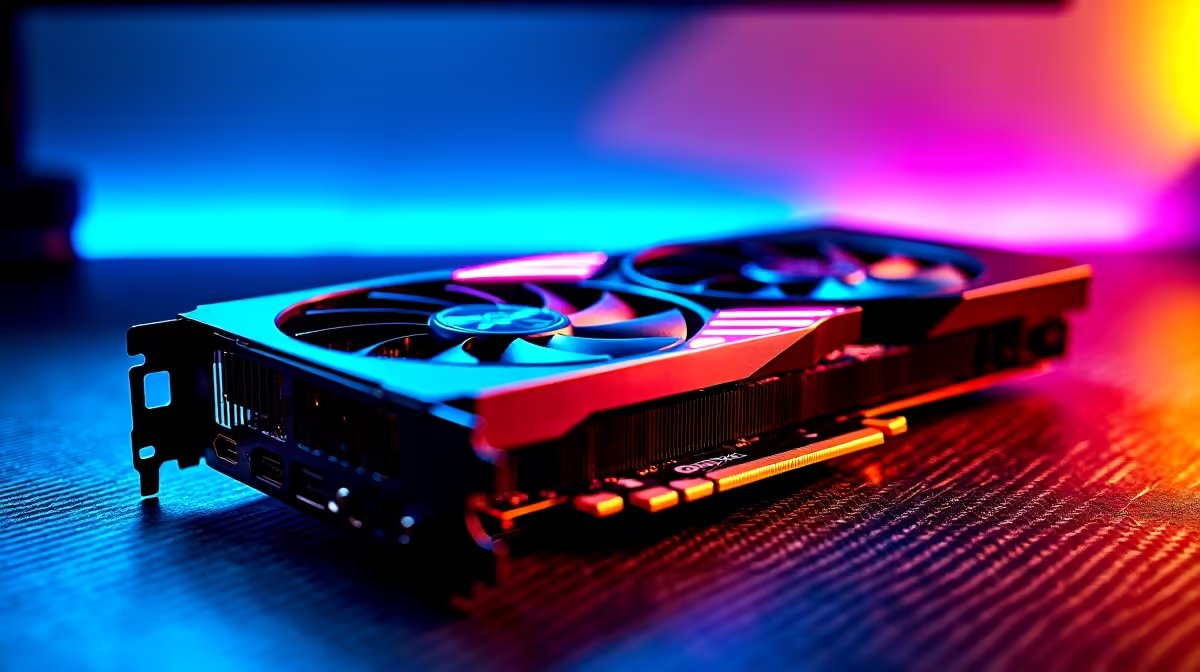
Can the RTX 4090 Run Star Wars Outlaws at 60 FPS?
South African gamers, wondering if the RTX 4090 can push Star Wars Outlaws to a smooth 60 FPS? The RTX 4090 is Nvidia’s current flagship GPU, packed with raw power that promises thrilling visuals and lag-free gameplay. But does it deliver on this latest Star Wars title without compromising settings? Let’s find out how to optimise your rig and settings for the best experience. ⚡
RTX 4090 Performance in Star Wars Outlaws Explained
The Nvidia RTX 4090 is built on the Ada Lovelace architecture and offers incredible performance gains over previous generations. In Star Wars Outlaws, the GPU can easily handle max settings at 4K, but what about a solid 60 FPS at 1080p or 1440p? The answer: absolutely, with room to play.
PC testing shows the RTX 4090 delivering well beyond 60 FPS on Ultra settings, even with ray tracing enabled. Adjusting a few key settings can optimise frame rates without skimping on visuals. South African gamers looking for smooth gameplay will appreciate this balance.
For those looking to upgrade or build a new system, check out Evetech’s current graphics cards selection to find the best RTX 4090 deals. Prices in ZAR have become competitive as component availability improves.
Settings Guide to Hit 60 FPS Consistently
Step 1: Resolution and Refresh Rate
If you’re gaming on a 1440p monitor, the RTX 4090 flexes easily to maintain above 60 FPS. A 4K setup might see dips with ray tracing maxed, but dropping shadows or reflections one notch solves this instantly. For 1080p users, max everything confidently.
Step 2: Ray Tracing and DLSS Settings
Ray tracing enhances lighting realism but can tax performance. With the RTX 4090, enabling ray tracing alongside DLSS Quality or Balanced mode ensures visuals stay sharp and frame rates steady.
Evetech’s best gaming PC deals include rigs optimised for DLSS and ray tracing — ideal for Star Wars fans seeking hassle-free high FPS gaming.
Step 3: Fine-Tune Shadows and Reflections
Reducing shadows from Ultra to High deeply increases FPS while barely affecting immersion. Reflections can be set to Medium to boost performance without a noticeable drop in graphic fidelity. This balance is perfect for hitting 60 FPS steadily.
Pro Tip for Smooth FPS
Try setting DLSS to Balanced mode and lowering shadows first — this keeps stunning visuals while stabilising your frame rate around 60 FPS.
Why the RTX 4090 Is Ideal for South African Gamers
The RTX 4090 delivers future-proof power for AAA titles like Star Wars Outlaws, but pairing it with the right system matters. Evetech’s pre-built PC deals feature optimised CPUs and cooling, ensuring that the RTX 4090 reaches its full potential without thermal throttling.
For those on the move, notebooks for sale in South Africa now include options with the RTX 4090 GPU integrated — perfect for portable power players wanting to conquer Star Wars Outlaws anywhere.
Don’t miss the latest Evetech specials on GPU bundles and accessories that guarantee enhanced gameplay while saving you some ZAR.
Wrapping Up Your RTX 4090 Star Wars Outlaws Setup
In short, the RTX 4090 is more than capable of running Star Wars Outlaws at a smooth 60 FPS on high to ultra settings if you tweak ray tracing and shadows wisely. This GPU paired with a balanced system from Evetech unlocks a superior Star Wars battle experience here at home.
Ready to elevate your gameplay and explore the galaxy without stutter? Your next epic Star Wars session awaits.
Elevate Your Star Wars Gaming Now
Unlock supreme performance and smooth 60 FPS with the RTX 4090 today — Shop now at Evetech for performance that leaves lag in the dust.