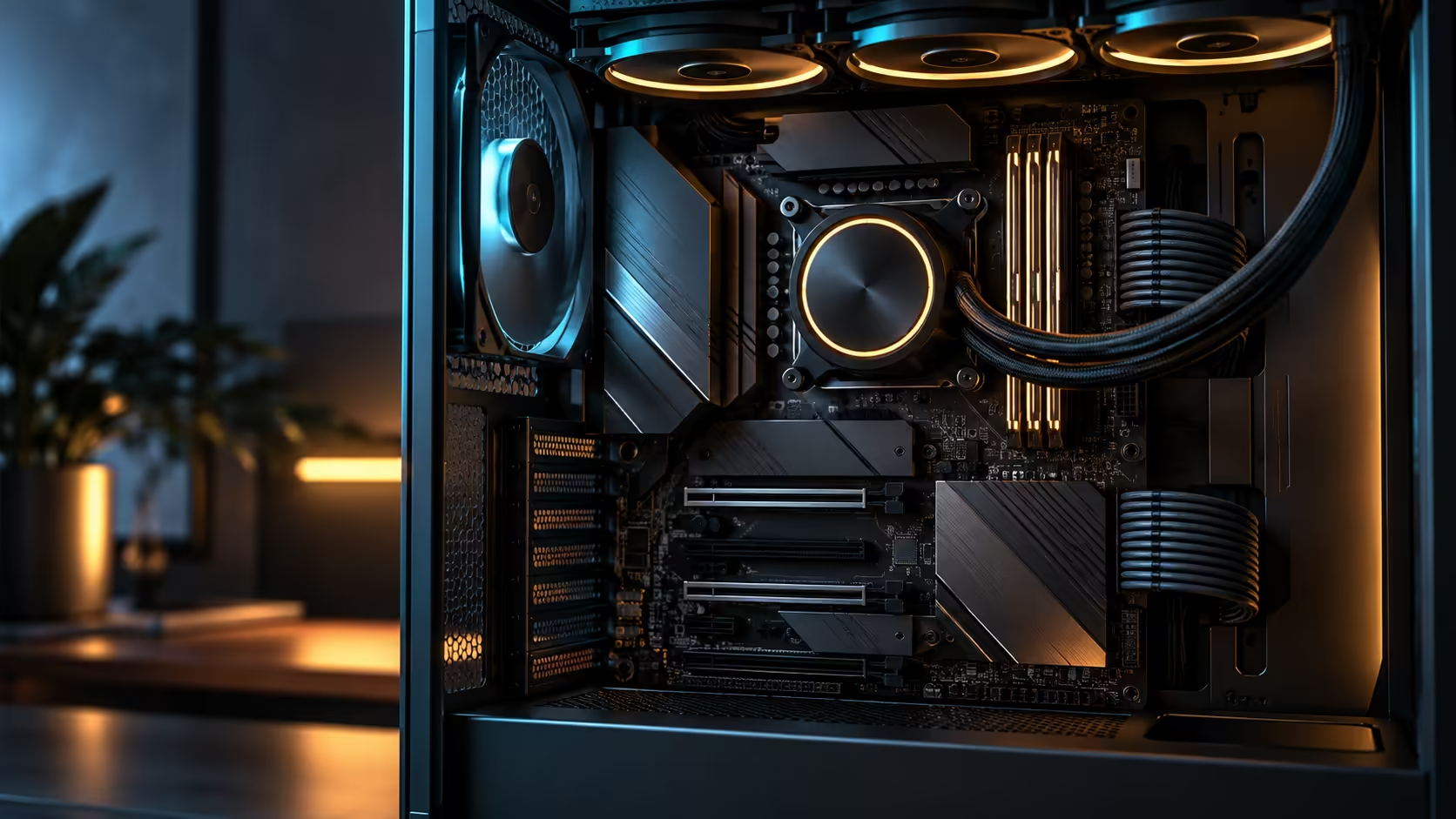
A round number like nine drives sticks in a headline far more easily than the mechanism behind it, and the mechanism is the part worth actually knowing before you shop the AMD motherboard range for that many M.2 SSDs. Running nine M.2 SSDs on an X870E gaming motherboard is possible, but not from the sockets built into the board alone.
Quick Answer
Not from onboard slots by themselves. The ASUS ROG Crosshair X870E Edition 20, at R54,999, lists five M.2 sockets wired directly into the board, and getting past that number means slotting the included expansion cards into either of its full-length PCIe 5.0 slots, which borrows lanes a graphics card would otherwise use.
🧩 Five wired in, the rest added on
The board's own five sockets connect straight to the CPU or chipset with no shared bandwidth beyond what that connection carries on its own. Getting past that number on this specific board means using the expansion cards it ships with, fitted into one of the two available PCIe 5.0 x16 slots, each of which fans that slot's lanes out to several additional M.2 positions.
That is the honest mechanism behind any "nine slots" figure attached to this board: five for free, built in, and the rest reachable only by giving up graphics-slot bandwidth to storage instead.
⚖️ What you actually give up to get there
A PCIe 5.0 x16 slot carries a fixed number of lanes, and populating it with a storage expansion card instead of a second graphics card, or leaving it empty, is the trade this board's design offers. Fitting the card to chase a higher drive count means that slot's lanes are now split between however many drives sit on the card, rather than reserved for a device that could use the full sixteen lanes on its own.
For a genuinely storage-heavy build, that trade is worth making. For a build using only one graphics card and never populating the second x16 slot anyway, the trade costs nothing at all, since those lanes were sitting unused regardless.
🛒 Where to actually buy toward a high drive count
Once the decision to expand is made, the NVMe SSD range covers both the fast primary drives worth putting in the board's own sockets and the more capacity-focused options that suit an expansion card's shared-bandwidth positions. Comparing this board's slot count against others in the current X870 motherboard lineup is also worth doing before assuming every board in the tier reaches the same total, since onboard M.2 count varies meaningfully even within one chipset generation.
Frequently Asked Questions
What is the maximum M.2 drive count without adding any hardware?
Five, using the sockets wired directly into the board itself, at full speed with no shared bandwidth.
What does it cost to add more than five drives?
PCIe lanes from a slot that would otherwise carry a second graphics card at full bandwidth, since the expansion cards fitted into that slot fan its lanes out to the extra drives.
Do the extra drives run at the same speed as the onboard ones?
No. Whatever drives sit on an expansion card divide up that single slot's bandwidth among themselves, unlike the onboard sockets, which each connect directly with nothing to share.
Is chasing nine drives worth it for a typical gaming build?
Rarely. Most gaming setups use two or three drives at most, well within the board's five onboard sockets.
Does every X870E board offer the same M.2 slot count?
No. Onboard M.2 count varies between boards even within the same chipset generation, so a shared figure across the whole tier is not something to assume.
Ready to plan a storage layout around what the board actually offers?
Count your realistic drive needs first, then decide whether the built-in five are enough or the expansion route is worth the lane trade-off.