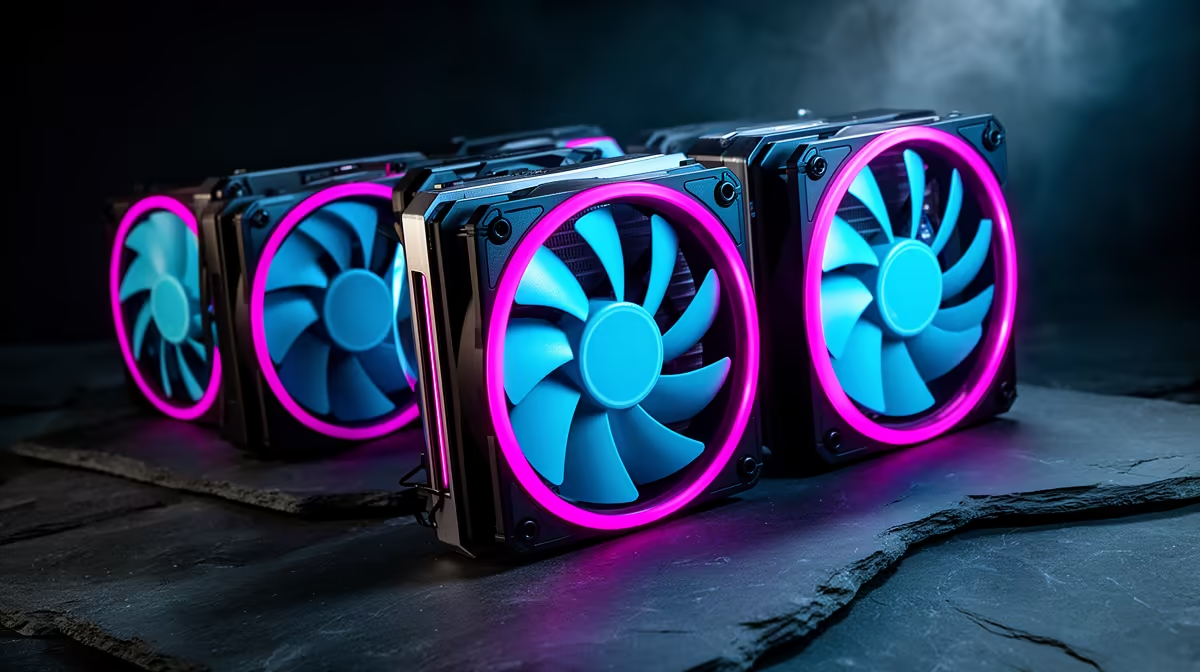
PC fans hide their airflow direction in plain sight. Air usually enters through the open blade side and leaves through the side with frame supports and the motor label. Find that exhaust side before mounting six beautiful fans that all fight each other.
Quick Answer
Use front and lower fans as filtered intake in a conventional tower, with rear and upper fans exhausting warm air. Follow the arrows moulded into the fan frame when present; otherwise identify the support-strut side as the usual exhaust. Aim for a little more filtered intake airflow than exhaust rather than counting fans alone. Evetech listed the black Deepcool XFAN 120 at R59 in July 2026, a dated example that lets you test a layout without pretending price determines direction.
🧭 Read the fan before installing it
Look along the fan's outer edge for small arrows marking rotation and airflow. When there are no arrows, the open side normally draws air and the side with plastic struts pushes it out. Reverse-blade fans can break the visual rule, so use their markings and manual.
Hold a loose sheet of tissue near the outside of a running grille, clear of the blades. Movement toward the case shows intake; movement away shows exhaust. Stop the PC before putting fingers or tools near any fan.
Evetech's gaming PC range gives you current case layouts to compare with the tower in front of you.
🌬️ Give air a route through the case
Front intake should feed the graphics card and CPU cooler, while a rear exhaust removes their heated air. Bottom intake can help a hungry GPU when the case has clearance and a dust filter. Top exhaust suits many conventional layouts because it gives radiator and case heat an easy exit.
An open top mount does not automatically need fans. An aggressive top-front exhaust can pull fresh air out before it reaches the CPU cooler. Start with the rear and the top position nearest it, then use temperature tests to justify the next fan.
⚖️ Balance airflow, speed and filters
Three slow 140mm intakes can move more air than three small exhausts, while a clogged filter can reverse the balance. Compare fan size, speed and restriction rather than aiming for a magic count.
Slight positive pressure helps direct incoming air through filters and case gaps. It still needs regular cleaning. If every intake is choked with dust, positive pressure exists only in the diagram.
Use Evetech's PC best-sellers when the case itself restricts the front path and more fans stop improving temperatures.
Frequently Asked Questions
Which case fans should be intake versus exhaust?
In a conventional tower, front and bottom fans usually bring air in, while rear and top fans send it out.
What is positive air pressure in a PC case?
It means intake airflow exceeds exhaust airflow, causing the remaining air to leave through case gaps.
Does positive pressure reduce dust buildup?
It can help when intake air passes through clean filters. It cannot stop dust or replace maintenance.
How do I tell a fan's airflow direction just by looking?
Use moulded arrows where available. The support-strut side is the usual exhaust side on a standard fan.
Should top fans always be exhaust?
Often, but radiator placement and a short-circuiting front position can change the best layout.
Is more intake fans than exhaust always better?
No. Actual airflow, fan speed and filter restriction matter more than the count.
Does GPU orientation affect fan direction choices?
Yes. A vertical GPU or compact chamber can change where the card finds fresh air and where its heat collects.
Ready to correct a case full of competing fans?
Compare current gaming PCs at Evetech, mark every intake and exhaust, then test the simplest clean route through your case.