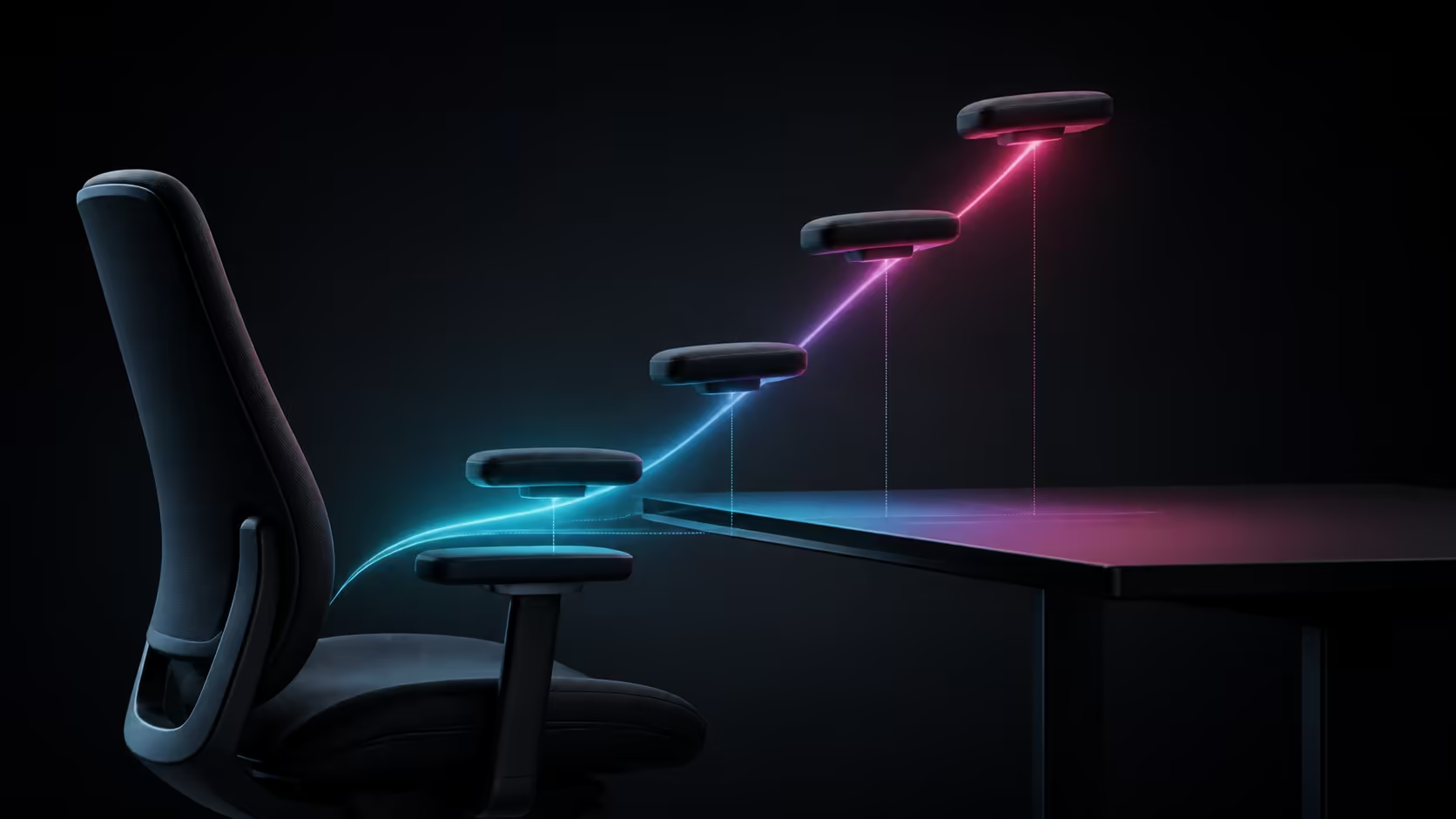
Choosing 4D armrests begins with the desk, because even a wide adjustment range can fail when pads collide with the front edge or cannot reach the user's elbows.
Quick Answer
Measure desk height and underside clearance, then set chair height for relaxed elbows at the keyboard. Use armrest height to meet the forearms, width to keep elbows beside the torso, depth to clear the desk and pivot to follow the input angle. Test the exact sitting style for typing, broad mouse movement and controller use.
Measure the desk opening
Record the distance from floor to keyboard surface and to any drawer or frame below. Measure the gap between desk legs. These values show whether the chair and pads can approach the inputs without trapping the thighs.
Use the gaming chair range to compare armrest types after the physical limits are known.
Set chair height before pads
Raise the seat until elbows reach the keyboard without shoulder lift. If feet leave the floor, add a stable footrest. Lowering the chair merely to use low armrests can create pressure behind the legs and upward wrist bend.
At R5,299, Arozzi's Pink Vernazza Supersoft provides lumbar support and 4D armrests in the standard size.
Tune for typing
Keep both upper arms close to the body. Raise the pads to light forearm contact and move them far enough back for desk clearance. A small inward pivot can follow the keyboard angle without twisting the wrists.
Type for fifteen minutes, checking whether shoulders rise or the pad edge presses near the wrist.
Tune for mouse movement
Move the mouse-side pad backwards for low-sensitivity sweeps. Adjust width only until the elbow path remains free. The keyboard side can retain more support if the shoulders stay level.
Do not use armrest adjustment to compensate for a mouse placed too far away. Bring the input into easy reach first.
Tune for controller posture
Hands move lower and closer together with a controller. Bring pads inward and slightly forward where needed, then use a modest backrest recline while maintaining lumbar contact. Restore the desk profile afterwards.
The Pink Vernazza also reclines up to 165 degrees and rocks up to 12 degrees. These movement settings remain separate from armrest fit.
Check chair size explicitly
The Pink product is not XL. Larger users should compare the seat, backrest and armrest spacing of actual XL models. A broad 4D range alone does not change the chair's size category.
Browse premium gaming chairs above R4,000 for feature comparisons, or the Arozzi setup range for brand context.
Save repeatable positions
Count clicks or use a photograph for work, mouse and controller modes. Shared chairs need a reset routine for every user. Check that adjustments lock and remain stable under ordinary forearm pressure.
Inspect pad size and edge shape
Adjustment range matters only when the pad surface supports the useful forearm area. Check whether the pad is long enough without pressing the wrist and whether its edges create a hard contact point. A broad pad may feel stable but can also interfere with large mouse travel.
Use normal clothing during the test. A thick sleeve changes effective height and pressure compared with bare forearms.
Check minimum and maximum spacing
Product width ranges should be compared with the user's natural elbow distance. Minimum spacing matters for a smaller frame; maximum spacing matters for a larger torso. The chair's overall size must still fit the user even when the pads can move widely.
For an XL search, measure actual XL seat and backrest dimensions as well as armrest spacing. Do not treat 4D motion as a substitute for an XL chassis.
Coordinate with desk accessories
A full-size keyboard, large mouse mat, drawing tablet or steering controls can change forearm position. Arrange every regular device before final adjustment. Moving a keyboard ten centimetres can matter more than another pad click.
Cable trays and clamp-on accessories may reduce underside clearance. Measure the final desk, not an empty surface.
Watch posture through a long task
Armrests that feel correct at the start can drift as the user slides or leans. Check shoulder height and lumbar contact after thirty minutes. Reset the pelvis before moving pads to follow a poor posture.
Numbness or tingling means pressure should be removed. Take a break and seek appropriate professional advice if symptoms persist.
Frequently Asked Questions
Which adjustment helps a desk collision?
Move the armrest pads backwards, then adjust height only enough to clear the edge without losing relaxed support.
Should chair height follow armrest height?
No. Set the seat around feet and desk input level first, then bring the armrests to the forearms.
Can the left and right settings differ?
Yes. Mouse and keyboard use can justify small differences while shoulders remain level.
Are 4D armrests an XL feature?
No. Armrest adjustability and chair size are separate specifications.
Ready to match 4D armrests to the desk opening you actually have?
Measure clearance, set chair height, build task profiles and keep size category separate from adjustment count.