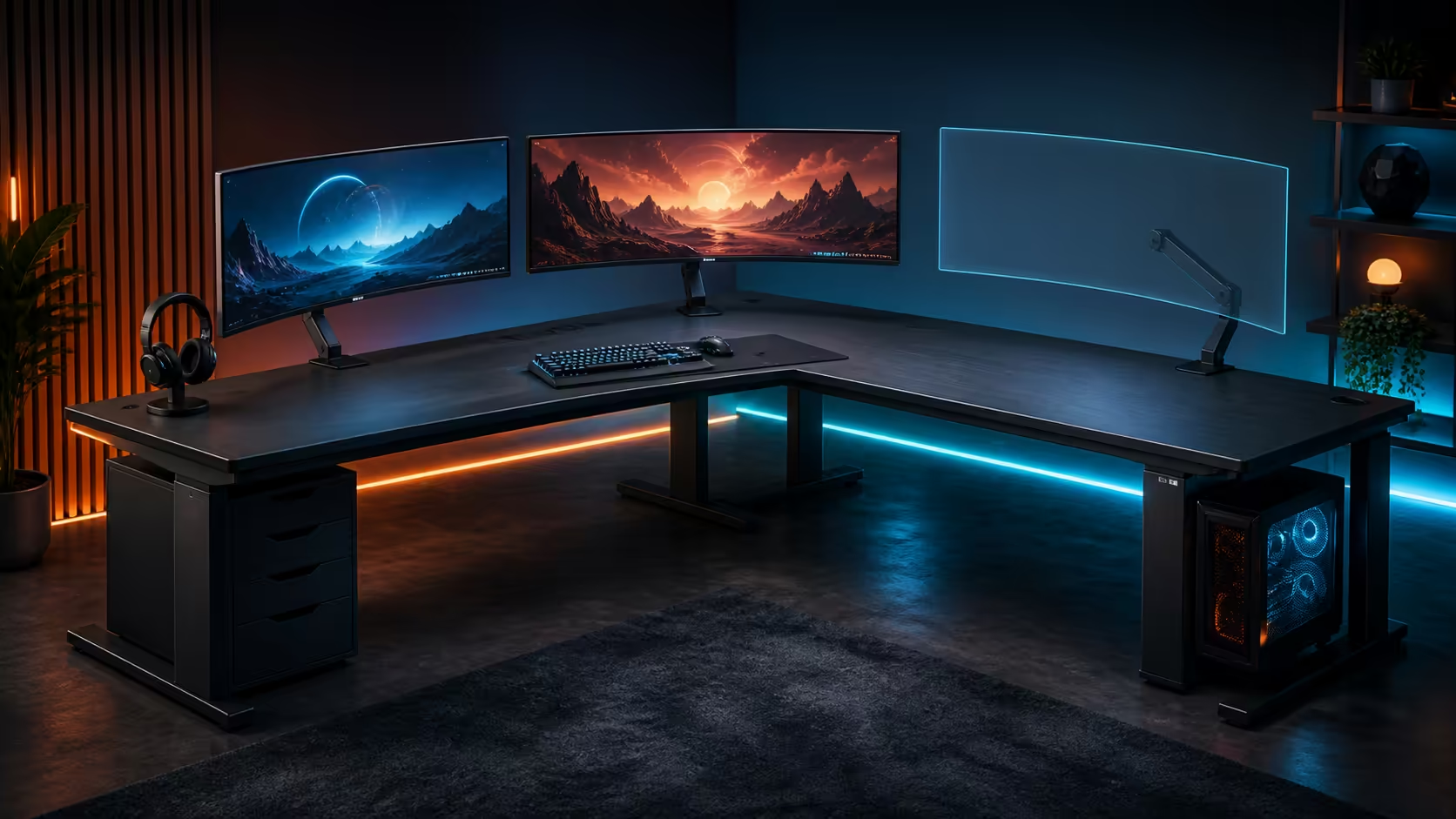
Multiple ultrawides demand depth, structure and a viewing arc before they demand raw desktop width. Choosing a gaming desk for multiple ultrawide monitors starts with the screen stands, total load, mounting plan and chair centre. The live Evetech gaming-desk category ranges from around R2,499 to R8,499.
Quick Answer
Use about R2,499 to R8,499 as the Evetech gaming-desk category budget range. For several ultrawides, calculate each stand footprint and monitor load, keep the primary display directly ahead, and verify structure, depth, mount clearance and cable slack. Add screens one at a time and test stability after each.
📐 Draw stands before screens
Measure every base width and depth, then draw them on the proposed surface. Ultrawide stands can overlap or push the keyboard forward even when the panel widths appear to fit. Include speakers, webcam and the distance from eyes to screen.
Compare desk sizes through Evetech's gaming desk category. Set published straight-desk dimensions beside the complete monitor, stand and user envelope.
🖥️ Build a comfortable visual arc
Place the main ultrawide first, centred on the chair. Add a second screen at a shallow angle and decide whether it handles active work or passive monitoring. A third display should not force frequent large head turns.
🔩 Verify mounting and load paths
Monitor arms can recover surface depth but concentrate force at clamps or grommets. Check desk structure, edge or hole position, underside clearance and arm compatibility. Original stands may distribute contact more broadly but occupy more surface.
Browse Evetech's Arozzi gaming setup page for whole-room monitor arrangements. Test shake while typing and moving the mouse.
🧵 Plan power and display cables
Route each screen's power and video leads with labels at both ends. Leave service loops for height, angle and depth changes. Keep adaptors supported and preserve access to the PC outputs.
Use Evetech's gaming setup category to coordinate monitors with the PC, chair and accessories. Avoid a tray packed so tightly that one display cable cannot be replaced.
Run wake, restart and input-switching tests after every added monitor. Recheck desk levelling and fasteners after the final load. The right desk is the one that remains stable and maintains a comfortable centre, not the one with the longest headline width.
Allocate each screen a task
The primary ultrawide should carry the game or focused work directly ahead. Give the second display a clear role such as editing tools, reference or communication. Reserve a third for passive monitoring rather than frequent detailed reading at an extreme angle.
Close windows that do not serve those roles. More panels can increase distraction and pointer travel if their jobs remain undefined.
Protect maintenance access
Leave enough room to reach every power, video and arm connection without removing the neighbouring screen. The PC should move for cleaning while display leads retain slack. Mark which monitor uses each graphics output.
Run a replacement exercise with one cable: disconnect the labelled lead, follow its tray route and reinstall it. A desk that holds many screens but traps every connection is not ready for long-term use.
Review ergonomics after several hours
Note the first screen that causes neck rotation or forces the eyes to search. Bring frequent information inward and lower the importance of outer displays. Change a single arm or stand position, then rerun the familiar workload before moving another.
Check chair height, keyboard centre and mouse space after the full monitor load. Equipment capacity should not push the user's input position away from the main screen.
Record the final stand or arm positions and photograph every cable loop. Recheck the baseline after cleaning, transport or a graphics-cable replacement so later drift is easy to identify.
Repeat a full gaming session after each major change.
Keep display scaling and chair position consistent so the viewing comparison remains meaningful.
Frequently Asked Questions
Is desktop width enough to judge multi-monitor fit?
No. Stand depth, total load, viewing distance, mount clearance and cable access also matter.
Where should the primary ultrawide sit?
Place it directly ahead of the normal seated position and arrange supporting displays around it.
Are arms required?
No. Use arms only when the monitor, desk structure, mount position and load plan are compatible.
How much do Evetech gaming desks cost?
The category spans approximately R2,499 to R8,499.
When should stability be checked?
Check after each monitor is installed and again after final cable routing plus normal input movement.
Ready to make every ultrawide earn a safe position inside one comfortable viewing arc?
Compare Evetech gaming desks, draw the stand footprints first, and add screen load only after structure and cable movement are proven.