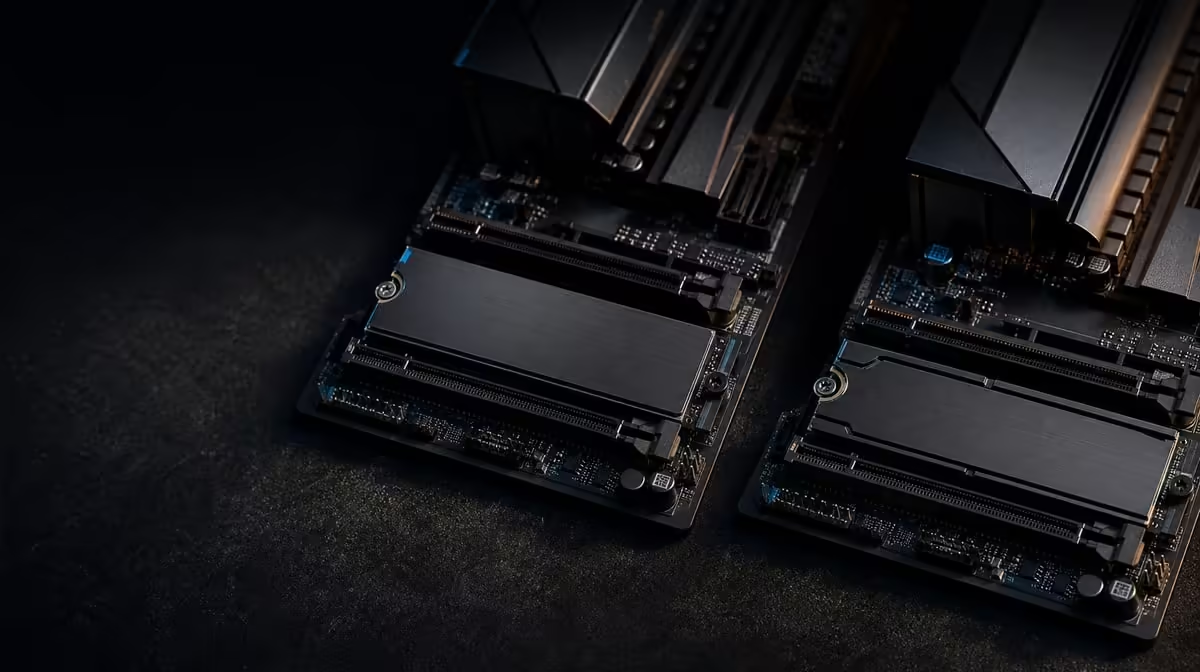
The number after PCIe describes interface potential, not guaranteed application speed. Comparing PCIe 5.0 and 4.0 M.2 slots requires a compatible SSD, the exact slot layout, suitable cooling and a workload that can show the difference. Many everyday tasks remain satisfied by PCIe 4.0.
Quick Answer
Use a PCIe 5.0-capable position for a matching drive and transfer-heavy job; use PCIe 4.0 where capacity and existing performance fit. A five-location M.2 layout and newer PCIe route underpin the Extreme's R24,899 storage proposition, allowing generations to be mixed deliberately.
?? Match device and position
A PCIe 4.0 SSD retains its own capability in a newer route. A PCIe 5.0 SSD needs a suitable position before it can approach the newer interface potential.
Check the exact board map and compare current designs through Evetech's X870 motherboard range.
?? Include cooling
Fit the relevant thermal hardware and test inside the completed case. Long transfers can reveal behaviour a short run misses.
Keep the source, destination and data set stable. Another drive can limit the test.
Plan installation access
Map positions beneath or near the graphics card and install in a sensible order. Record which SSD occupies each slot.
?? Measure the workload
Sequential transfers expose interface potential more clearly than many game loads. Test the real application after the benchmark.
Choose the processor first from Evetech's AMD CPU options, then settle the storage budget.
Compare capacity
A larger PCIe 4.0 SSD may remove more daily friction than a smaller PCIe 5.0 model. Include free-space needs and growth.
?? Preserve a mixed route
Use the fastest suitable position for the demanding drive and reserve other locations for game, archive or later storage. Do not populate all five automatically.
At R24,899, the Extreme carries more than storage. Compare Evetech's wider AMD motherboard category when only one or two drives are planned.
Retest after changes
Move a drive only after recording the original result. Repeat the same task under comparable temperature and background activity.
Use a role-based storage table
Give each SSD a workload, capacity requirement, expected interface and open-space margin. This shows whether PCIe 5.0 belongs with active transfers or whether a larger PCIe 4.0 device better serves the game library.
Record the chosen position and thermal arrangement after installation. Similar drive names become difficult to distinguish later without a map.
Measure after the initial burst
Use a data set large enough to observe sustained behaviour and note both endpoints. A short result may reflect caching rather than the longer task.
After the synthetic check, run the application that justified the drive. Practical value comes from the work completed, not the interface name alone.
Plan migration between generations
Decide which drive will hold the operating system, active work and long-term library before any data moves. If the PCIe 5.0 SSD replaces an existing device, identify the migration source, destination and protection step. Do not improvise with valuable data after the case is open.
After migration, verify the new drive and retain the old copy until the important files and boot path have been checked. Then update the M.2 map with the new positions.
A mixed-generation system remains easy to manage when every SSD has a name and role. Interface variety is not a problem; undocumented storage is.
Frequently Asked Questions
What changes between PCIe 5.0 and 4.0'
The newer interface has a higher ceiling, while realised speed depends on the drive, route, cooling and workload.
Can a PCIe 4.0 SSD use a newer slot'
Use the board's installation guidance. The drive remains limited to its own interface capability.
When does PCIe 5.0 matter most'
Transfer-heavy work that can reach the older interface limit makes the clearest case.
How many M.2 positions are specified'
The X870E Extreme specifies five positions, which should each be mapped individually.
Why can heat change the result'
Sustained temperature can affect drive behaviour, making correct thermal contact and airflow important.
Ready to mix M.2 generations intelligently'
Compare Evetech's AMD motherboard layouts and assign every SSD by capacity, workload, cooling and service access.