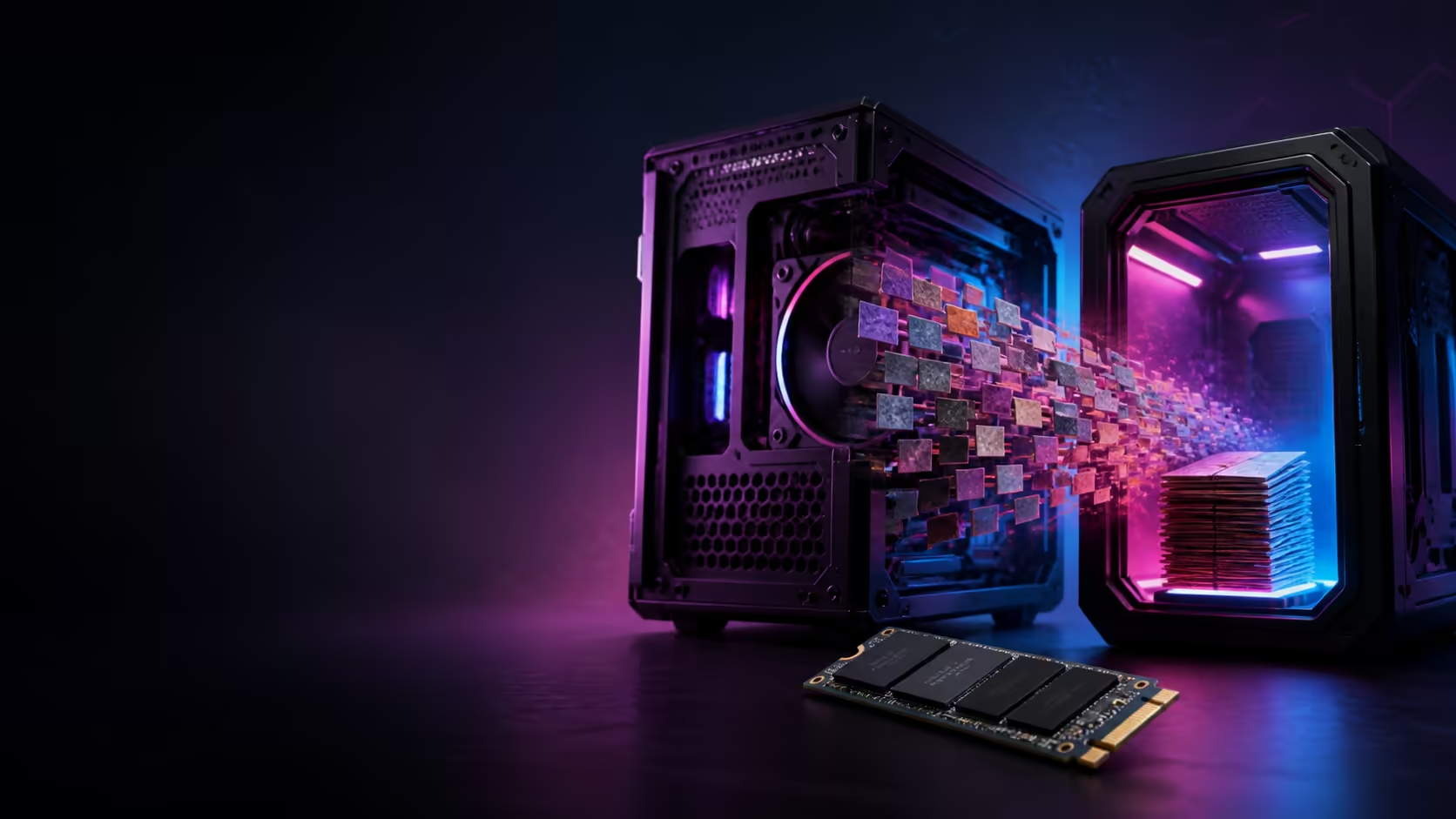
Marvel Rivals is about to become much smaller on PC. The Season 9.5 update introduces a texture-compression overhaul that is expected to remove roughly 40GB from the installed footprint. That is welcome news for crowded gaming drives, but players need to distinguish a 40GB saving from a final 40GB install.
Quick Answer
Marvel Rivals is cutting roughly 40GB from the PC installation; it is not promising that the entire game will be only 40GB. The first transition patch may also need extra download and working space before old files are replaced. Check the drive after the update before buying more storage. If an upgrade is still needed, the lowest live 1TB internal NVMe SSD in the 6 August Evetech snapshot was R3,099.
What the Season 9.5 change does
The developer describes the work as a large texture-compression overhaul. Textures account for a substantial part of a modern game's storage footprint, especially when a title keeps adding maps, heroes, effects and cosmetic assets across seasons. More efficient compression can reduce repeated or oversized data without simply deleting visible content.
The announced PC saving is roughly 40GB. Console versions are expected to shrink by a smaller amount. The exact final size on an individual PC can still depend on the installed version and whether the optional high-resolution texture package is enabled.
There is one short-term catch. A patch that reorganises and replaces large archives may need to download new data while the old files are still present. That can demand more temporary free space than the smaller final installation suggests. Do not start the update with a nearly full drive and assume the game can clean itself up first.
Check free space before spending money
Start in the game launcher and Windows storage settings. Confirm the current Marvel Rivals size, check whether the high-resolution texture pack is installed, and note how much free space remains on the drive. Move or remove an unused game if the patch needs temporary room.
After Season 9.5 finishes, restart the launcher and check the installed size again. This second measurement is the one that should guide an upgrade. Buying an SSD before the reduction lands could solve a capacity problem that the patch itself removes.
Also leave breathing room beyond one game. Windows, shader caches, launcher updates and other titles need working space. A drive kept permanently at the edge of full capacity is harder to manage, even if the headline game technically fits.
If capacity is still tight, compare all SSDs by usable size and interface. A 1TB drive can be a practical game-library upgrade, while 2TB reduces how often large titles must be moved. The right size depends on the rest of the installed library, not Marvel Rivals alone.
What the live SSD snapshot shows
The 6 August catalogue read found a 1TB Dahua PCIe 4.0 internal NVMe SSD at R3,099. Other checked 1TB options included a Kingston NVMe model at R3,599, an Orico PCIe 4.0 model at R3,649 and a Klevv PCIe 5.0 model at R4,499.
Two-terabyte models in the checked list started at R5,499, with a Kingston NV3 2TB at R5,599. Those prices make the capacity jump easy to calculate: a buyer who regularly rotates several large games should compare the extra Rand for 2TB against the inconvenience of managing 1TB.
Use the NVMe SSD range to match the motherboard slot and generation. PCIe 5.0 can deliver impressive sequential speeds, but a gaming library does not automatically need the fastest drive on the page. A compatible PCIe 4.0 model can offer the better capacity-per-Rand result.
Capacity, speed and frame rate are different decisions
More capacity lets you keep more games installed. Faster storage can improve loading, patching and asset streaming. It usually does not produce the same frame-rate gain as a faster graphics card or processor.
That distinction matters for Marvel Rivals. If the game fits but runs poorly, an SSD upgrade may not solve the real bottleneck. Check GPU usage, CPU load, memory pressure and graphics settings before treating storage as a performance component.
When the problem really is capacity, shop the SSD specials by price per terabyte, warranty and endurance. Confirm that the motherboard has a free M.2 slot and whether adding a drive disables any SATA ports or shares lanes with another device.
Frequently Asked Questions
Will Marvel Rivals be only 40GB after Season 9.5?
No. The announcement is a reduction of roughly 40GB from the current PC footprint, not a final total size.
Why can a smaller game need a large patch?
The updater may need new compressed archives and temporary working room before it removes the older files.
Should I uninstall the high-resolution texture pack?
Only if you do not need it and the launcher offers it as an optional package. Check the visual result and saved space for your setup.
What was the cheapest checked 1TB internal NVMe SSD?
A 1TB Dahua PCIe 4.0 NVMe SSD was active at R3,099 on 6 August 2026.
Will a faster SSD raise my frame rate?
Usually not materially. Storage speed mainly helps loading and data streaming; the CPU and GPU set most frame-rate limits.
Still short on game storage after the update?
Compare current 1TB and 2TB NVMe SSDs at Evetech, match the motherboard slot, and buy the capacity your full library needs.