


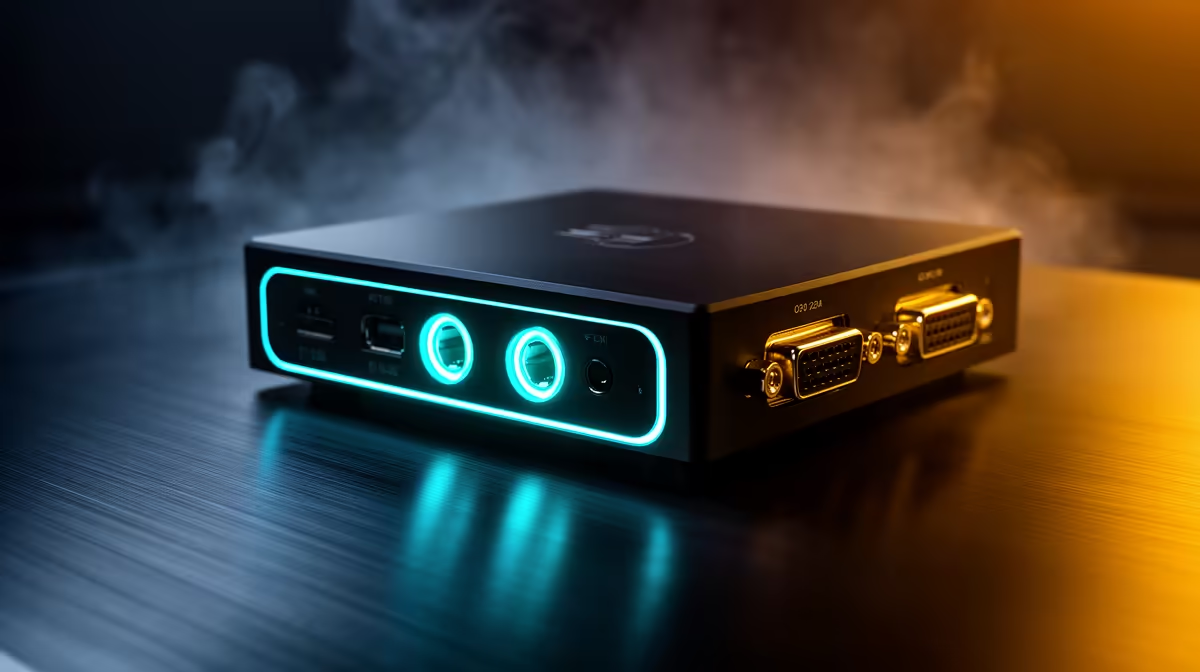
The 3.5mm headset ports on a capture card are easy to overlook, but they solve one of the most annoying problems in console streaming: recording party chat alongside game audio. Without this, voice communication either disappears from the recording entirely or requires a secondary audio interface. The ports on the card route it all through one device, provided you know which connector does what and how to balance the mix.
Quick Answer
The capture card's 3.5mm headset port takes a 4-pole TRRS cable from the controller, pulling party voice into the recording. A separate 3.5mm output feeds your headset. The on-card mixer dial balances game and chat volume so both sit cleanly in the recorded feed.
🔌 How the Chat Port Physically Works
A capture card with integrated headset ports typically has two 3.5mm jacks. The first is a chat input, designed to receive the controller's headset signal. On PS5, a 4-pole TRRS cable connects from the DualSense controller's 3.5mm socket to this card input. That cable carries both the microphone pickup and the chat audio from party voice.
The second jack is your headset output. Your headphones plug here, letting you monitor both game audio and party chat in real time while the card records the mixed signal.
The key detail is cable type. A 4-pole TRRS connector carries stereo audio in one direction and a microphone channel in the other. A standard 3-pole TRS cable, the kind used by most PC headphone jacks, carries stereo audio only and silently drops the microphone signal. If chat is missing from your recording, swapping to a proper 4-pole TRRS cable is the first fix to try before adjusting any software settings.
🎯 Balancing Chat and Game Audio
The mixer dial on the card face controls the ratio between game audio and chat audio in the output signal. Turning it fully toward game delivers only gameplay sound with no voice. Fully toward chat gives you party audio and little game. The useful range sits in the middle, with the exact position depending on how loud your game's audio is at its default volume level.
A starting point of roughly 40 to 60 percent toward chat works for most setups where game volume is set at a moderate level in the console's audio output settings. From there, run a short test recording and listen back. The goal is chat audio that is clear and at roughly the same perceived loudness as mid-range game sounds, not buried under sound effects but not so forward that it drowns out gameplay audio.
This dial saves around R800 to R1,200 compared to adding a standalone hardware audio mixer to the chain. For streamers who do not need multi-source mixing beyond game and one chat channel, the built-in dial handles the job.
⚡ Latency and Recording Quality
Analog 3.5mm audio adds no meaningful latency to the signal. Audio through the headset port reaches the card's recording buffer within approximately 10ms, which is well within the threshold where it stays perceptibly synced with the video feed. You do not need to apply an audio delay offset in OBS to compensate.
The audio quality from a 3.5mm headset signal is not studio grade, as it is limited by the microphone in the headset and the signal quality of the controller's headset socket. For streaming and content creation where party chat is incidental to the main commentary, this is entirely acceptable. It captures clear, audible voice without needing a dedicated microphone or audio interface.
Frequently Asked Questions
Why is there no chat audio in my recording despite connecting the cable?
Check the cable type first. A 3-pole TRS cable carries no microphone or chat signal, only stereo headphone audio. Replace it with a 4-pole TRRS cable and the chat channel will appear. If you are using a TRRS cable and still getting no chat, check that the mixer dial is not turned fully away from the chat side.
Does the 3.5mm chat port work with Xbox Series X controllers?
Yes. Xbox Series X controllers also include a 3.5mm socket that outputs the same 4-pole TRRS signal as a DualSense. Connect the same style cable from the controller jack to the card's chat input and the party voice routes into the recording identically to the PS5 setup.
Can the built-in mixer replace a standalone audio mixer for streaming?
For most console streamers recording a single chat channel alongside game audio, yes. The on-card dial handles the blend without additional hardware. Where it falls short is multi-source setups: a PC microphone, game audio, and a separate music channel simultaneously need a dedicated mixer or audio interface. For one game source and one chat source, the card's mixer is sufficient.
Will the headset audio be out of sync with the video?
Analog audio through 3.5mm adds negligible latency, typically under 10ms, which keeps voice naturally synced with the video track. No manual sync offset is needed in OBS or other capture software. The sync issues that sometimes appear in recordings come from software buffer mismatches or encoded video delay, not from the analog 3.5mm path.
Ready to get party chat into your recordings? Browse the capture card range at Evetech for cards with integrated 3.5mm headset ports and find the one that fits your console setup.











