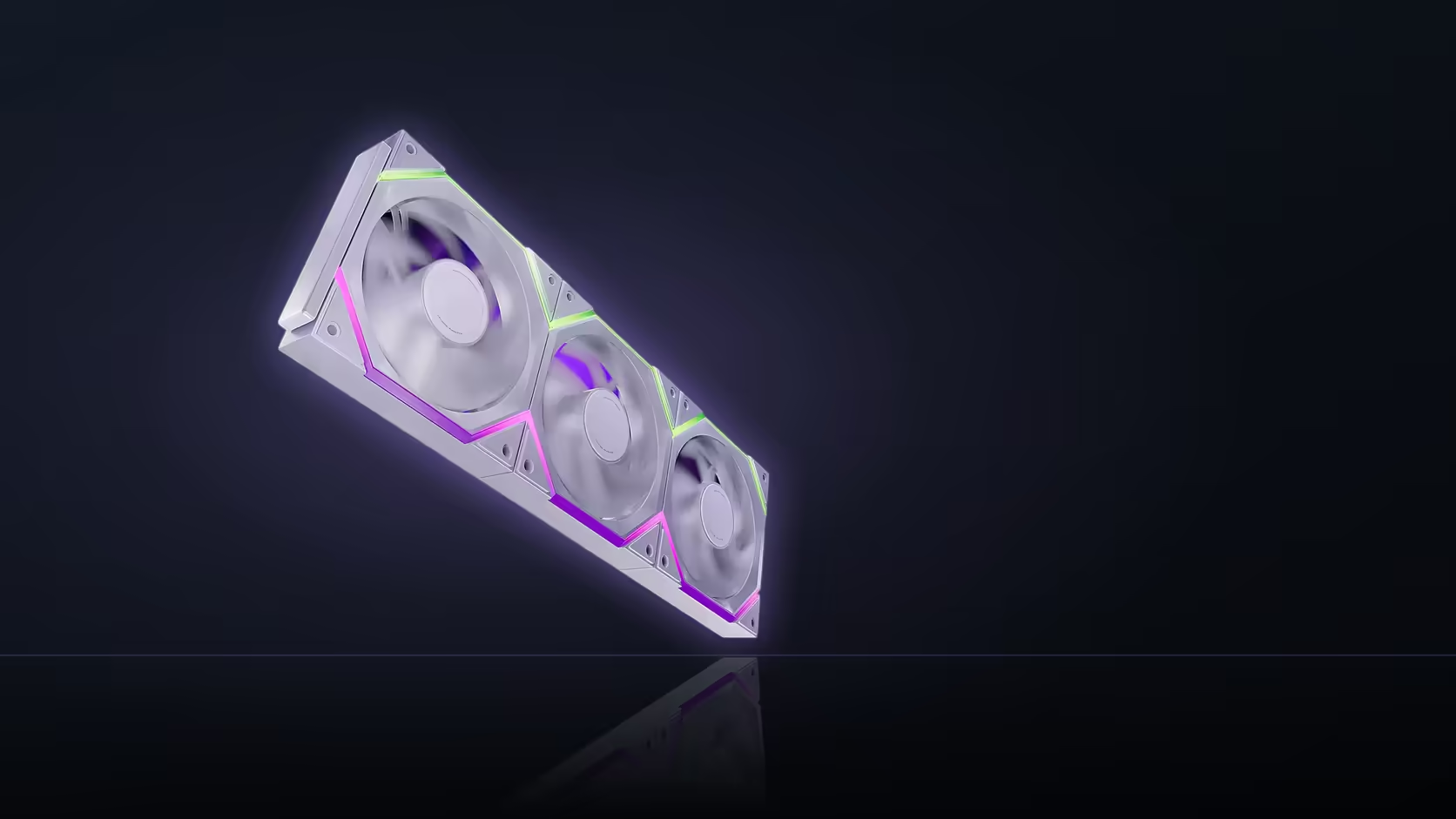
A build does not have to sit idle while a lighting decision drags on. The Nyota Pro row keeps cooling exactly as intended over its PWM connection no matter what gets decided about AsiaHorse's UMBRA hub, since the two systems run on entirely separate paths from the fan to the board.
Quick Answer
Yes, a Nyota Pro row cools normally with a lighting-control choice still pending, since airflow and speed run over a four-pin PWM connection with no dependency on the ARGB or UMBRA question. The R599 (VAT included) three-pack can operate for as long as needed on standard board-driven effects while the hub decision stays open. Nothing about cooling degrades or waits on that outcome.
🌡️ Why cooling and lighting are independent from the start
The fan's PWM connection handles speed and, by extension, airflow, entirely separately from the ARGB cable carrying lighting data. A build can run the fans at full performance with lighting left completely unconfigured, or configured only partially, and the cooling side is unaffected either way.
⚫ What happens with no lighting connected whatsoever
The fans spin normally, respond to their fan curve, and simply show dark, unlit rings. That state is not an error condition; it just reflects that the lighting connection has not been made yet, while the power and PWM paths that actually drive cooling remain entirely separate and fully functional.
🔁 Is standard effects a stopgap, or a real end state?
It is a genuine, supported mode described directly in the product listing, not a placeholder that exists only until something better arrives. A row can run on standard effects permanently, and there is nothing in the fan's design that treats this as temporary or incomplete.
🎛️ Would the hub, once added, touch cooling at all?
No. UMBRA's documented role is independent dual-zone lighting control; nothing about it relates to speed or airflow. Adding it later changes only how the ring's two zones are addressed, with the cooling path continuing exactly as it always has.
🛠️ What to actually set up at commissioning
Focus on the fan curve first, since that is what the build genuinely depends on for thermals, and it can be finalised with total confidence regardless of where the lighting question ends up. The Nyota Pro's 800 to 2000 RPM PWM range and 61.5 CFM ceiling, at 29 dBA or less, stay exactly the same regardless of any later hub purchase.
🚫 Buying the hub at the same time is not an option here
Since UMBRA is not part of Evetech's AsiaHorse range, it cannot be added to the same order as the fans in the first place, which makes board-driven sync the practical starting plan rather than a temporary one. For the fans themselves, Evetech's case fan category is where to browse, and fan controller hardware covers hub-based lighting more broadly.
Frequently Asked Questions
Does cooling depend on how the lighting is set up?
No, the four-pin PWM connection handles speed and airflow independently of any lighting-control decision.
What happens if no lighting cable is connected at all?
The fans run normally with dark, unlit rings, since power and PWM are entirely separate from the ARGB path.
Is standard effects only a temporary mode?
No, it is a supported end state in its own right, not a fallback pending a hub purchase.
Would adding UMBRA later change how the fans cool?
Not at all, since the hub only governs independent lighting control, not speed or airflow.
Should the fan curve be set up before the lighting question is resolved?
Yes, cooling performance is what the build actually depends on and can be finalised straight away.
What airflow figures does the Nyota Pro offer?
Up to 61.5 CFM at 29 dBA or less, across an 800 to 2000 RPM PWM range.
Ready to commission your fan row while the lighting question waits?
Browse Evetech's case fan range to keep your build's cooling on track.