Watching a connector click firmly into place is not the last checkpoint in fitting a 16-pin graphics card cable. The case panel pressure that happens next, once everything is closed up, can disturb a connection that looked entirely solid a moment earlier.
Quick Answer
Yes, a side panel pressing against a connector or the cable running from it can disturb a 16-pin 12VHPWR connection that was fully seated when you closed the case. AsiaHorse's instructions for the R699 Hydrus 16-pin cable specifically call for the connector to sit firm with no visible gap before powering on, and confirming the panel closes without making contact is part of actually meeting that instruction, not a separate step.
🔧 What the seating instruction is really asking for
Seating a 16-pin connector fully, with no gap, is what AsiaHorse explicitly asks for before the machine is powered up - a connection this dense carries meaningful current, and a partial seat can create resistance at exactly the point least able to tolerate it. A panel pressing continuously on that connector, or on the cable leaving it, applies ongoing force to a connection that was meant to sit undisturbed once seated.
How to actually check for this
Fit the side panel gently and stop the moment you feel any resistance, rather than pushing through it. Reopen the case and look directly at whether the connector has shifted or the cable has been pushed at an angle it was not sitting at before. This takes under a minute and confirms the panel is not quietly working against a connection you already got right.
📏 What causes the contact in the first place
Insufficient depth between the card and the panel is the usual culprit, and it shows up most often with thicker graphics cards paired with shallower cases - a combination that leaves very little room for a connector and its cable to sit clear of the glass or steel closing in behind it.
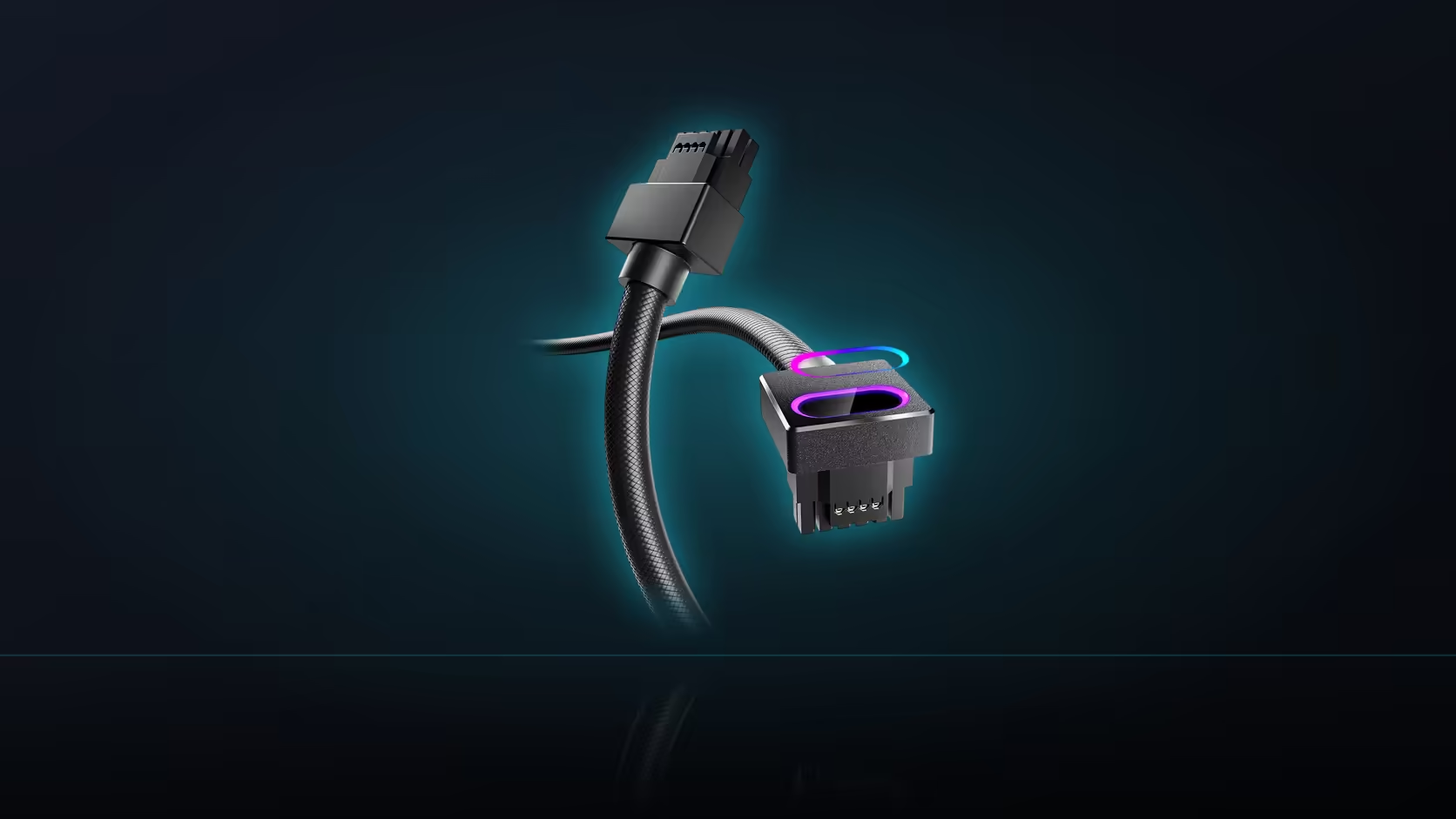
A right-angle head, like the one on the Hydrus cable, genuinely helps here - turning the cable at the card itself uses noticeably less depth than a connector standing straight out toward the panel would need. Recheck the seating after closing and reopening the panel, and again after the machine has been moved anywhere, since transport can shift a marginal connection that seemed fine when the build was assembled.
🚫 When depth is genuinely too short
If the available depth is genuinely short even with a right-angle connector, that combination simply does not fit, and forcing the panel closed regardless is not a solution worth considering. Case accessories that address this kind of clearance are in the case accessories category, and alternative cable options are in the cable solutions range.
Frequently Asked Questions
What does the seating instruction actually say?
Push the connector home until no gap remains and it feels genuinely firm before powering on - that specific step is called out for the 16-pin cable.
How could a case panel affect an already-seated connector?
By pressing on the connector itself or on the cable leaving it, applying continuous force to a connection meant to remain undisturbed.
How should this be checked in practice?
Fit the panel gently and stop at any resistance, then reopen and look for whether the connector has visibly shifted.
What usually causes this kind of contact?
Insufficient depth between the card and the panel, which is common with thicker graphics cards in shallower cases.
Does a right-angle connector help?
Yes - turning the cable at the card uses considerably less depth than a connector standing straight out toward the panel.
Should the seating be rechecked after the initial fit?
After closing and reopening the panel once, and again after the machine has been transported anywhere.
What if the depth is genuinely too short?
Then the arrangement simply does not fit as configured, and forcing the panel closed is not something worth attempting.
Fitting a 16-pin power cable in a tight case?
Check the case accessories range for clearance-friendly hardware and the cable solutions category for connector options that suit your depth.