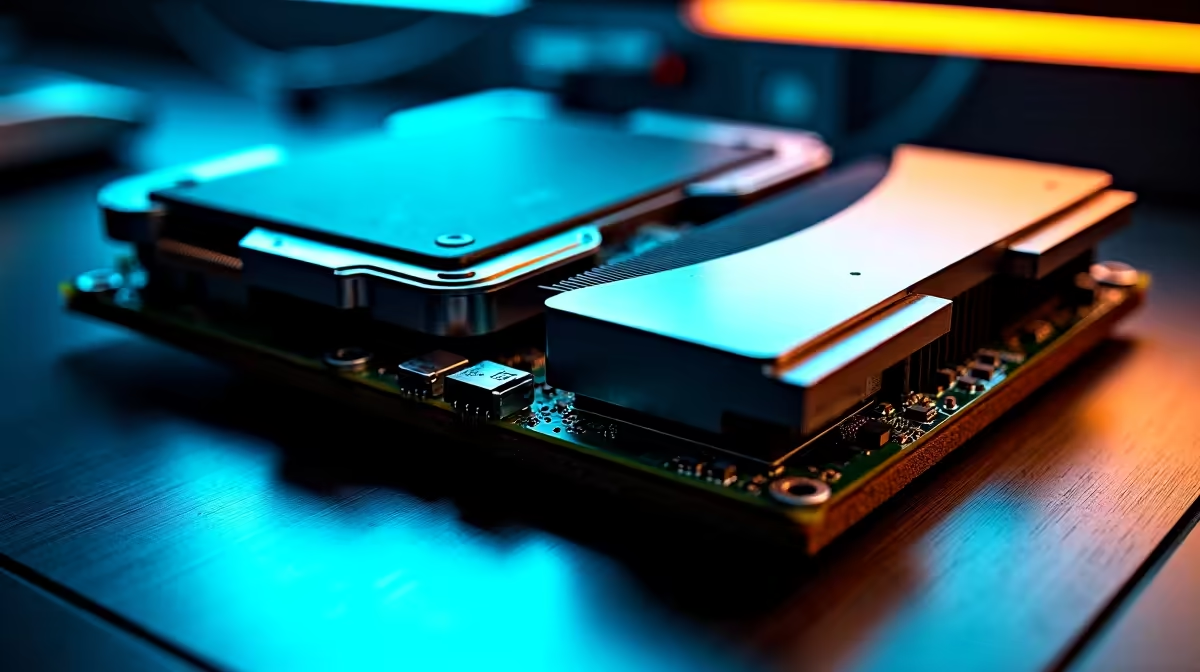
ASUS Prime B850M-F WiFi at R2,300 suits a creator desk where the CPU is already sorted and the motherboard needs current platform support plus built-in WiFi for a clean work area. For Photoshop, the bundle is only enough if the board gives the processor, memory, storage, and connection layout enough room to do the work without turning the desk into a cable mess.
What the board still needs to handle
MSI A520M-A PRO at R700 is the lean option from this list, with A520M in the model name signalling an entry-level board choice for a modest editing station. It can make sense when the machine is for lighter image work, admin, and occasional creative edits, but it is not the board I would choose for a fresh creator-focused build if the budget allows more platform headroom.
ASROCK B850 Pro RS at R2,850 gives you the B850 class step-up without jumping to the top of the list. That matters when the workstation is expected to stay useful for newer parts, faster storage planning, and a more serious desk setup over time.
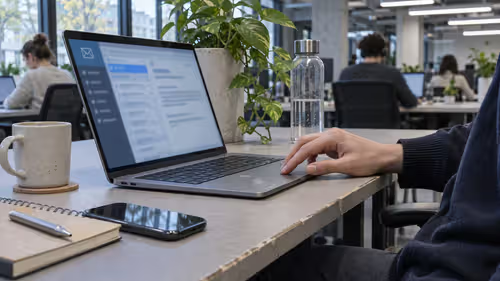
Creator Desk Reality In South Africa
MSI B850 Gaming Plus at R2,900 is close enough in price to the ASROCK B850 Pro RS at R2,850 that the choice should come down to the exact build layout, not only the R50 gap. For a home creator desk, B850 in the name is the useful signal: this is the level I would start from when the PC is meant for regular creative work rather than basic office use.
ASUS TUF Z890-Pro at R5,000 is the premium pick here, with Z890-Pro positioning it for a higher-end platform. Choose it when the CPU bundle is part of a more serious editing tower and the board budget is allowed to support a stronger long-term build.
Ready to choose the right motherboard?
For the creator desk decision, MSI A520M-A PRO at R700 gives you its listed spec to measure against the brief.