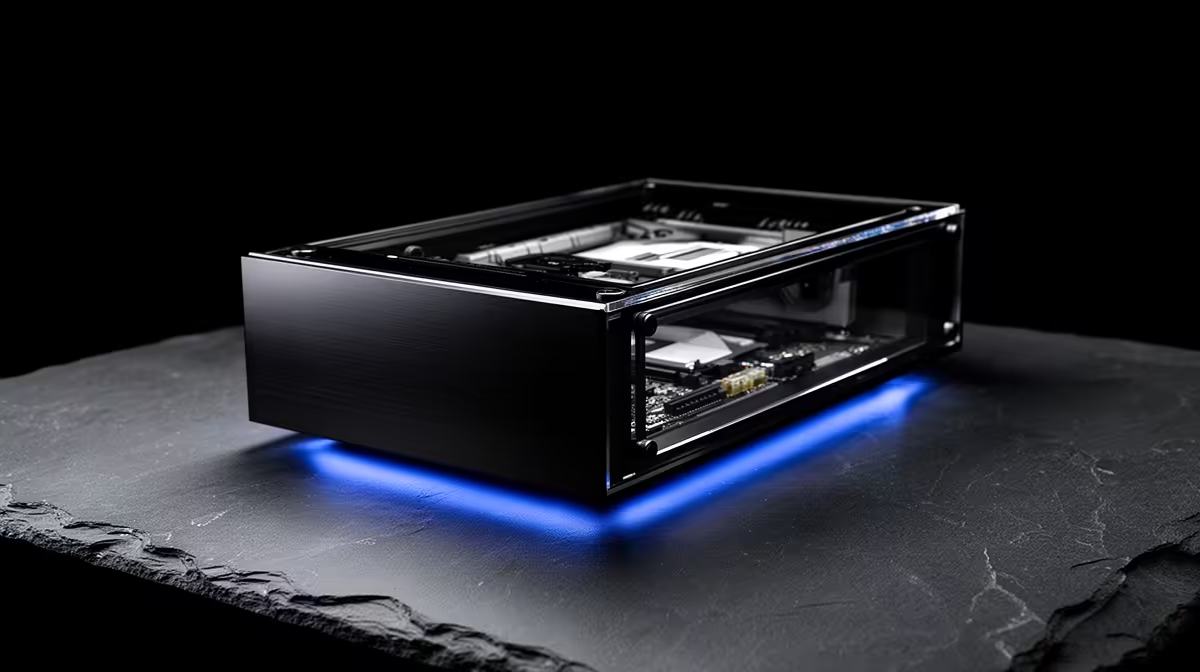
A cybersecurity lab PC runs virtual machines, capture tools and sometimes several network adapters, so the hardware plan should put RAM and CPU first. The case matters in specific ways, mostly airflow and expansion, and not in others.
Quick Answer
For a cybersecurity lab, the case matters when you need airflow for sustained VM loads and slots for extra network or storage cards; otherwise it does not affect your security work. Spend most of the budget on 32GB-plus RAM and a strong multi-core CPU, with a sensible mid-tower around R1,200.
When the case actually matters
The case earns attention when your lab runs many virtual machines at once, since that sustained load needs good airflow to keep the CPU from throttling; a case with mesh-front intake and room for extra fans helps here. It also matters if you add multiple NICs, capture cards or extra drives for forensic images, because you need the expansion slots and drive bays to fit them. In those cases, choose for cooling and capacity.
When the case is irrelevant
For the actual security skills, packet analysis, scripting, running VMs, the case is invisible; the work depends on RAM, cores and storage, not on the box. Do not spend on a premium glass-and-RGB case for a lab machine when that money buys more RAM, which lets you run more VMs simultaneously, the single biggest factor in a smooth lab. A plain, well-ventilated mid-tower is perfect.
FAQ
What hardware matters most for a cybersecurity lab?
RAM first, then a strong multi-core CPU, since running multiple virtual machines depends on both. 32GB-plus RAM lets you run more VMs smoothly than any case feature can.
Does the PC case affect cybersecurity work?
Only indirectly. It matters for airflow under heavy VM loads and for fitting extra network or storage cards, but it has no effect on the security tasks themselves.
Is a premium RGB case worth it for a lab PC?
No. A plain, well-ventilated mid-tower is ideal. Spend the saved money on RAM, which lets you run more virtual machines, the real driver of a smooth lab.
Pro Tip
Put RAM ahead of the case for a lab build; an extra 16GB lets you run more VMs at once, which improves the lab far more than any premium chassis.