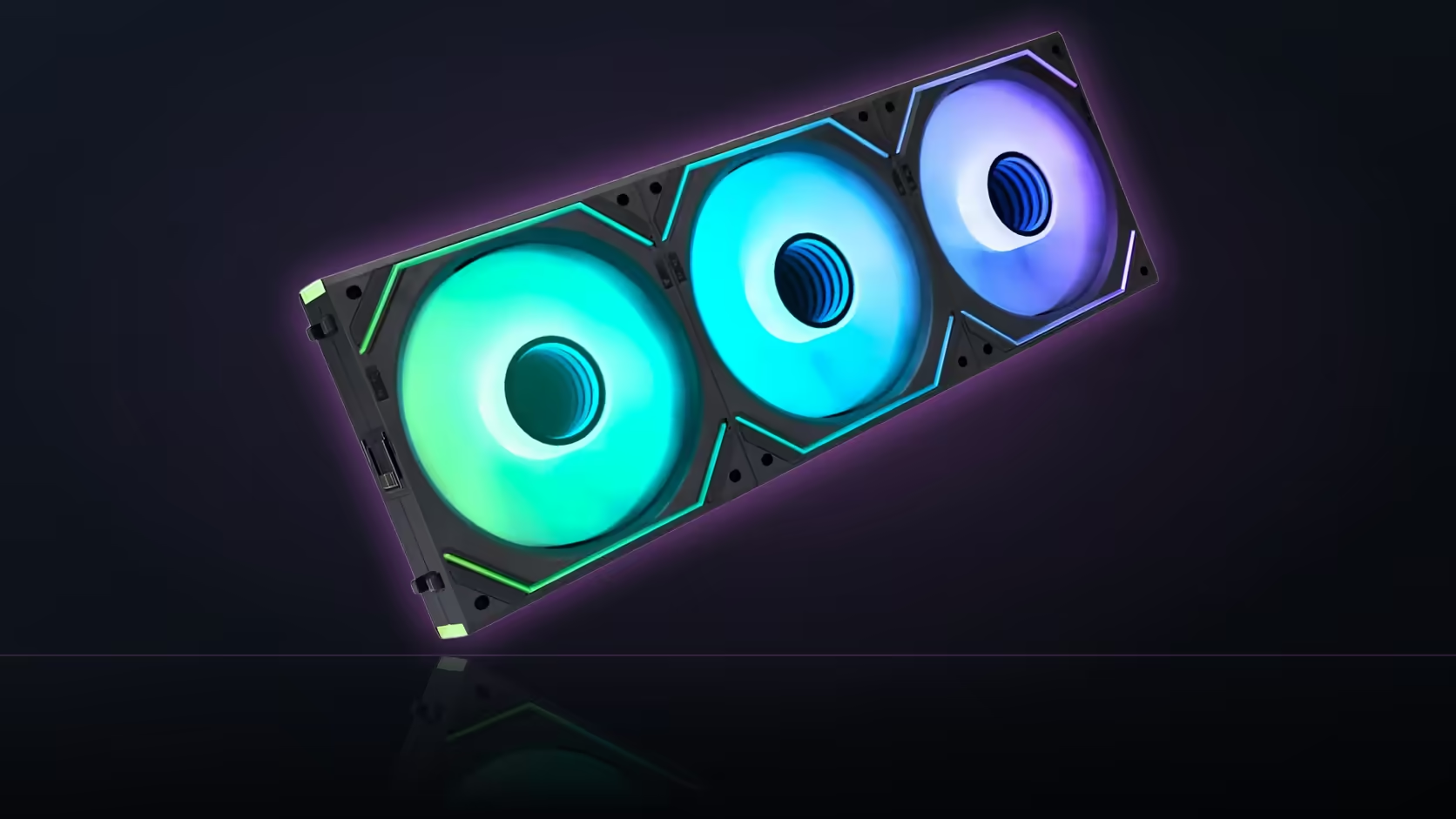
A fan that whispers on the spec sheet does not always whisper next to your pillow. The Dawn Pro range lists two numbers that shoppers tend to read as one promise: an airflow figure and a noise figure, printed side by side in the same product name. They are not describing the same moment. One is what the fan can move, the other is how quiet it can get, and nothing on the page says both happen together.
Quick Answer
The as low as 6dB figure on AsiaHorse's Dawn Pro 120mm ARGB fans describes the quietest point in the fan's range, not its behaviour while pushing the full 71 CFM of airflow it is rated for. Pricing sits at R269 for a single fan and R699 for the three-pack, VAT-inclusive figures that move with the market. For a bedroom setup, the number that actually matters is whatever speed your fan curve settles on day to day, somewhere between those two extremes.
🛏️ Reading two figures as one bedroom promise
It is an easy trap. A listing states 71 CFM and as low as 6dB in the same breath, and a tired brain merges them into "moves a lot of air while staying silent." Nothing in the queried fields ties the two together with a shared test condition, and that gap matters more beside a bed than almost anywhere else in a house.
A case fan marketed this way is being honest about its range, just not about where in that range your specific build will sit. That is a decision your motherboard's fan curve makes, hour by hour, based on load.
🔬 What sits between the two numbers
Every fan has an operating window bounded by its slowest and fastest useful speeds. Dawn Pro's listing gives you the edges: maximum airflow at one end, minimum measured noise at the other. Your case, your ambient temperature, and how aggressively you have configured the curve decide where the fan actually spends its time.
A machine idling on a browser tab sits close to the quiet end. The same machine loading a game pushes toward the airflow end, and that is where the 6dB figure stops applying. Knowing this before buying beats discovering it after the fans are mounted.
🎯 What to check before the purchase
Rather than trusting either headline figure alone, test the build at the speeds you will actually run it, in the room you will actually sleep in. A case accessory like a fan hub can help tame an aggressive curve if the stock behaviour runs louder than expected once the fans are fitted.
Frequently Asked Questions
Do the airflow and noise figures describe the same moment?
No. They sit at opposite ends of the fan's speed range, and the listing does not publish a shared test condition linking them.
What actually determines bedroom noise?
The fan curve your board runs day to day, since that decides where in the range the fan spends most of its time.
Is there a published noise curve for this range?
Not in the fields available here. Only the two boundary figures are stated, without the speeds that produce them.
How do I judge it for my own room?
Run the finished build at normal speeds and listen from where you would actually be sleeping, since room acoustics vary from one bedroom to the next.
Does a slower fan always sound quieter?
Mostly, though bearing hum and mounting vibration can persist even at low speed, which is why listening matters more than trusting a printed number.
What bearing is inside Dawn Pro?
A hydrodynamic design rated for 50,000 hours, which the listing links to its quiet-running claim rather than to the airflow figure.
Building a bedroom rig and unsure what will actually stay quiet?
Browse Evetech's case fan range and pair it with the right accessories before you commit to a layout.