Quick Answer
CAD apps like Fusion 360, SolidWorks and AutoCAD load large assemblies into memory, so capacity and stability matter more than raw bragging-rights speed. On AMD AM5, an EXPO-rated DDR5-6000 CL30 kit (about R1,400 to R2,200 at Evetech) reaches rated speed with one BIOS toggle, with no manual tuning needed.
EXPO On AMD: What You Are Paying For
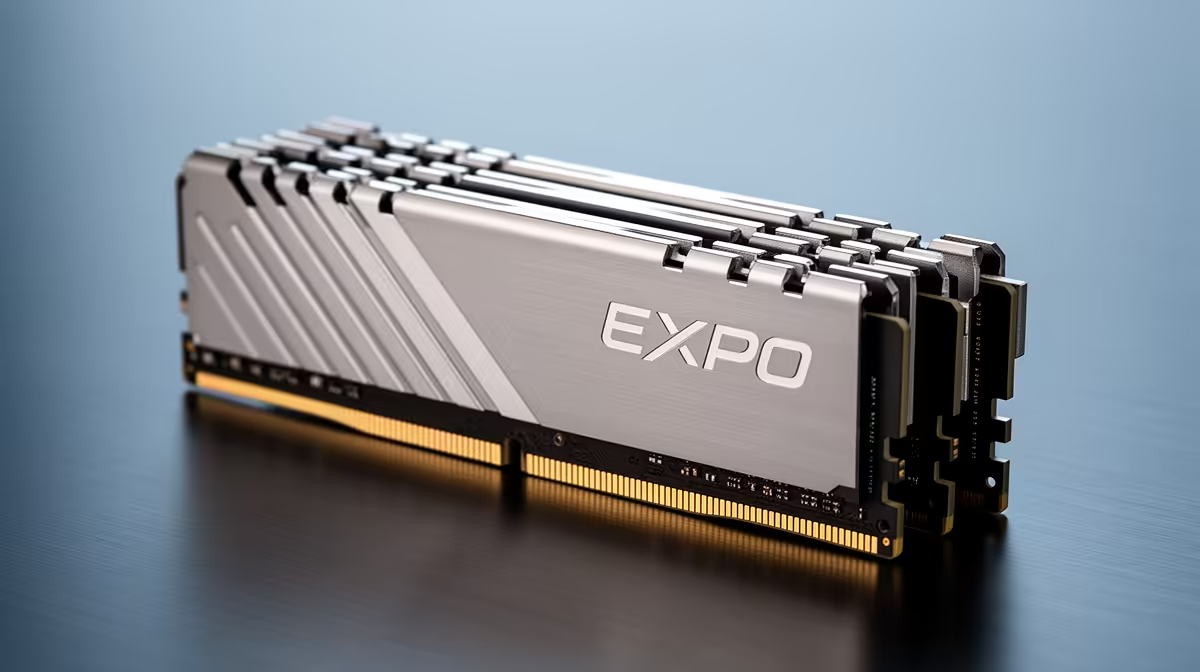
EXPO is AMD's tested memory profile, the Ryzen counterpart to Intel's XMP. On an AM5 board a DDR5-6000 CL30 EXPO kit such as the G.Skill Flare X5 DDR5-6000 CL30 32GB reaches its rated 6000 MT/s 1:1 with a single BIOS toggle. Buying an AMD-validated EXPO kit avoids the trial-and-error of manual tuning, which matters most for first builds. Paying extra for an even faster EXPO profile rarely helps on AM5, because 6000 MT/s is the controller sweet spot and higher speeds can drop to a slower 2:1 mode.
DDR5 For CAD Workloads
Fusion 360 and SolidWorks comfortably want 32GB, and large assemblies in AutoCAD or Inventor push toward 64GB. A Kingston Fury Beast DDR5-6000 64GB gives that headroom so the viewport stays responsive while a rebuild runs. Stability beats overclocking here, so an EXPO or XMP profile at 6000 MT/s is the right ceiling for a study machine.
FAQ
Is XMP or EXPO safe to enable on my board?
Yes. XMP (Intel) and EXPO (AMD) are tested factory profiles you switch on in BIOS to reach the rated speed. Without them the kit defaults to a slow JEDEC speed like 4800 MT/s, so you would be wasting what you paid for.
What DDR5 speed is the AM5 sweet spot?
6000 MT/s CL30 is the AM5 sweet spot because the memory controller runs 1:1 there. Pushing to 6400 MT/s often forces a slower 2:1 mode that can actually lose performance, so 6000 is the safe target.
Do I need 32GB or is 16GB enough?
16GB still games at 1080p, but 32GB is the comfortable 2026 buy for multitasking, modded games and creator apps. A 32GB DDR5-6000 kit lands around R1,400 to R2,200 locally, a small premium for real headroom.
EXPO-rated DDR5-6000 kit for AM5 and toggle EXPO in BIOS; skip the faster bins. After installing, enter BIOS and switch on EXPO or XMP so the kit runs at its rated speed, not the 4800 MT s default.