


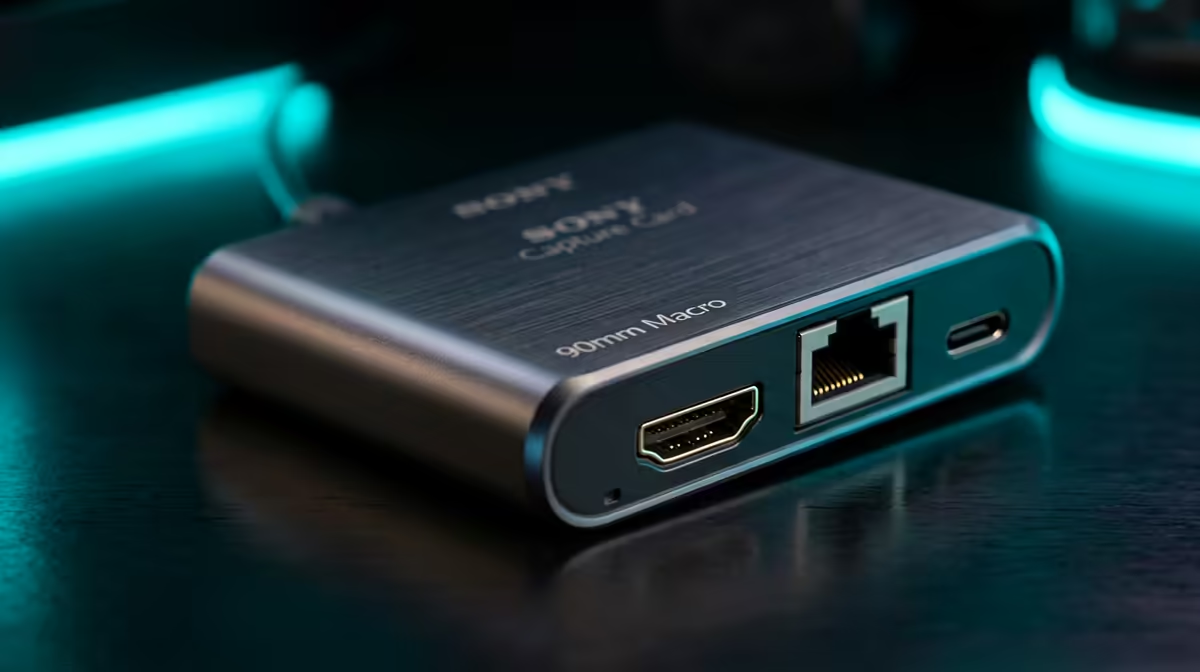
Single-PC streaming used to demand a capture card, but modern GPU encoders changed that. The honest answer for SA streamers is that most no longer need one, the question is whether your specific setup is the exception.
Quick Answer
No, for single-PC streaming you generally do not need a capture card, modern NVIDIA NVENC and AMD AV1 GPU encoders handle game capture and encoding in software with excellent quality and minimal performance cost. A capture card is only useful for single-PC streaming if you capture an external device like a console or a second source; for streaming PC gameplay alone, your GPU's encoder is all you need.
Why GPU encoders replaced capture cards
A capture card's original job was to offload encoding, but modern GPUs do this on dedicated hardware, NVIDIA's NVENC and AMD's AV1 encoder, which barely touch gaming performance. Streaming software like OBS captures your gameplay directly and hands it to the GPU encoder, producing a high-quality stream without extra hardware. For a single PC streaming its own gameplay, a capture card adds cost and complexity for no benefit. The exception is capturing an external source, a console, camera, or a second gaming PC, where a card genuinely helps.
What you actually need for single-PC streaming
For streaming PC gameplay, prioritise a GPU with a strong encoder (any recent NVIDIA or AMD card), enough CPU headroom, 32GB RAM, and a fast upload on your fibre line. Configure OBS to use the GPU encoder (NVENC or AV1) rather than CPU x264, it frees the CPU for the game. A capture card only enters the picture if you add a console or external camera feed. Spend the capture-card budget on a better GPU or microphone instead, both improve the stream more.
set the encoder to NVENC (NVIDIA) or AV1 (AMD) rather than CPU x264, it offloads streaming to dedicated GPU hardware with minimal impact on your game.
FAQ
Do I need a capture card for single-PC streaming?
No, for streaming your own PC gameplay, modern GPU encoders (NVENC, AV1) handle it in software with excellent quality. A capture card is only needed to capture an external device.
When is a capture card useful?
When you capture an external source, a console, camera, or a second gaming PC. For a single PC streaming its own gameplay, the GPU encoder makes a card unnecessary.
What do I need instead of a capture card?
A GPU with a strong encoder, CPU headroom, 32GB RAM, and a fast fibre upload. Configure OBS to use the GPU encoder, and spend the saved budget on a better GPU or mic.
For single-PC streaming, use your GPU's NVENC or AV1 encoder, skip the capture card unless you capture an external source, at Evetech.











