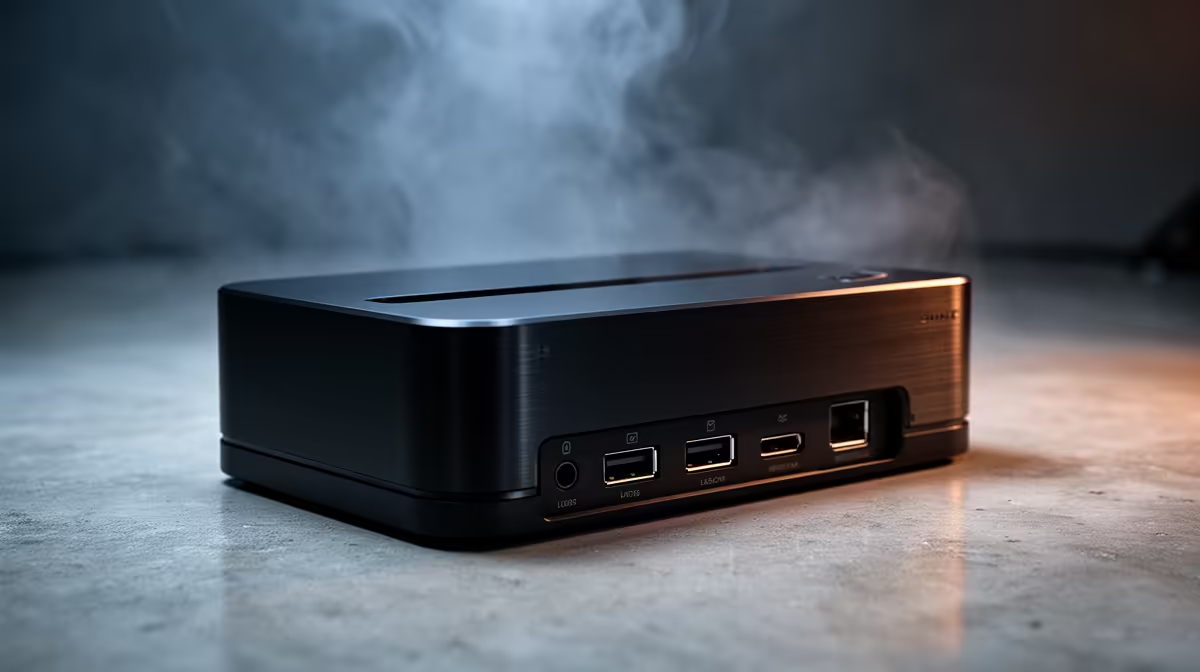
IT support teams need docks that are reliable, broadly compatible across a mixed laptop fleet and easy to swap when one fails, rather than packed with niche features. For SA support desks, the spec floor is about universal USB-C compatibility, solid power delivery and enough ports to drive a standard two-monitor support station.
Quick Answer
For IT support, a universal USB-C dock that drives dual 1080p or 1440p displays, supplies 65W to 100W power, and offers Gigabit Ethernet with several USB ports is the practical floor. Standardise on docks around R1,800 to R3,500 so spares are interchangeable across the fleet. Consistency and stock availability matter more than premium specs for a support team.
Standardise to keep the fleet supportable
A support team's worst enemy is a drawer of mismatched docks. Choosing one universal USB-C dock model that works across most of the laptop fleet means a failed unit is swapped in minutes with an identical spare. Aim for a dock that drives dual 1080p or 1440p displays, since that covers a standard two-screen support station for ticket queues and remote sessions. Buy a few spares up front so a dead dock never blocks a technician from working.
Power delivery to cover mixed laptops
A fleet usually mixes ultrabooks and heavier workstations, so a dock with 100W power delivery safely charges the demanding machines while comfortably handling the light ones. Under-spec a dock at 65W and the bigger laptops slowly drain through the day, generating support tickets of their own. Confirm the highest-wattage laptop charger in the fleet and pick a dock that matches or beats it, so one dock model genuinely covers every device the team supports.
Connectivity for a real support desk
Support technicians often connect a wired keyboard and mouse, a headset, a label printer and the occasional USB diagnostic tool, so a dock with four or more USB ports and Gigabit Ethernet keeps everything live from one cable. Wired Ethernet also gives the stable connection that remote-control tools and large image downloads need. A dock with a clean single-cable connection lets a technician hot-desk between offices and be fully set up again in seconds at any standardised station.
FAQ
What dock should an IT team standardise on?
A single universal USB-C model that drives dual displays, supplies up to 100W and offers Gigabit Ethernet. Standardising means failed units swap instantly with identical spares across the fleet.
Why does power delivery matter across a fleet?
Mixed fleets include heavier laptops that need 100W to charge. A 65W dock drains those machines through the day, so matching the highest-wattage charger keeps one dock model working for every device.
How many USB ports does a support station need?
Four or more, plus Gigabit Ethernet. Technicians connect keyboards, mice, headsets, printers and diagnostic tools, and a single-cable dock lets them hot-desk between offices without rebuilding the setup.
Standardise the team on one universal 100W USB-C dock and keep spares on hand; order matching units from Evetech so a failed dock is a two-minute swap, not a blocked technician.