Polling is the keypad's clock, and in South Africa the connection is usually the slower clock. The question is whether 8000Hz changes anything on a fibre line to a Johannesburg or Cape Town server, or whether the ping overshadows the keypad every time. You can tell the two apart in about ten minutes with a simple timing check, and the results decide what to upgrade first.
Quick Answer
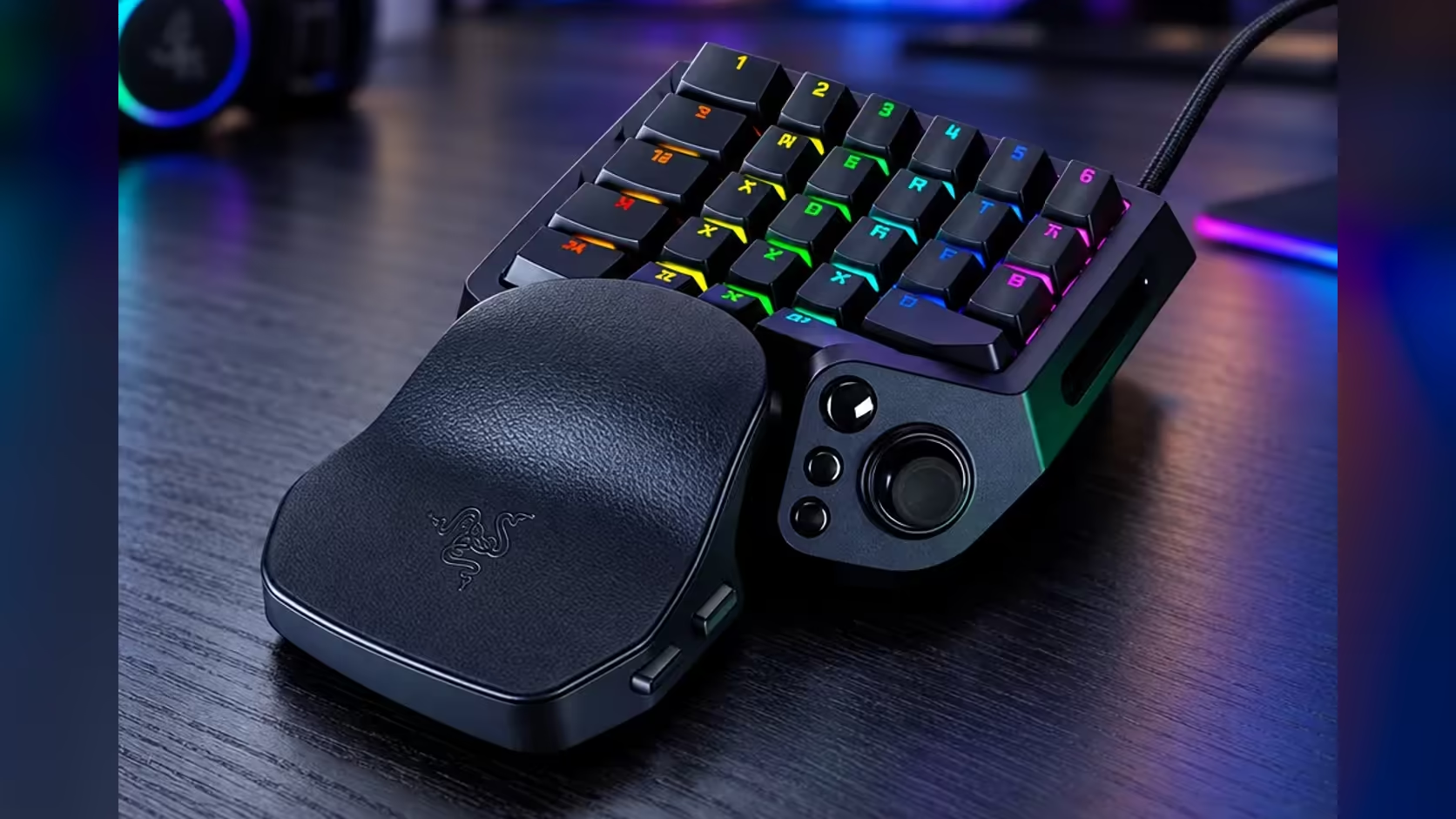
For most setups, 8000Hz matters less than the connection to the game server. Polling sets how often the keypad reports, a gap of 0.125ms at 8000Hz. A ping to a Johannesburg or Cape Town server runs in tens of milliseconds, so the line dominates. At R4,799 the keypad reaches 8000Hz polling.
📡 Compare the two numbers, not the adjectives
Put the two figures next to each other. The keypad's gap between reports is 0.125ms at 8000Hz and 1.0ms at 1000Hz. Your ping to a server in Johannesburg might read 30ms on a good day. That makes the ping about 240 times the polling gap, so the connection is the larger delay by a wide margin.
Read your own ping in the game's network readout rather than trusting a typical figure. A number that looks fine in a quiet hour can jump at peak time, and the jump is the one you feel in a match. The polling rate does not change that jump at all.
🏠 Fibre, routing and a shared household line
A household line is shared, so a download or a video stream in another room competes with your game for bandwidth. Check your ping at 8pm and again at 10am on the same server. If the evening reading is far worse, the line is the limit, and no keypad setting will fix it. A capped fibre plan can also slow down late in the month as the allowance runs out, so note the date you see the change.
Routing matters too, and no keypad setting touches it. If the keypad is the part you are still choosing, compare the options in our gaming keyboards range once the line is checked. A server that is closer on the map is not always closer on the network. Compare your ping to the server you actually use, rather than to a server that sounds nearer. The gap between the two can be larger than any change you make on the desk.
🧪 Test it on your desk
Play one short session at 8pm and another at 10am, and note the ping shown in the game each time. Then play a training drill of ten quick taps on a single key at 8000Hz and again at 1000Hz, if your keypad lets you switch. Compare the feel and the misses, but keep the desk still while you test, so the keypad does not shift under your palm. A desk mat from our gaming accessories range can help with that.
If the drill shows no difference you can feel or count, choose the keypad on features rather than on the polling rate. If you do feel a difference, keep 8000Hz on and look hard at the connection next, since the connection is the number that usually limits you.
Frequently Asked Questions
Does 8000Hz help on a South African fibre line?
Not much on its own. The keypad's polling gap is far smaller than a typical ping to a Johannesburg or Cape Town server, so the line sets the timing.
What ping should I expect to a local server?
It depends on the server and the route. Measure your own ping at two times of day in the game's network readout rather than trusting a figure from elsewhere.
Why is my ping worse in the evening?
A shared household line is busy at peak hours. Check the reading at 8pm and 10am on the same server to see how much of the change is the line.
Should I upgrade the keypad or the connection first?
If your ping swings widely, look at the connection first. If your ping is steady and the drill still feels slow, the keypad settings are the next place to look.
Ping checked?
Run the timing test at two times of day, then decide whether a faster keypad or a steadier line is the upgrade that matters.