



1000W PSU Planning for RTX 5090 Builds in SA
1000W for RTX 5090 needs a full-build check, not a simple yes. Review GPU guidance, CPU draw, transient load, connectors, PSU quality, and upgrade plans before deciding.
Read moreDoes device compatibility matter should be shortlisted around the job it must do. South African buyers should compare fit, performance, compatibility, and upgrade room, warranty path, and upgrade room before treating any pick as best.
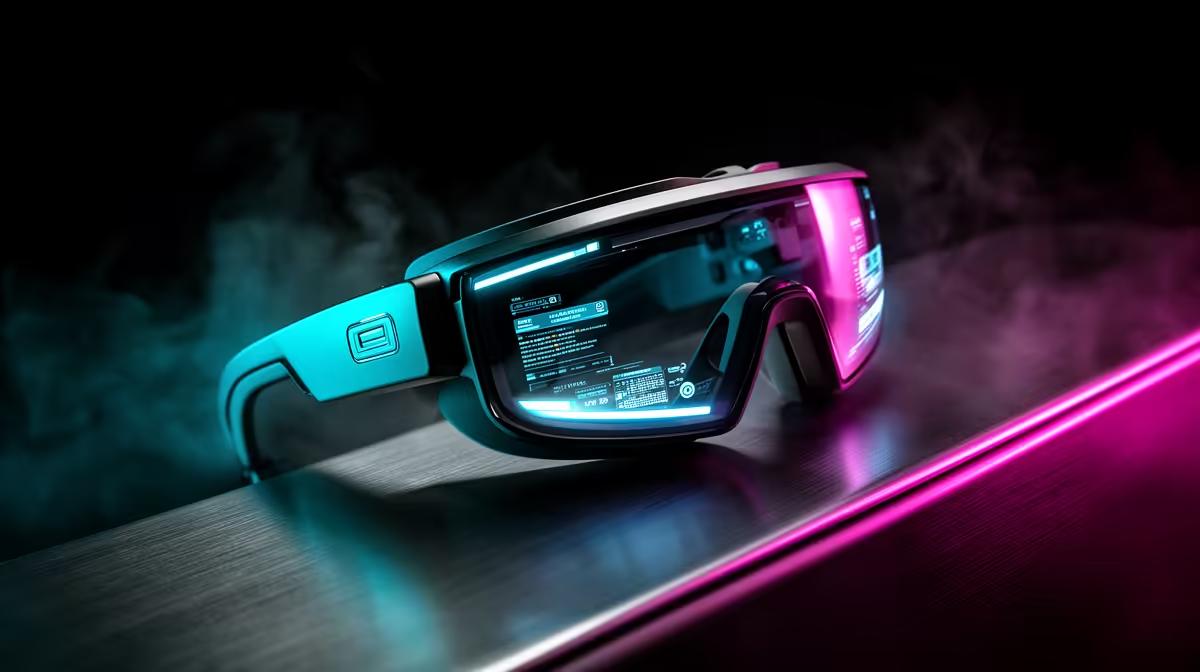
For competitive gamers, device compatibility is the make-or-break spec when buying AR glasses, because a pair that does not accept your console or handheld's video signal is useless. AR display glasses at Evetech run roughly R5,000-R12,000, and most need a USB-C DisplayPort-capable source.
AR glasses like Xreal or Viture models accept video over USB-C with DisplayPort Alt Mode, so confirm your PC, handheld or console outputs that signal before buying. A Steam Deck or ROG Ally works directly; a Nintendo Switch or some phones need an adapter or dock. For competitive gaming, also check the panel's refresh rate, since 120Hz matters far more than for video.
Competitive shooters demand low latency, so look for AR glasses with a 120Hz+ Micro-OLED panel and minimal display lag. A 60Hz pair is fine for media but feels sluggish in a fast match. The glasses act as a big virtual screen (often 130-inch equivalent), which is great for immersion, but verify the rated latency suits twitch gameplay before committing.
To feed AR glasses at 120Hz you still need a capable source. A handheld with an RTX-class chip or a gaming laptop with an RTX 4060 keeps frame rates high enough to use that refresh. Budget for the source too: a R10,000 pair of glasses paired with a weak device will not deliver competitive frame rates, so the whole chain must match.
Only if it outputs USB-C DisplayPort video. A Steam Deck or ROG Ally works directly; a Switch or some phones need an adapter. Always confirm the source's video output before buying AR glasses.
Better models offer 120Hz Micro-OLED panels suited to fast play; 60Hz pairs feel sluggish in shooters. Check the rated refresh and display latency, not just the virtual screen size, for competitive use.
A handheld or laptop with an RTX 4060-class GPU to keep frame rates up. A weak source wastes a 120Hz pair of glasses, so match the device's power to the glasses' refresh capability.
Confirm your device outputs USB-C DisplayPort video and target a 120Hz pair for competitive play. Pair with an RTX 4060-class source so frame rates keep up. Browse AR glasses at Evetech.
1000W for RTX 5090 needs a full-build check, not a simple yes. Review GPU guidance, CPU draw, transient load, connectors, PSU quality, and upgrade plans before deciding.
Read more
RTX 5080 Super with a 750W PSU is more comfortable than lower wattage if the unit is quality. SA builders should still confirm GPU guidance, CPU draw, connector type, airflow, and upgrade room.
Read more
How to fix FPS drops after a RX 9070 XT starts with driver cleanup, chipset updates, thermals, and power checks. For SA gaming PCs, confirm PCIe seating, monitor refresh, frame caps, and per-game graphics settings before replacing parts.
Read more
How to fix low FPS Windows 11 Wi-Fi 7 issues starts by checking whether the problem is frame rate or network lag. Test ping, drivers, power settings, Ethernet, and game FPS before adjusting visuals.
Read more
AM5 is smart for SA builders because it supports newer Ryzen CPUs, DDR5 memory, and a longer upgrade path. Compare board cost, cooling, gaming needs, and local part availability before choosing your next PC platform.
Read more
AM5 gives Randburg gaming builders a longer upgrade path. For SA buyers, DDR5 support, newer board features, and future CPU options can justify the platform. Weigh board cost, cooler support, BIOS maturity, and upgrade timing before choosing.
Read more
RTX 5090 on a 550W PSU leaves almost no practical room for OC plans. Treat the setup as constrained, with CPU draw, power spikes, cable quality, thermals, and stability checks more important than chasing extra clocks.

FPS drops on a Ryzen 9 9950X3D build often have a fixable cause. Check settings, drivers, thermals, background tasks, network conditions, and bottlenecks before assuming a part must be replaced.

The difference between PCIe 5.0 and PCIe 4.0 for SA gamers is mostly bandwidth headroom. Compare GPU slot needs, NVMe speed, motherboard support, and upgrade timing before paying extra for a newer platform.

Gaming PC stuck pixel checks in South Africa should confirm the monitor fault first. Use colour tests, screenshot comparison, cable swaps, display menu checks, and clear photos before deciding on support.

AMD's current driver now lists a Radeon RX 9050 4GB, while product coverage details a narrowed memory system. SA buyers should weigh the low VRAM ceiling against current local Radeon options.

Samsung Display has demonstrated a 16-inch 2.5K OLED laptop panel running at 300Hz. SA buyers should wait for a named notebook, full panel specifications and a local price before planning an upgrade.

Microsoft says some Windows 11 game crashes after recent updates are linked to RGB-related drivers. Affected SA gamers should confirm the update and driver before using the published registry workaround.

Thermalright's Fan Frame Vision-1 adds a 640x172 status screen to a standard 120mm fan. SA builders should check clearance, USB routing and local support before treating it as an easy upgrade.
AMD's current driver now lists a Radeon RX 9050 4GB, while product coverage details a narrowed memory system. SA buyers should weigh the low VRAM ceiling against current local Radeon options.
Microsoft says some Windows 11 game crashes after recent updates are linked to RGB-related drivers. Affected SA gamers should confirm the update and driver before using the published registry workaround.
Samsung Display has demonstrated a 16-inch 2.5K OLED laptop panel running at 300Hz. SA buyers should wait for a named notebook, full panel specifications and a local price before planning an upgrade.
Thermalright's Fan Frame Vision-1 adds a 640x172 status screen to a standard 120mm fan. SA builders should check clearance, USB routing and local support before treating it as an easy upgrade.