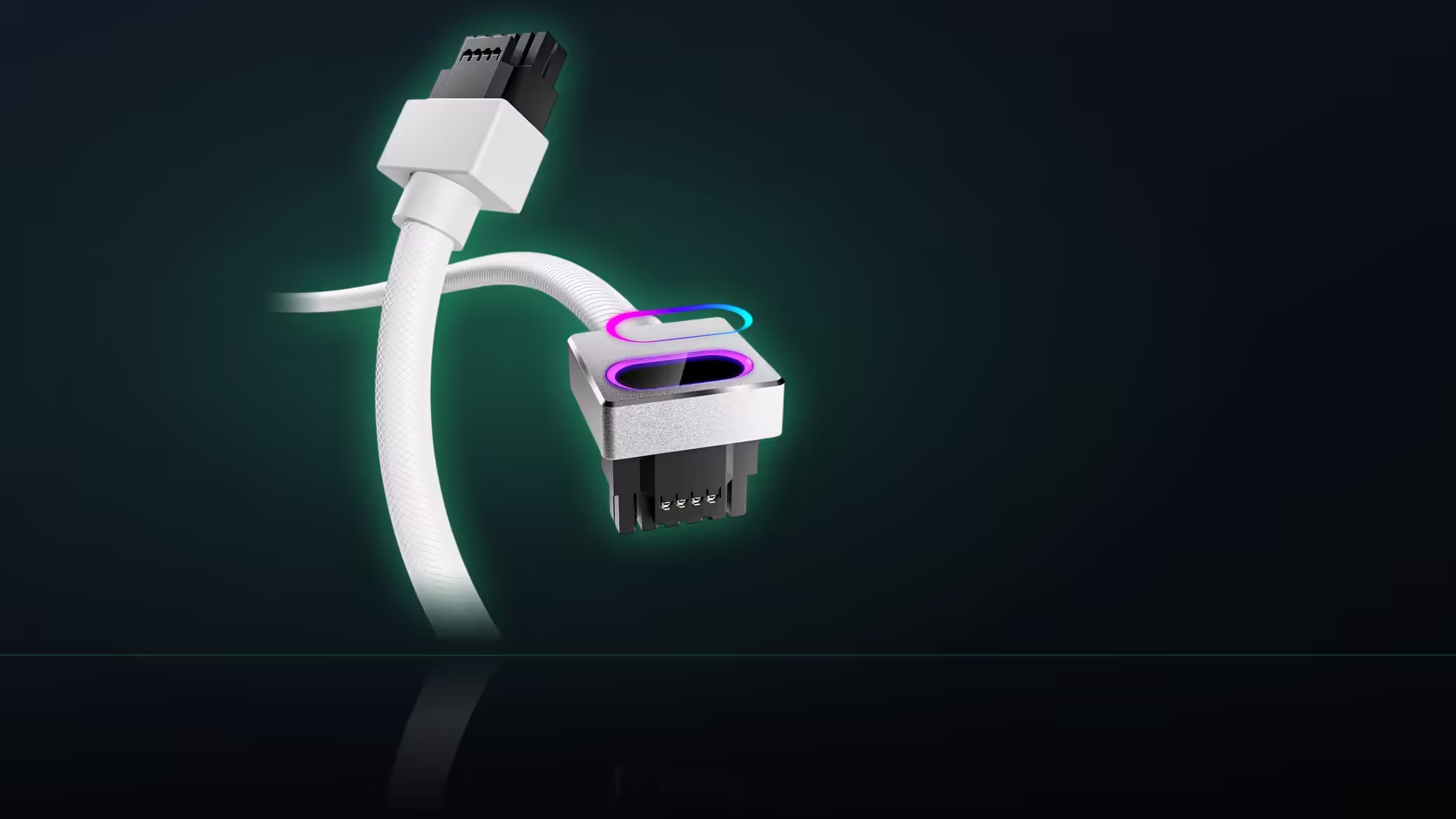
Owning an RTX 5080 settles exactly half of what this cable needs. The card side of the equation checks out, since AsiaHorse names the 5080 on its supported list. What it says nothing about is your power supply, and that is where most people trip up, because the cable answers to a socket, not to the card you happen to be running.
Quick Answer
R699 in black or white, this AsiaHorse Hydrus 16-pin (12VHPWR) cable plugs directly into a power supply's native 16-pin port - it is not designed to work through an adapter. An RTX 5080 is on the compatible card list alongside the RTX 5070 and the RTX 40-series, but the supply still needs that dedicated socket before the cable can go anywhere.
Two conditions, checked separately
Compatibility for this cable rests on two things that have nothing to do with each other. The card has to be one AsiaHorse names, and the RTX 5080 clears that bar easily. Separately, the power supply has to carry a native 16-pin 12VHPWR socket on its modular panel. Confirming one tells you nothing about the other, which is exactly why builders who check only the card end up stuck at install.
Where to actually look
Pull the side panel and look at the modular sockets on the supply itself. A native 16-pin port is labelled distinctly from the eight-pin positions beside it - it is not something you infer from the supply's wattage or its age, it is either printed on the panel or it is not.
Why an adapter does not solve it
Some builders assume an adapter converting two eight-pin leads into a 16-pin head satisfies the requirement. It does not, at least not in the way this cable is designed to be used. The cable is built to seat into a genuine 16-pin socket on the supply, and treating an adapter position as equivalent skips the check the cable actually depends on.
The rating that sits alongside the card list
AsiaHorse rates this cable at 480W. That is a property of the cable, separate from whatever your supply can deliver in total and separate from what the RTX 5080 itself draws under load. Reading the card's own published power figures against that 480W number is worth doing on a higher-draw build, rather than assuming the listed compatibility already covers it.
After the port is confirmed
Once you know the socket is there, the rest follows the standard path: seat the connector fully with no gap before powering on, and check the comprehensive cable solutions range for the matching board and CPU extensions if you are dressing the whole build at once. If the RTX 5090 is on your shortlist instead of the 5080, note that AsiaHorse excludes it from this cable entirely. Evetech's graphics card accessories selection covers whatever else a 12VHPWR card needs around it.
Frequently Asked Questions
Where exactly do I check for the port?
On the supply's modular panel with the side off - the socket types are printed there, and a native 16-pin position is marked separately from the eight-pin ones.
Does an adapter count as having the port?
No. The cable is meant to plug into a genuine 16-pin socket, not into an adapter built from smaller connectors.
Does an RTX 5080 satisfy the whole requirement on its own?
Only the card half. It is on AsiaHorse's compatible list, but the supply still needs the native socket independently.
What if my supply has no such socket?
Then the cable has nowhere to connect, and the cable that came with your supply is the one to keep using.
Is 480W a wattage my supply has to hit?
No, that figure describes the cable AsiaHorse builds, not a minimum or maximum for your power supply's overall rating.
Are all 16-pin sockets built the same?
The 12VHPWR connector is a defined standard, which is why it is referred to by socket type rather than by supply brand.
Should I check the card or the supply first?
Either order works, but both have to pass before ordering - checking only one is the mistake that causes returns.
Not sure your supply has the socket this cable needs?
Pull the side panel and check the modular sockets, then head to Evetech's cable range once you know what you are working with.