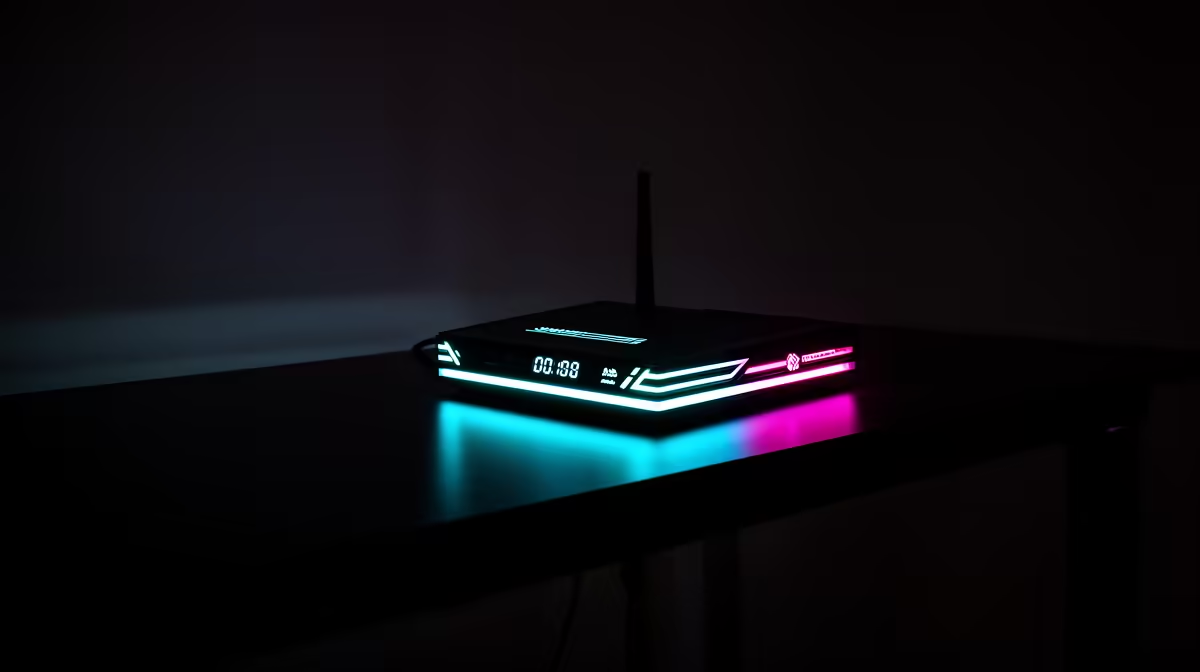
Double NAT means two routers translate private addresses before traffic reaches the internet. It often appears when your own router sits behind an ISP gateway that still operates as a router. Party chat and inbound console connections can become harder.
Quick Answer
Check the WAN address shown by your gaming router. If it is a private range and the upstream gateway also has a private LAN, you probably have two NAT layers. A strict NAT type can have other causes, including CGNAT and blocked ports.
Use one device as the router. Put the ISP gateway into supported bridge or passthrough mode, or set your own unit to access-point mode when the gateway must remain in charge.
Review networking equipment and popular console accessories after confirming which box owns the internet connection.
Confirm the Two Layers
Compare the gaming router's WAN address with the public address shown by a trusted lookup. Private ranges include 10.0.0.0/8, 172.16.0.0/12 and 192.168.0.0/16.
The provider can also use 100.64.0.0/10 for CGNAT. Bridge mode inside the home does not remove carrier NAT.
Choose the Safe Fix
Bridge or passthrough mode lets your own router receive the internet-facing address and handle NAT, firewall and Wi-Fi. Ask the ISP whether it supports the mode and whether PPPoE credentials, VLAN settings, voice or television services are involved.
Access-point mode removes routing from your own unit. The ISP gateway keeps NAT and DHCP, while the second unit supplies Wi-Fi and Ethernet ports.
DMZ to the second router can improve inbound reachability but still leaves two translation layers. Use it only with an understood firewall setup, not as the first universal fix.
Test After the Change
Restart the gateway, router and console in that order. Check the router WAN address and console NAT type. Test party chat and multiplayer rather than trusting the label alone.
Keep one DHCP server active. Two DHCP services can create address conflicts. Save the old settings before changing modes so internet access can be restored.
Avoid the Port-Forwarding Pile
Do not forward the same game ports through both routers as the first response. Rules can conflict, expose the wrong device and hide the real topology problem.
Enable UPnP on the single chosen router where the platform guidance supports it, then retest. If manual rules are required, reserve the console address and add only the current documented ports.
Check that two consoles do not compete for one fixed inbound mapping. Modern platform services can negotiate this better through a clean single-NAT setup.
FAQ
Does double NAT always mean strict NAT?
No. It raises the chance of inbound and party problems, while platform services and UPnP can still work.
Is bridge mode the only fix?
No. Access-point mode leaves the ISP gateway as the single router. Choose based on which device you want in control.
Is CGNAT the same thing?
No. CGNAT is an upstream provider layer. Removing a home router does not remove it.
Identify every NAT layer, choose one home router, and confirm ISP bridge, passthrough or CGNAT details before changing the gateway.