



1000W PSU Planning for RTX 5090 Builds in SA
1000W for RTX 5090 needs a full-build check, not a simple yes. Review GPU guidance, CPU draw, transient load, connectors, PSU quality, and upgrade plans before deciding.
Read moreFamily use and homework make a dual-WAN router worth considering when schoolwork, streaming and shared devices all depend on one home network. Prices include Cudy WR1300 at R327, WR3600E Wi-Fi 7 at R766, M3000 mesh 3-pack at R1,502, and LTE options from R450 upward.
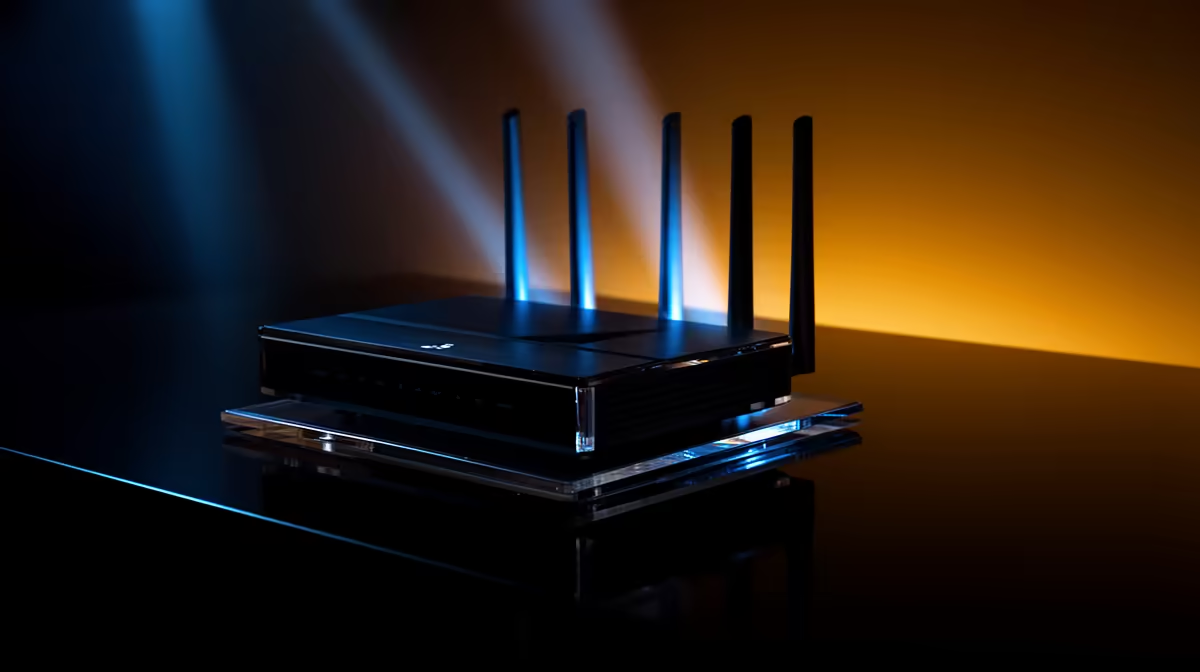
CUDY AC1200 4G LTE at R1,396 suits a family that wants a router with a practical backup path for homework, video calls, streaming, and shared evening browsing. A dual-WAN setup is worth it when one connection going down would interrupt schoolwork or work-from-home tasks, but the value depends on whether the household actually needs that second connection ready every day.
The CUDY AC1200 4G LTE at R1,396 is the strongest fit here because the 4G LTE spec gives the home a second way to stay online when the main line is not enough. For a parent managing admin, learners submitting assignments, and a TV or tablet running in the background, that backup path is the real reason to consider dual-WAN rather than buying the cheapest option.
The CUDY N300 Travel at R450 makes more sense for a small desk, a temporary study corner, or a family member who moves between home and res. Its N300 spec is modest, but the price is useful when the need is simple sharing rather than a more resilient whole-home setup.
In a typical home where the fibre router sits in a cupboard and the homework desk is a room away, the CUDY AC1200 4G LTE at R1,396 is the more sensible recommendation because the AC1200 and 4G LTE specs are aimed at a busier household. The ASUS PCE-AX1800 adapter at R147 can help a desktop PC join the setup with AX1800 wireless capability, which is useful when one learner uses a fixed study PC instead of a laptop.
Ready to choose the right router? Use CUDY AC1200 4G LTE at R1,396 as the fibre router cupboard benchmark, then check whether its listed spec matches the space, workload, and upgrade path.
Homework needs steady access in the study area, so the first check is whether one router covers where children work.
A family home may suit WR1300 for one area, WR3600E Wi-Fi 7 for newer wireless needs, or M3000 for wider coverage.
Mesh is useful only when homework and family devices are spread across rooms that a single router cannot reach well.
The LT300, LT500, and LT700 should be judged as backup connection choices, not as replacements for sensible router placement.
For parents, the better buy is the setup that keeps homework areas connected without paying for coverage the home will not use.
Keep the family brief simple: cover the study space, support shared devices, and add LTE only when a fallback link is needed.
1000W for RTX 5090 needs a full-build check, not a simple yes. Review GPU guidance, CPU draw, transient load, connectors, PSU quality, and upgrade plans before deciding.
Read more
RTX 5080 Super with a 750W PSU is more comfortable than lower wattage if the unit is quality. SA builders should still confirm GPU guidance, CPU draw, connector type, airflow, and upgrade room.
Read more
How to fix FPS drops after a RX 9070 XT starts with driver cleanup, chipset updates, thermals, and power checks. For SA gaming PCs, confirm PCIe seating, monitor refresh, frame caps, and per-game graphics settings before replacing parts.
Read more
How to fix low FPS Windows 11 Wi-Fi 7 issues starts by checking whether the problem is frame rate or network lag. Test ping, drivers, power settings, Ethernet, and game FPS before adjusting visuals.
Read more
AM5 is smart for SA builders because it supports newer Ryzen CPUs, DDR5 memory, and a longer upgrade path. Compare board cost, cooling, gaming needs, and local part availability before choosing your next PC platform.
Read more
AM5 gives Randburg gaming builders a longer upgrade path. For SA buyers, DDR5 support, newer board features, and future CPU options can justify the platform. Weigh board cost, cooler support, BIOS maturity, and upgrade timing before choosing.
Read more
RTX 5090 on a 550W PSU leaves almost no practical room for OC plans. Treat the setup as constrained, with CPU draw, power spikes, cable quality, thermals, and stability checks more important than chasing extra clocks.

FPS drops on a Ryzen 9 9950X3D build often have a fixable cause. Check settings, drivers, thermals, background tasks, network conditions, and bottlenecks before assuming a part must be replaced.

The difference between PCIe 5.0 and PCIe 4.0 for SA gamers is mostly bandwidth headroom. Compare GPU slot needs, NVMe speed, motherboard support, and upgrade timing before paying extra for a newer platform.

Gaming PC stuck pixel checks in South Africa should confirm the monitor fault first. Use colour tests, screenshot comparison, cable swaps, display menu checks, and clear photos before deciding on support.

AMD's current driver now lists a Radeon RX 9050 4GB, while product coverage details a narrowed memory system. SA buyers should weigh the low VRAM ceiling against current local Radeon options.

Samsung Display has demonstrated a 16-inch 2.5K OLED laptop panel running at 300Hz. SA buyers should wait for a named notebook, full panel specifications and a local price before planning an upgrade.

Microsoft says some Windows 11 game crashes after recent updates are linked to RGB-related drivers. Affected SA gamers should confirm the update and driver before using the published registry workaround.

Thermalright's Fan Frame Vision-1 adds a 640x172 status screen to a standard 120mm fan. SA builders should check clearance, USB routing and local support before treating it as an easy upgrade.
1000W for RTX 5090 needs a full-build check, not a simple yes. Review GPU guidance, CPU draw, transient load, connectors, PSU quality, and upgrade plans before deciding.

Wi-Fi 6E vs Wi-Fi 6 matters for 4K video editing when files move across a network. The real-world difference between Wi-Fi 6E and Wi-Fi 6 for video editing in 4K depends on NAS access, cloud uploads, router range, and SA creator workflows.
RTX 5080 Super with a 750W PSU is more comfortable than lower wattage if the unit is quality. SA builders should still confirm GPU guidance, CPU draw, connector type, airflow, and upgrade room.

Wi-Fi 6E vs Wi-Fi 6 for Video Editing in 4K comes down to router support, latency, client devices, band support, and home network layout. SA buyers should match the choice to their setup instead of assuming one option always wins.