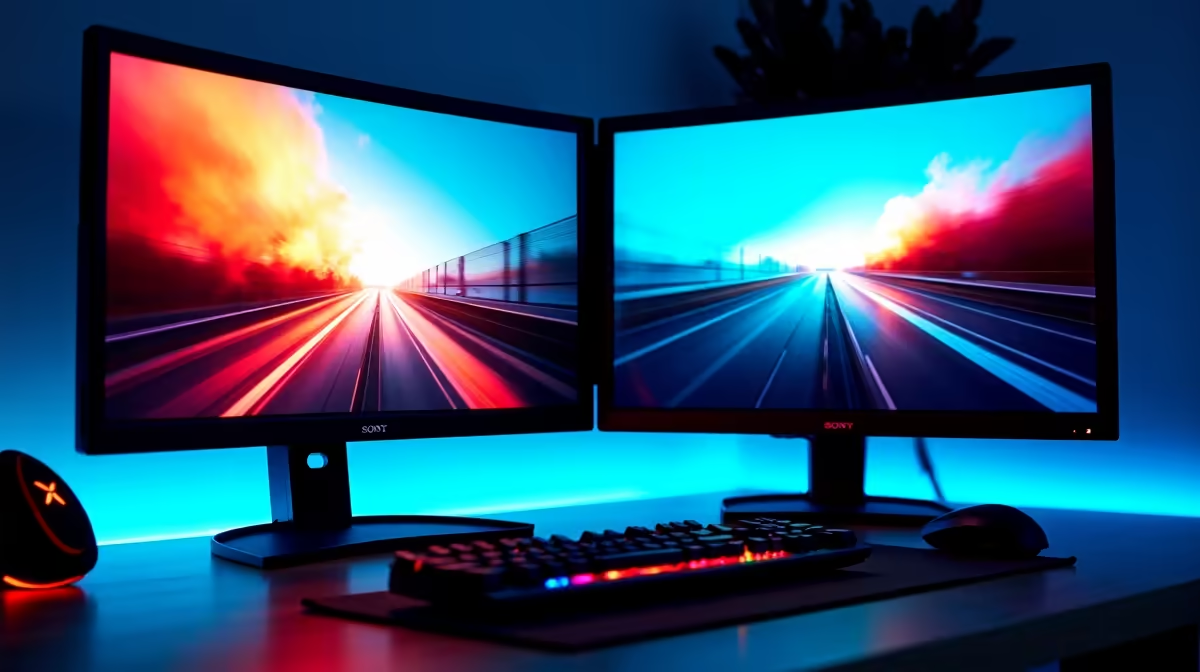
A dual-screen streaming setup only works as a unified space if the two panels feel like one. The moment your eye crosses a thick black border dividing game from chat overlay, the illusion breaks and fatigue compounds over a long stream. Eliminating distracting bezel gaps is not just cosmetic; it changes how naturally you move between the screens during a live session.
Quick Answer
Use two matching frameless monitors on a dual arm mount to shrink the combined gap to roughly 2mm to 3mm. Same model keeps colour and height aligned. A dual arm closes the physical gap far tighter than desk stands allow, and software bezel correction lines up content that spans both panels.
🔧 How Much Gap Frameless Panels Actually Leave
The word "frameless" describes the outer monitor housing, not the physical border between the glass and the active image area. Every LCD has a narrow non-active strip under the glass, and no consumer monitor eliminates it entirely.
On older thick-framed displays, two panels pushed together could produce a combined seam of 15mm or more. Modern four-side frameless designs reduce the inner border to roughly 1mm to 2mm per panel, so two sitting side by side create a combined gap of about 2mm to 3mm. That is thin enough that a game image running across both screens reads as visually connected. Look for "zero-frame" or "4-side frameless" in the spec sheet and verify with independent review measurements before purchasing.
📺 Why a Dual Arm Closes the Gap Further
Desk stands have a physical footprint that prevents panels from sitting flush together. The back edges of monitor housings have ports and mounting points that extend slightly, and two stands on a desk typically produce a combined gap of 8mm to 15mm even on thin-bezel panels.
A dual arm clamps to the desk edge, lifts both panels off the surface, and positions them within millimetres of each other. No footprint clash, no stand hardware in the way. The horizontal gap shrinks to the actual panel edge thickness. Arms also allow independent tilt and height adjustment, which matters for streaming. Both screens need to share the same vertical centreline for content spanning them to appear seamless, and adjusting that on fixed stands is laborious.
✨ Matching Models and Software Correction
A 2mm physical seam is nearly invisible. A 2mm seam where one panel looks warmer or brighter than the other is obvious. Two different monitor models will almost always show a colour temperature shift at the join, even after calibration attempts, because they use different backlights and default colour targets.
Two units of the same model start from the same colour point and the same white target. That shared baseline makes calibration practical and the seam less visible once aligned.
Software bezel correction in NVIDIA Surround, AMD Eyefinity, or Windows display settings tells the system exactly how wide the physical gap is and offsets content to compensate. A cursor crossing from one screen to the other appears to travel continuously. Game images running across both shift outward so the seam falls in a dead zone rather than cutting through content. Measure the actual gap accurately before entering the correction value.
Frequently Asked Questions
What combined gap do two frameless monitors leave when mounted together?
Two frameless panels with thin inner bezels sit together at roughly 2mm to 3mm combined. That comes from the structural non-active strip every LCD requires under the glass, which cannot be removed. At 2mm to 3mm the seam is narrow enough that game content spanning both screens reads as connected rather than divided.
Why does mismatched colour make the seam worse than the size?
Even a 2mm gap disappears when both sides show the same brightness and colour temperature. When one panel runs cooler or brighter than the other, the difference highlights the boundary regardless of how physically tight the mount is. Same-model purchases, combined with matched brightness settings, solve both the physical and the perceptual seam at once.
Can software bezel correction fully hide the gap?
It compensates rather than removes. Correction offsets content so the seam falls between displayed regions rather than through them, making a game image across both screens appear aligned. The physical gap remains. A well-configured correction makes it effectively invisible during normal use. Entering an inaccurate gap measurement produces a seam that still does not quite line up.
Does a dual arm support typical gaming monitors?
Most quality dual arms support panels up to 9kg to 10kg each, which covers 24-inch and 27-inch monitors comfortably. Frameless 27-inch panels typically weigh around 4kg to 6kg, well within the rated range for most arms. Verify the arm's weight limit against the monitor's published weight before ordering.
Ready to build a tighter dual-screen streaming setup?
Browse the frameless monitor range and dual monitor arms to put together a setup where the seam nearly disappears.