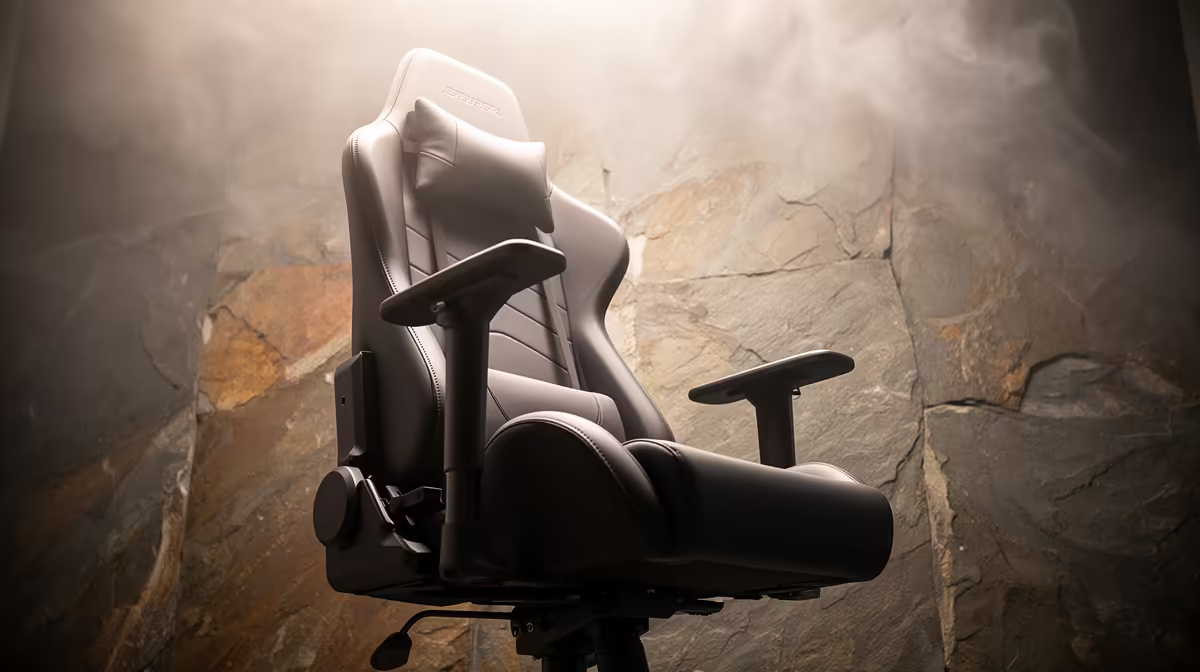
An ergonomic office chair is worth considering for long Apex Legends sessions because seat fit affects comfort and posture. It does not improve aim or network response. Adjustability, seat dimensions and support through a full session matter more than racing styling or RGB trim.
Fit the chair to the player and desk
Measure desk height, leg clearance and the space behind the chair. Sit with feet supported, shoulders relaxed and elbows near the input surface. Check seat depth, back support and armrests across several positions. A chair that forces the shoulders upward can make mouse movement uncomfortable even when the cushion feels soft at first.
The supplied facts do not verify a dedicated ergonomic-office-chair SKU or price. The GAMDIAS ZELUS E5 gaming chair is verified at R1,540 as a gaming-seat comparison, but the label does not guarantee a fit for every body. The Logitech Lift vertical ergonomic mouse carries a verified R956 price for a separate input-comfort option. Neither product replaces a chair trial.
Rehearse a normal ranked session
Sit for the usual play period, then stand and check for pressure behind the knees, lower-back discomfort or armrests that block the desk. Adjust one setting at a time. Take movement breaks between matches and keep the monitor centred so the chair does not compensate for a twisted viewing angle.
Choose the seat that supports repeatable posture through work and play. Game performance should not decide the chair purchase.
Improving a gaming desk? > Ask Evetech to compare chair and input options around the measured desk.