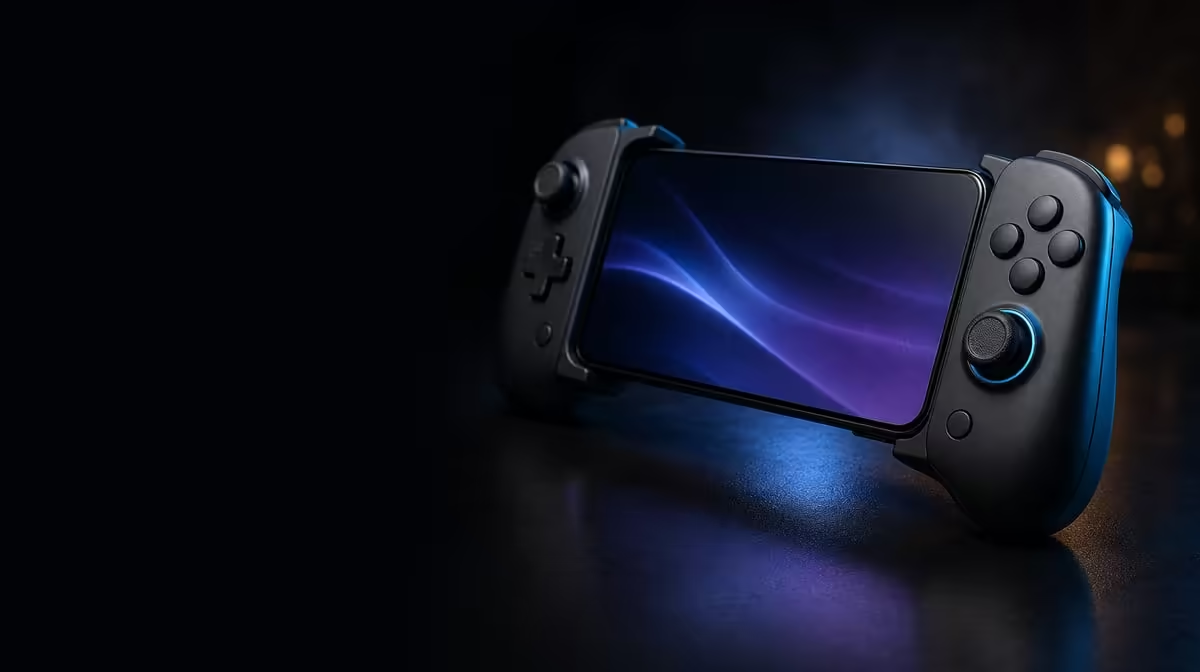
An ABXY problem can live in the plastic labels, the software mapping or the game itself. To fix an incorrect ABXY layout, identify which layer disagrees before changing anything. The R699 GameSir X5s is well suited to this process because it combines swappable ABXY buttons with software customisation, allowing the visible convention and transmitted action to be corrected separately.
Quick Answer
Record the current cap order, press each button in a neutral test, and compare the visible label with the action reported by Android, PC or the game. On the R699 GameSir X5s, move physical ABXY caps only to correct labels and use software mapping only to correct actions. Retest one change at a time.
🔤 Find out what is actually wrong
Start with a four-button map on paper. Write the visible letter and the action that appears when it is pressed. Perform the test in a menu and again inside the game, because some titles use separate interface and gameplay assignments.
If the on-screen action is correct but the printed letter feels unfamiliar, the issue is physical convention. If the letter looks right and the wrong command fires, inspect the software or game mapping. If every button stops responding, move up to connection and controller-support checks instead of rearranging caps.
Repeat the four-button map on both intended platforms. Android and PC can present different prompts, while individual games may follow their own convention. Two small tables are clearer than one profile that is repeatedly changed whenever the controller moves.
The gaming controller range at Evetech gives useful context for players who routinely move between platform conventions.
🧩 Change caps and mappings separately
Photograph the original X5s ABXY arrangement before moving a cap. Choose the convention you want, make the physical change and inspect all four labels. Do not open the mapping screen during the same step.
Next, test each press. If the software action must change, remap one command and repeat the original check. This sequence preserves cause and effect. Moving caps and assignments together can swap a problem twice and leave the final layout as confusing as the first.
Swappable buttons are useful because the controller can present the convention a player expects. Software customisation completes the job by aligning supported digital actions. Neither layer automatically proves the other is correct.
Keep an untouched default profile. Android and PC games may expose different prompts or mappings, and the default provides a known comparison when one title behaves differently.
Name custom profiles by device and game rather than by vague terms such as "new" or "fixed". A clear label helps you load the intended arrangement before play and reduces the chance of correcting a layout that was already right for another title.
⚡ Rule out Turbo and game overrides
Turbo repeats an assigned input. If a face-button action appears multiple times, confirm whether Turbo is active before rewriting the map. Test the button with Turbo disabled, then enable it on one suitable command only if repeated input is desired.
A game may also override a controller profile or use a separate layout for menus. Follow the mismatch: if it appears only in one title, inspect that title's settings. If it follows the controller across devices, compare the X5s software profile with the physical cap order.
Connection mode should remain stable during this work. Bluetooth, USB-C and receiver-based 2.4GHz form the X5s's three routes, and changing among them while mapping adds an unnecessary variable. Remember that a 2.4GHz dongle is not included if that mode is part of the intended PC profile.
Finish with a realistic sequence rather than four isolated presses. Navigate a menu, enter play, perform each mapped action once and confirm that Turbo remains limited to the chosen command. That end-to-end check proves the layout works as a system.
Browse Evetech's gaming accessories after the input logic is clear, or view popular accessory picks for wider setup ideas. A new accessory will not fix a cap and mapping disagreement, so solve that layer first.
Frequently Asked Questions
Do swappable ABXY caps alter the command automatically?
No. The cap changes the visible label. Software or the game still decides which digital action is sent when that position is pressed.
Why can a layout work in menus but fail during play?
Some games maintain different assignments for interface and gameplay actions. Test both contexts before deciding which layer needs adjustment.
Can Turbo look like a broken button map?
Yes. A repeated action may come from Turbo rather than duplicate mapping. Disable it during diagnosis and retest a single press.
How much is the ABXY-customisable X5s?
The GameSir X5s is priced at R699 and includes swappable ABXY buttons, Turbo and software customisation.
Ready to make labels and actions agree across screens?
Explore Evetech gaming controllers and choose customisation that supports the platform conventions you use most.