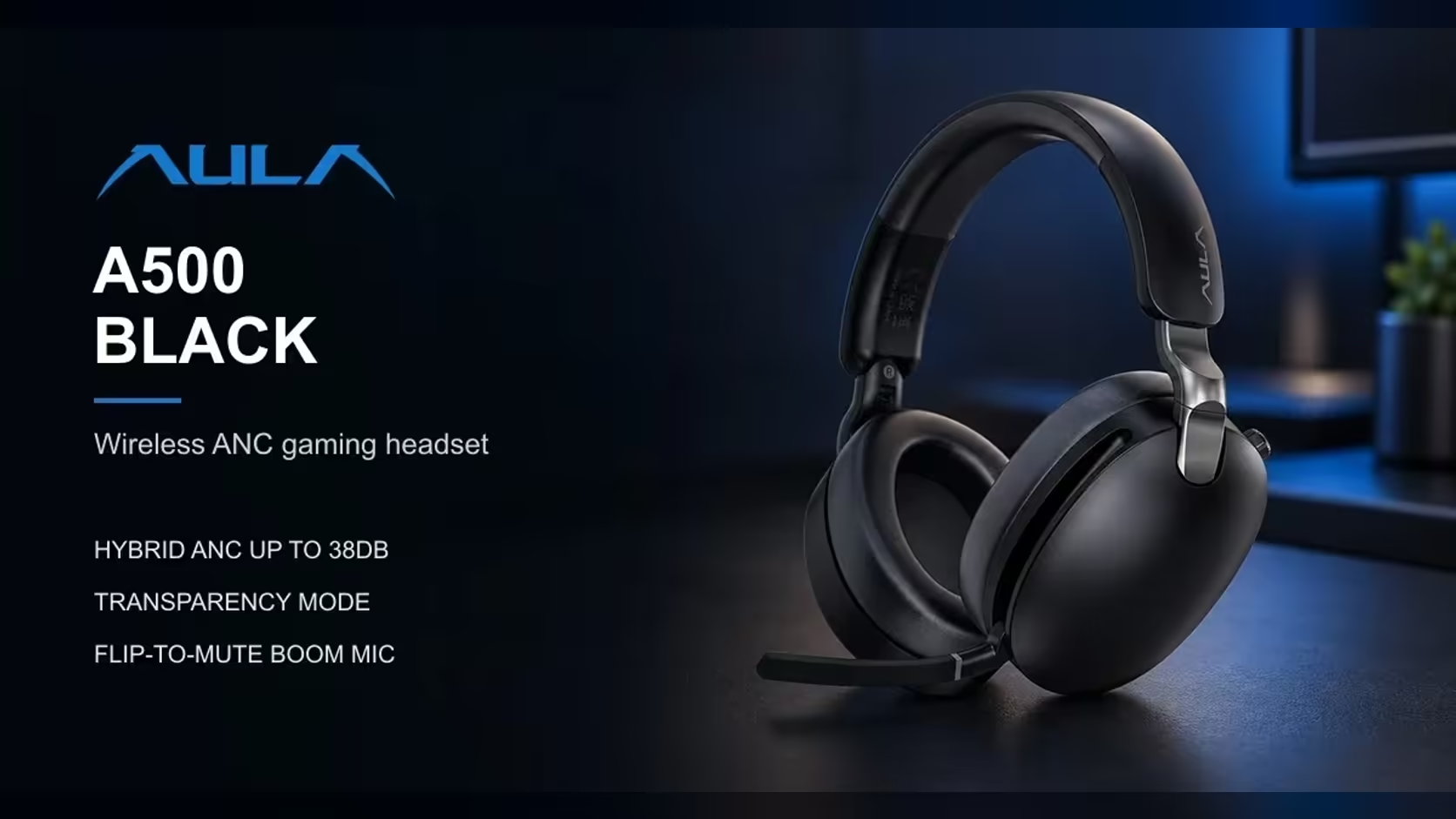
The worst moment on any call is realising you were not muted when you thought you were, or were muted when you thought you were talking. Software mute buttons hide that state behind an icon. The AULA A500 makes it physical: a hidden boom mic that is live when flipped down and muted when flipped up. This flip to mute mic design is simple, and it changes how confidently you can talk on calls and in games.
Quick Answer
The AULA A500's hidden boom mic is live when you flip it down and muted when you flip it up, so you can see at a glance whether you are being heard. It also rotates closer to your mouth for clearer voice pickup on calls and in games. When not in use, it tucks away into the headset. Evetech lists the A500 at R639.
🎙️ How the flip mute works
The rule is easy to remember: mic down, you are talking; mic up, you are muted. There is no button to press and no icon to check. The position of the boom tells you everything.
That is useful in two ways. You can mute instantly by flicking the mic up, and anyone looking at you can see whether you are on mic too, which helps in a shared room or an office.
Where the mic goes
The boom is hidden. When you flip it up to mute, it tucks away into the headset, so the A500 looks like a normal pair of headphones when you are just listening. That makes it easy to wear in public or on the move.
🗣️ Getting clearer pickup
The mic rotates, so you can bring it closer to your mouth. A mic positioned near the corner of your mouth picks up your voice more clearly and relative to background noise than one sitting further away. A couple of habits help:
- Angle it towards the corner of your mouth, rather than directly in front, to reduce breath sounds.
- Keep it a finger or two away, close enough for clarity without distortion.
- Check once on a test call so you know the position that sounds best.
AULA lists the mic sensitivity at -38dB +/-1dB.
💼 Work calls and meetings
For meetings, the flip mute gives you a quick, reliable way to cut your mic when you are not speaking. For Microsoft Teams users, AULA says a press of the ANC key accepts the call, and the multi-function button handles calls, play and pause, tracks and volume.
On a PC with the 2.4GHz receiver, choose "A500" as both the output and input device in your sound settings so apps use its mic.
🎮 Mid-game muting
In games, fast muting matters. Someone walks into the room, a dog barks, or you need to say something off-mic. Flicking the boom up is faster than finding a key or a menu, and you do not have to take your hand off the mouse for long.
Phone calls over Bluetooth
The A500 connects to phones over Bluetooth 5.4, with about 10m of range, so you can take voice calls from your phone as well. The same flip rule applies.
Evetech carries the A500 in black. Compare it with other mic-equipped options across the gaming headsets range, or see the wireless headset page for cable-free picks. The headset is supported by Evetech under a 1 Year Local Warranty.
Frequently Asked Questions
How do you mute on the A500?
Flip the boom mic up. Flip it down to talk again.
Where does the mic go when not in use?
It tucks away into the headset, since it is a hidden boom design.
How can I get clearer voice pickup?
Rotate the mic closer to the corner of your mouth, a finger or two away.
Can the mic handle a work meeting?
Yes. The flip mute is quick and reliable, and the ANC key can also answer Teams calls.
How fast can I mute mid-game?
As fast as you can flick the boom up, with no key or menu to find.
Can I make voice calls from a phone over Bluetooth?
Yes. The A500 pairs with phones over Bluetooth 5.4.
Want to know you are muted without checking a screen?
Browse Evetech's gaming headset range and consider the AULA A500 with its flip-to-mute boom mic.