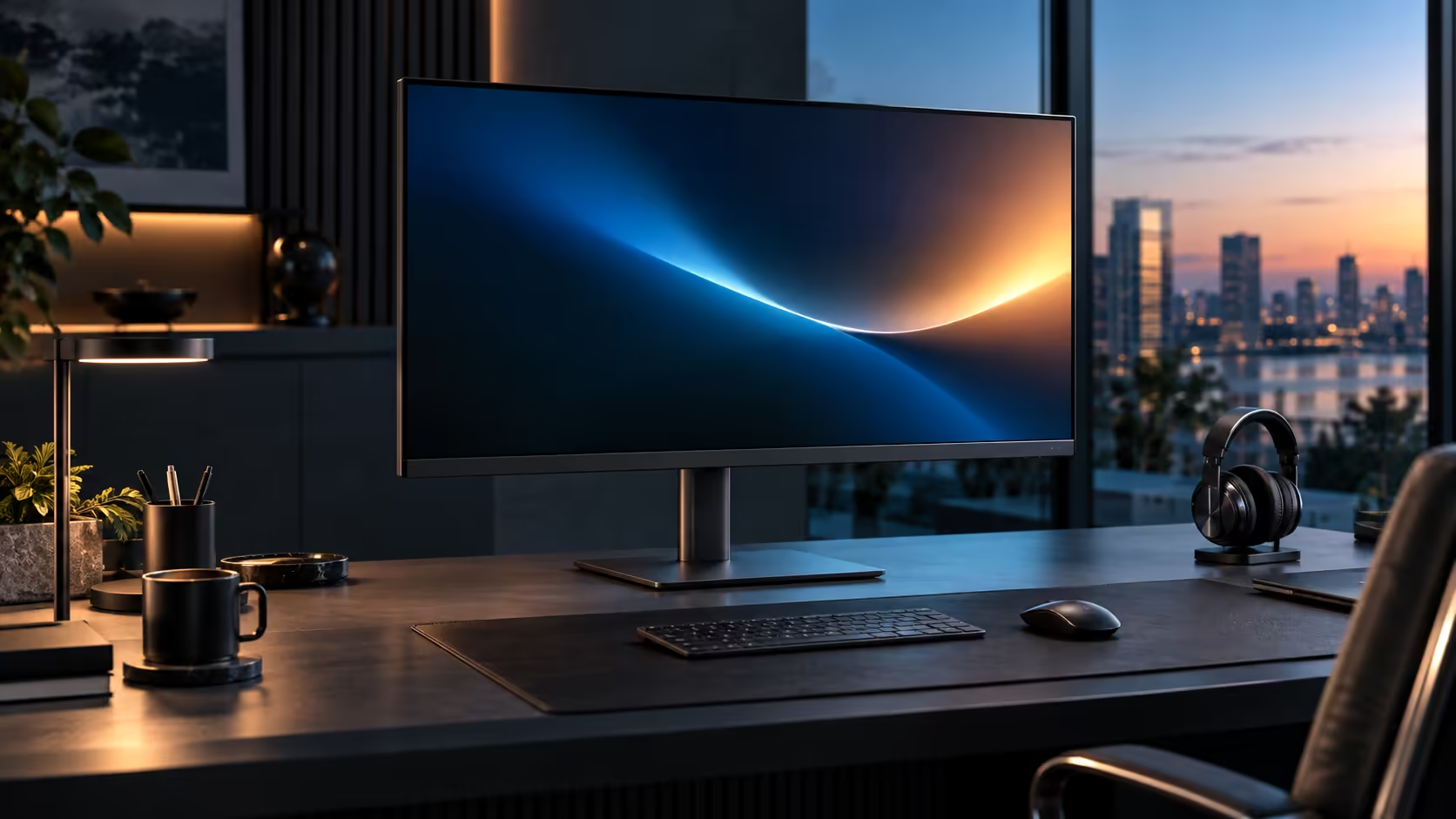
Somewhere around a decade ago, laptop makers made a trade that nobody asked for directly: thinner chassis in exchange for the ports that used to sit along the edges. RJ45 and a generous run of USB-A sockets were the two biggest casualties, and the R8,799 Dell Pro 32 Plus P3225DE, found in the office monitor range, is the fix that puts both back without asking for a thicker laptop in return.
Quick Answer
A monitor with RJ45 built in puts a fibre line straight into a laptop that has no Ethernet socket. The wired connection travels back over the same USB-C lead as the picture, and the devices in the screen stay plugged in when the laptop goes. R8,799 buys it.
📉 What thinner laptops actually gave up
The trade was never announced as a trade; it just showed up model year after model year until the sockets were gone.
RJ45 needs a certain physical depth to fit its connector, deeper than the thinnest laptop chassis allow, which is the specific reason it was one of the first ports cut as laptops got slimmer. USB-A ports followed a similar path as USB-C became the preferred single connector type. Neither loss was really about saving cost; both were about shaving millimetres off a laptop's edge, and the wired network socket and the extra USB ports were what paid for it.
🔌 Getting both back through the monitor instead
Rather than accepting a thinner laptop with fewer ports as a permanent trade-off, routing both functions through the monitor restores them without adding any bulk to the laptop itself.
The RJ45 socket on the Dell Pro 32 Plus P3225DE takes a standard network cable from the router, and Windows recognises it as a wired adaptor the moment the laptop itself joins over its own cable. The monitor's downstream USB ports take over for the sockets the laptop no longer has, holding a keyboard, mouse, external drive or webcam permanently rather than needing a fresh dongle bag every time the laptop moves desks.
🖥️ Why a 31.5-inch desk specifically benefits from both fixes at once
A large monitor tends to sit on a desk built for serious, sustained work, which is exactly where both missing port types are missed the most.
A big screen used for spreadsheets, editing or long documents is rarely paired with a laptop that only needs a mouse; it usually anchors a desk running a keyboard, a mouse, an external drive and sometimes a webcam all at once, which is precisely the peripheral load a thin laptop's remaining two or three USB-C ports were never sized for. Restoring both wired networking and USB capacity through the monitor lets that whole setup run without a single dongle in sight, and the wider wired networking range covers the router side if a longer network cable is needed to actually reach the desk.
Frequently Asked Questions
Why did laptop makers remove RJ45 sockets in the first place?
The connector needs more physical depth than the thinnest modern laptop chassis allow, making it one of the first ports cut as laptops got slimmer.
Does restoring these ports through a monitor add any bulk to the laptop?
No. The laptop stays exactly as thin as it shipped; the extra ports live in the monitor and are reached over the same single USB-C cable already carrying video.
Is losing USB-A ports as big a deal as losing Ethernet?
For most people Ethernet is missed more, since it directly affects call and connection stability, though a laptop with only two or three USB-C ports also runs out of room quickly for everyday peripherals.
Will every laptop model support this fix equally well?
Any laptop with a USB-C port supporting video output and enough charging headroom works, which now describes the vast majority of business laptops sold in South Africa.
Ready to get the ports your laptop lost back on the desk?
Connect the monitor's RJ45 and USB ports once, and stop carrying a dongle for either.