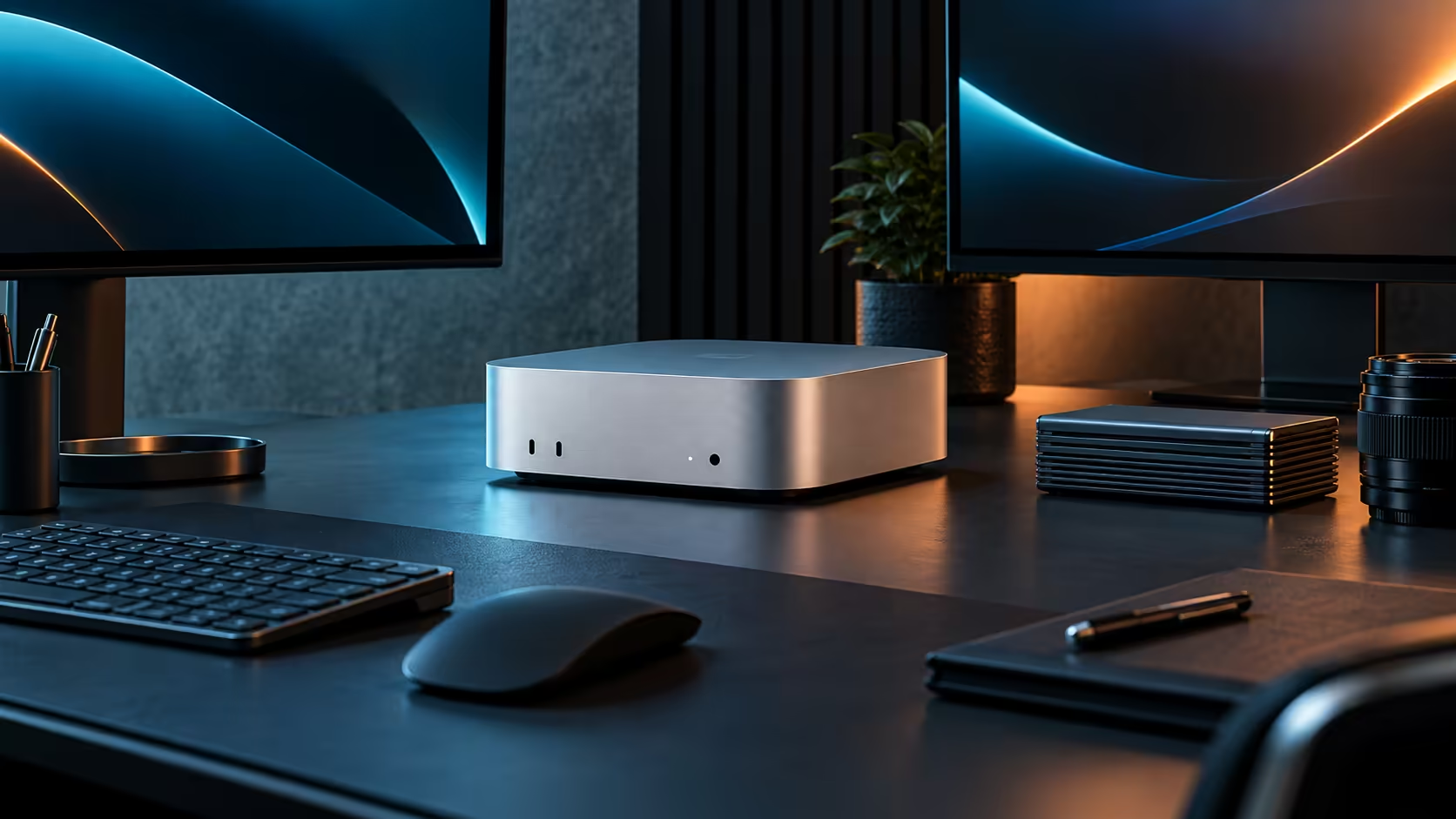
Every link in the chain has to run at 2.5Gb for a network transfer on a Mac Mini M5 Pro to actually go faster, so one 1Gb switch port anywhere along the path pulls the whole thing back down to 1,000 Mbps.
Quick Answer
Confirm your switch, and the cable between the machine and the switch, both support 2.5Gb before expecting a real speed gain over a normal 1Gb connection. The socket on a R33,599 Mac Mini M5 Pro is only half the job; a home fibre line's own speed is a separate matter entirely and does not limit local transfers between two devices on the same network.
🔗 Every device in the path counts
A 2.5Gb port on the Mac Mini, a 2.5Gb-capable switch, and a cable rated for the speed all need to be in place together. Missing any one of the three caps the transfer at the slowest device in the chain, most commonly an older 1Gb switch left over from a previous setup.
🧵 The cable matters, but less than people assume
Most existing Ethernet cabling already supports speeds well above 2.5Gb, so cable replacement is rarely the fix; check the switch first. A genuinely old or damaged cable can still be the cause, so it is worth ruling out with a known-good one if a switch upgrade alone does not resolve the issue.
🌐 This is not about internet speed
Wiring in at 2.5Gb pays off specifically when you are moving files to a NAS or another machine sitting on the same switch, since that is purely a local hand-off. Your fibre or LTE package decides internet speed on its own, entirely untouched by whatever wiring choices happen inside the house.
🔍 Confirming the actual speed you are getting
Copy a single large file, several gigabytes at least, between two 2.5Gb-capable devices and check the transfer speed reported by macOS rather than trusting the switch's advertised rating alone. A result sitting close to 1,000 Mbps despite everything appearing correctly usually means one link in the chain, often a cable left over from an older setup, is not actually running at 2.5Gb.
For other Mac Mini configurations built around the same 2.5Gb port, the Mac Mini lineup lists them, and the mini PC category covers alternatives outside Apple's own range.
Frequently Asked Questions
Will upgrading to a 2.5Gb switch speed up my internet browsing?
No, internet speed is set by your ISP package; a faster local network only helps transfers between devices on that same network.
How do I check if my switch supports 2.5Gb?
Check the specification sheet or the label on the switch itself; most consumer 1Gb switches are clearly marked and will not list 2.5Gb support.
Is a new cable usually the fix for slow local transfers?
Less often than people expect; most existing cabling already exceeds 2.5Gb capability, so check the switch and both endpoints before replacing cables.
Ready to actually get 2.5Gb speeds on your local network?
Confirm your switch supports it before assuming the Mac Mini's own port is the bottleneck.