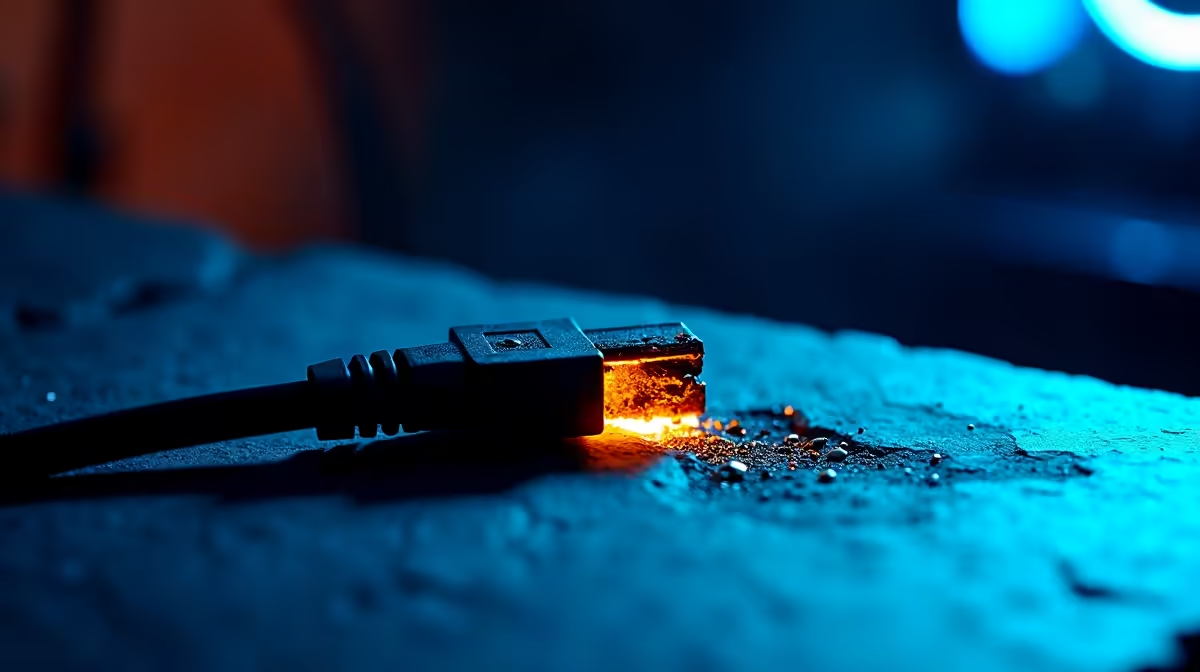
Why GPU Power Connector Melting Is a Real Concern for SA Gamers ⚡
South Africa's growing PC gaming scene means many gamers push their rigs hard. But overheating GPU power connectors—especially the 12VHPWR cable—can cause serious damage. This isn't just tech jargon; melted or deformed connectors risk frying your pricey graphics card or causing system shutdowns during your favourite esports battles. Understanding how to check your 12VHPWR cable early saves you Rands and frustration.
What Is the 12VHPWR Cable and Why It Melts
The 12VHPWR cable powers the latest high-end GPUs, like NVIDIA RTX 40-series cards. It's designed for improved power delivery but comes with specific installation needs. Poor connection, excessive bending, or wrong PSU wattage can cause heat build-up—melting the connector plug or socket.
If your setup uses GPU power cables from older PSUs not rated for 12VHPWR specs, this risk rises. South African gamers often upgrade GPUs but keep older power supplies—watch out!
Spotting Signs of a Melting 12VHPWR Cable
Check your GPU and cable regularly for:
- Discolouration or dark marks near the connector
- Deformed or melted plastic around pins
- A burnt smell from the PC case area
- Unexpected shutdowns or GPU power errors in software like MSI Afterburner
If you notice any of these, power off your system immediately and inspect cables.
How to Properly Check Your 12VHPWR Cable 🔧
- Inspect the Physical Plug & Socket: Gently remove the 12VHPWR cable from your GPU. Look for any warping, cracks, or residue on pins and inside the GPU’s power port.
- Ensure Firm, Tight Connection: Loose cables generate heat. Press firmly but carefully until you hear a click.
- Check PSU Compatibility: Confirm your PSU supports the power requirements of your GPU and 12VHPWR cable. For the latest GPUs, power units rated 750W+ from reputable brands are best.
- Avoid Small Radius Bends: Keep the cable path smooth—sharp bends can stress and heat connectors.
- Monitor GPU Temperatures & Power Draw: Use software tools to keep an eye on power spikes and abnormal temps during gameplay or benchmarks.
Quick Pro Tip
If you experience cable heating, try reconnecting the cable and cleaning dust from connectors. A clean, snug fit reduces resistance and heat build-up.
Where to Find Safe GPU Power Cables and Quality Gear in South Africa 🛒
Upgrading your GPU or replacing cables? Evetech stocks quality graphics cards like NVIDIA RTX models and AMD Radeon GPUs that come with appropriate cables. Pair your GPU with a powerful gaming PC or check out configured pre-built gaming PCs ready to handle power needs without compromise.
For mobile gamers, explore notebooks designed for gaming that combine performance and portability safely. And don’t forget to browse current Evetech specials for deals that fit your budget and safeguard your setup.
Checking cables and choosing the right accessories help you game safely under South Africa’s power realities. A little care extends your rig's life and keeps your FPS smooth.
Secure Your Gaming Setup Today
Don’t risk damage from faulty cables or underpowered PSUs. Shop now at Evetech for genuine GPU cables, quality graphics cards, and unbeatable deals that keep your gameplay powering on.