



1000W PSU Planning for RTX 5090 Builds in SA
1000W for RTX 5090 needs a full-build check, not a simple yes. Review GPU guidance, CPU draw, transient load, connectors, PSU quality, and upgrade plans before deciding.
Read moreGPU Troubleshooting Guide Gamers. Diagnosis steps, proven fixes & when to seek professional help. SA-specific support info included.
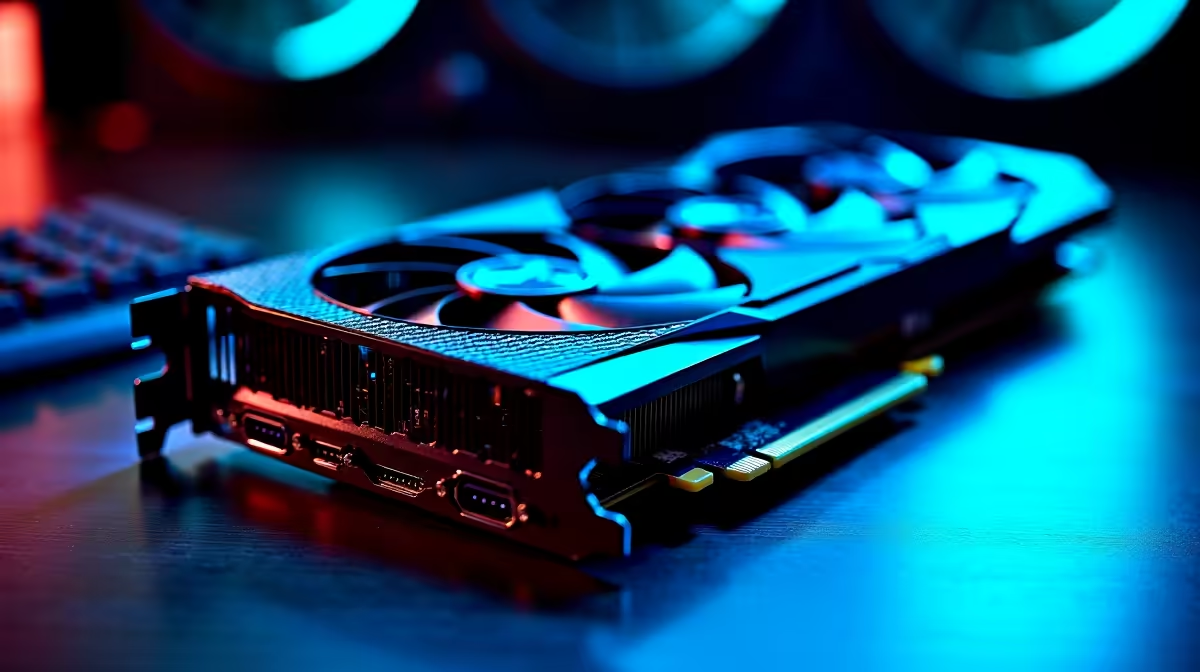
Nothing interrupts an epic gaming session faster than a glitchy graphics card. If your GPU starts acting up, don't panic — most issues are fixable with a few savvy moves. Whether your frames drop suddenly or artefacts appear on-screen, our GPU troubleshooting guide for SA gamers will sharpen your repair skills. From diagnosing overheating to driver fixes, this guide helps you get back to smooth gameplay quickly.
A hot GPU throttles performance and risks permanent damage. South Africa's climate can push your rig's temps higher, especially without proper airflow. Check that your case fans are clear of dust, and that your GPU fans spin freely. Tools like MSI Afterburner show your GPU temp and fan speed live. If temperatures surpass 80°C under load, try upping fan curves or cleaning your setup.
Outdated or corrupted drivers cause crashes or strange visual bugs. Always download your GPU drivers directly from Nvidia or AMD. Avoid generic driver installers bundled with other software. If performance drops after an update, roll back to a previous stable version. For a hassle-free upgrade, consider installing a fresh Windows build or use driver cleaning tools.
Screen tearing, flickering, or colourful explosions on textures can signal hardware stress or failing VRAM. Test your GPU with free benchmarking software like Heaven or FurMark to catch errors early. If glitches persist, reseat your graphics card ensuring it's firmly in the PCIe slot. Also, monitor power supply stability — inconsistent power can cause weird graphics behaviour.
If your PC randomly crashes during gaming, unplug external devices one at a time. Sometimes other peripherals cause interference that looks like GPU failure.
If your GPU is over five years old or struggles with recent game titles at medium settings, it might be time to upgrade rather than repair. South African gamers hunting for fresh power can browse the latest range of graphics cards at Evetech, balancing budget and performance.
Considering building a new rig? Explore Evetech’s best gaming PC deals with optimised components ready to ramp up your gaming thrills. Not ready to build? Check out pre-built PC deals that offer great value and strong GPUs, saving you time and guesswork.
Many SA gamers prefer gaming laptops for flexibility. If GPU troubles disrupt your mobile rig, explore gaming notebooks for sale in South Africa with reliable cooling and dedicated graphics.
Also, don’t miss Evetech’s specials for regular discounts on GPUs and gaming gear. Savvy timing could score you a better GPU at a wallet-friendly price.
Call-to-Action Heading A smooth graphics card means zero glitches and maximum epic moments during your playtime. Shop now at Evetech for performance that leaves lag in the dust.
GPU Troubleshooting Guide for SA Gamers available at Evetech.co.za with local warranty and fast delivery.
GPU Troubleshooting Guide for SA Gamers - check Evetech for latest stock and SA pricing.
Depends on your use case. GPU Troubleshooting Guide for offers good value at current Rand pricing.
1000W for RTX 5090 needs a full-build check, not a simple yes. Review GPU guidance, CPU draw, transient load, connectors, PSU quality, and upgrade plans before deciding.
Read more
RTX 5080 Super with a 750W PSU is more comfortable than lower wattage if the unit is quality. SA builders should still confirm GPU guidance, CPU draw, connector type, airflow, and upgrade room.
Read more
How to fix FPS drops after a RX 9070 XT starts with driver cleanup, chipset updates, thermals, and power checks. For SA gaming PCs, confirm PCIe seating, monitor refresh, frame caps, and per-game graphics settings before replacing parts.
Read more
How to fix low FPS Windows 11 Wi-Fi 7 issues starts by checking whether the problem is frame rate or network lag. Test ping, drivers, power settings, Ethernet, and game FPS before adjusting visuals.
Read more
AM5 is smart for SA builders because it supports newer Ryzen CPUs, DDR5 memory, and a longer upgrade path. Compare board cost, cooling, gaming needs, and local part availability before choosing your next PC platform.
Read more
AM5 gives Randburg gaming builders a longer upgrade path. For SA buyers, DDR5 support, newer board features, and future CPU options can justify the platform. Weigh board cost, cooler support, BIOS maturity, and upgrade timing before choosing.
Read more
RTX 5090 on a 550W PSU leaves almost no practical room for OC plans. Treat the setup as constrained, with CPU draw, power spikes, cable quality, thermals, and stability checks more important than chasing extra clocks.

FPS drops on a Ryzen 9 9950X3D build often have a fixable cause. Check settings, drivers, thermals, background tasks, network conditions, and bottlenecks before assuming a part must be replaced.

The difference between PCIe 5.0 and PCIe 4.0 for SA gamers is mostly bandwidth headroom. Compare GPU slot needs, NVMe speed, motherboard support, and upgrade timing before paying extra for a newer platform.

Gaming PC stuck pixel checks in South Africa should confirm the monitor fault first. Use colour tests, screenshot comparison, cable swaps, display menu checks, and clear photos before deciding on support.

AMD's current driver now lists a Radeon RX 9050 4GB, while product coverage details a narrowed memory system. SA buyers should weigh the low VRAM ceiling against current local Radeon options.

Samsung Display has demonstrated a 16-inch 2.5K OLED laptop panel running at 300Hz. SA buyers should wait for a named notebook, full panel specifications and a local price before planning an upgrade.

Microsoft says some Windows 11 game crashes after recent updates are linked to RGB-related drivers. Affected SA gamers should confirm the update and driver before using the published registry workaround.

Thermalright's Fan Frame Vision-1 adds a 640x172 status screen to a standard 120mm fan. SA builders should check clearance, USB routing and local support before treating it as an easy upgrade.
AMD's current driver now lists a Radeon RX 9050 4GB, while product coverage details a narrowed memory system. SA buyers should weigh the low VRAM ceiling against current local Radeon options.
Microsoft says some Windows 11 game crashes after recent updates are linked to RGB-related drivers. Affected SA gamers should confirm the update and driver before using the published registry workaround.
Samsung Display has demonstrated a 16-inch 2.5K OLED laptop panel running at 300Hz. SA buyers should wait for a named notebook, full panel specifications and a local price before planning an upgrade.
Thermalright's Fan Frame Vision-1 adds a 640x172 status screen to a standard 120mm fan. SA builders should check clearance, USB routing and local support before treating it as an easy upgrade.