


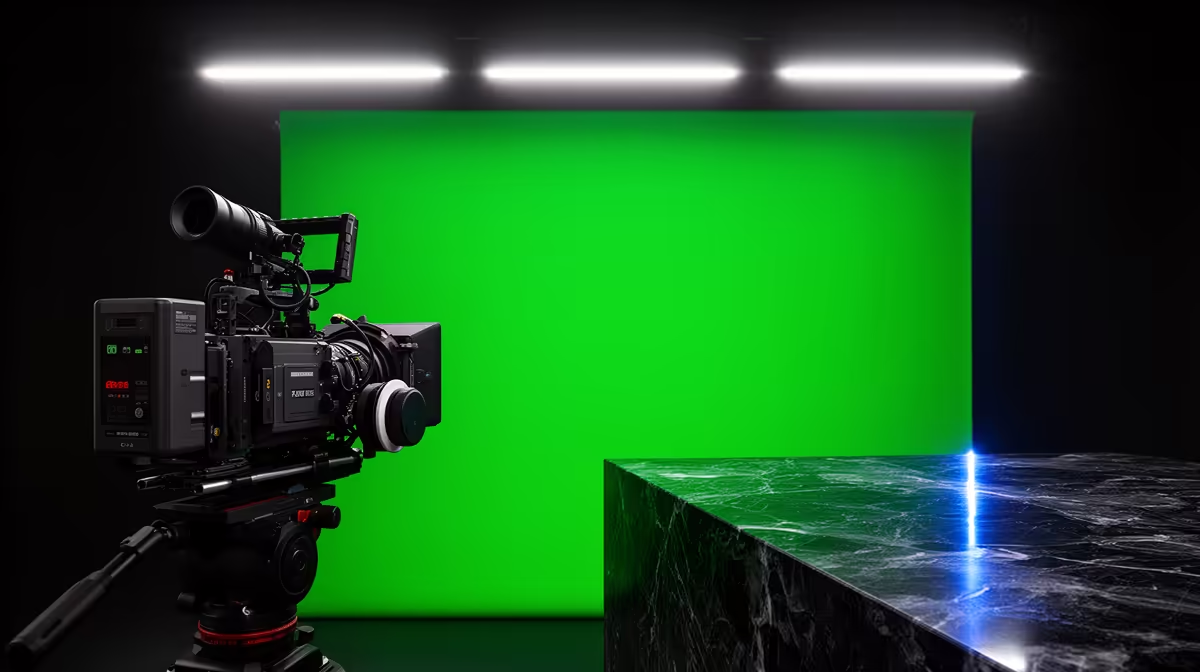
Green screen footage turns grainy not because the screen itself is the problem but because of what the camera does when the scene is too dark. A green backdrop without dedicated lighting forces the sensor to compensate for a dim exposure, and the artefacts that process creates are exactly what a chroma key struggles most to handle. The fix is adding enough continuous light that the camera does not need to compensate at all.
Quick Answer
Grain in green screen footage is almost always high ISO noise. The camera raises sensor sensitivity to brighten an underlit scene, and that sensitivity adds random pixel variation across the green. Adding softbox lighting to the backdrop lets you shoot at ISO 400 or below, where the sensor records a clean, flat green the keyer can cut reliably.
📸 What ISO Noise Does to a Chroma Key
A camera's ISO setting controls how aggressively the sensor amplifies the electrical signal from each pixel. At low ISO values, the amplification is minimal and recorded colour values stay stable from pixel to pixel. Above ISO 1600, that amplification picks up random electronic noise alongside the real signal, appearing as grain: tiny variations in brightness and colour scattered across the frame.
For most subjects, high-ISO grain is a nuisance. For a green screen, it is a keying problem. Chroma key software works by selecting pixels within a defined colour range and marking them transparent. A well-lit backdrop has consistent colour values across the whole surface -- every pixel is roughly the same shade of green. The keyer cuts this with a narrow selection.
A noisy backdrop has pixels drifting around that target value -- lighter, darker, shifting toward yellow-green or cyan-green. The keyer must widen its selection to catch them all, risking colour spill from your subject, or leave some green pixels uncut, creating a speckled semi-transparent effect in the final matte.
💡 How Continuous Lighting Solves the Problem
Adding studio lighting gives the camera enough exposure to work at a low ISO. At ISO 100 to 400, pixel-to-pixel colour variation on a lit green surface is negligible. The green records as a consistent, flat value across the screen, and the keyer only needs a narrow threshold to cut it cleanly.
Two 45W softboxes positioned about a metre from the screen surface, aimed slightly inward so their beams overlap in the middle, produce reasonably even illumination across a standard 199cm backdrop. Check the result by zooming into the footage at 100 percent. The green should look like flat painted colour, not a textured or speckled surface.
Evenness matters as much as brightness. A backdrop brighter in the centre than at the edges reintroduces the multi-shade problem even at low ISO. Keep both softboxes at matching output levels and symmetrically positioned.
🎯 Setting ISO and Exposure for a Clean Key
Set the exposure for the screen first, with no subject in frame. Adjust until the backdrop reads around half a stop above midtone in the histogram -- clearly green, not clipping to pale. With the lights running, your target ISO should sit between 100 and 400.
If you cannot hit that range even with the softboxes at full output, check whether competing ambient light from ceiling fluorescents is pulling the scene toward a different colour temperature. Switching off the room overheads and relying on the softboxes alone usually resolves both the colour balance and the exposure.
Then bring the subject in. Their face needs a separate key light -- independent of the backdrop lights -- so you can expose both correctly without either one compromising the other.
Frequently Asked Questions
Why does green screen footage look grainy even when the rest of the video looks fine?
The grain is likely present in all footage, but on a green screen it creates a visible keying artefact. High ISO adds random pixel variation that the chroma key algorithm reads as inconsistent green values, producing a speckled matte. Check the ISO your camera recorded -- above 1600, add dedicated backdrop lighting to bring it down.
What ISO target gives a clean chroma key?
ISO 100 to 400. In this range, most modern sensors record the green backdrop as a flat, consistent colour value that a narrow keyer selection can cut cleanly. Above ISO 1600, visible noise starts degrading uniformity. Above ISO 3200, grain is typically severe enough to make a clean key very difficult in post.
How much additional light is needed to drop from ISO 3200 to ISO 400?
Roughly three stops -- about eight times more light on the backdrop surface. Two 45W softboxes a metre from the screen typically achieve this with most room ambient light switched off.
Can noise reduction software fix green screen grain after the fact?
Partially. Noise reduction applied before keying can smooth pixel values and reduce the variation the algorithm sees. The limitation is that aggressive smoothing blurs fine detail and softens edges, creating secondary artefacts at the matte boundary. Getting the ISO low through lighting removes grain without introducing any of those side effects.
Ready to get a clean, grain-free chroma key from your next shoot? Browse the studio lighting range at Evetech for continuous softboxes built to light green screens evenly and bring your ISO down where it needs to be.











