


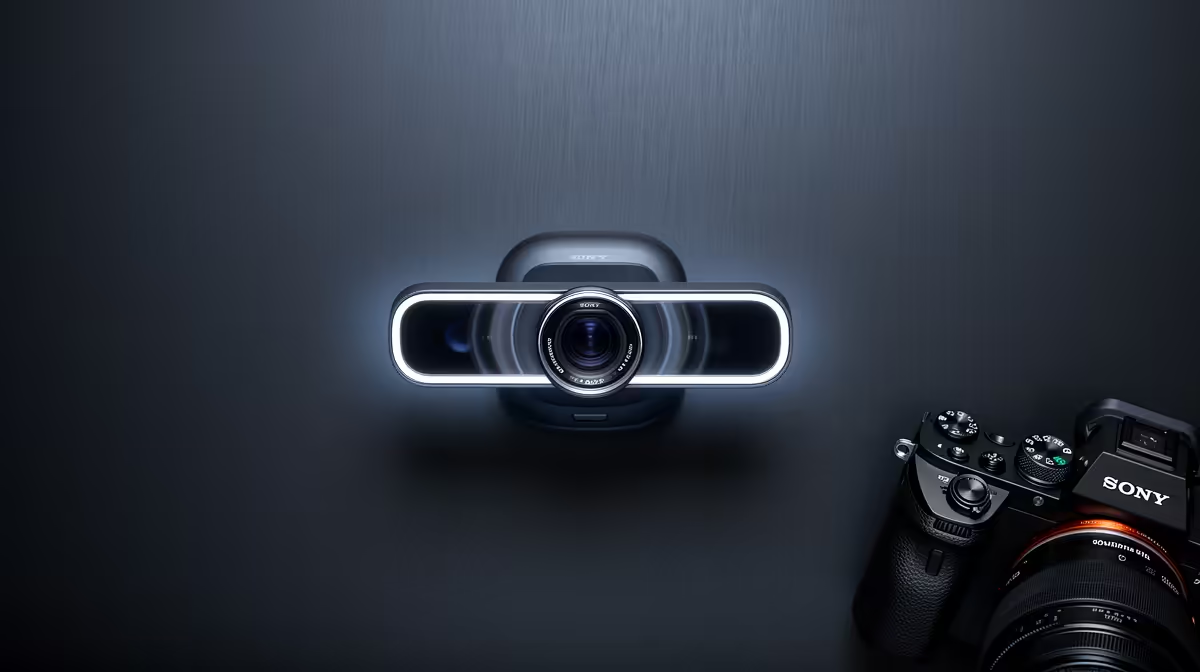
Quick movement is where basic webcams reveal themselves. Lean forward, gesture, adjust your chair, and the frame goes soft. Hardware true autofocus eliminates this problem at the source by physically moving the lens to track focus as you move, and pairing that precision with 60 frames per second of capture means every moment of motion is both sharp and blur-free rather than one or the other.
Quick Answer
Hardware true autofocus physically adjusts the lens position to maintain sharpness on a moving subject. At 60fps, each frame captures a shorter slice of time, halving the motion blur that appears on 30fps video. Together they produce 1080p footage where lean-ins, gestures, and quick head turns stay crisp rather than smearing into soft frames.
🔧 Hardware Focus Versus Software Processing
The distinction between hardware and software autofocus is more significant than the labelling suggests. A software focus system analyses pixel data already captured by the sensor and attempts to enhance perceived sharpness through digital processing. The optics do not move. If the subject is genuinely out of focus at the sensor level, software sharpening cannot recover the detail that was never captured.
Hardware true autofocus places a motorised mechanism in the lens assembly itself. When the system detects that the subject has moved closer or further from the optimal focus distance, it physically shifts the lens elements to restore crisp optical focus. The sensor receives a correctly focused image before any processing occurs.
The practical difference is most visible in rapid movement toward or away from the camera. A presenter who leans quickly toward their screen, or a creator who steps back to demonstrate something at arm's length, stays genuinely sharp with hardware autofocus. The same movement on a software-only system blurs in the captured frame and stays blurry because the optical path never corrected.
🎯 Where This Matters Most for Presenters
Not every format tests autofocus. A static talking-head stream where the presenter sits at one fixed distance works fine on a fixed-focus lens. Hardware autofocus earns its place in content with natural physical variety: demonstrating a product up close and then leaning back to explain, or using expressive hand gestures in the foreground.
SA creators doing hardware reviews, unboxing, or instructional content regularly shift between close and mid-range distances in a shot. Hardware autofocus tracks those transitions smoothly; a software system produces visibly blurry frames that sharpen only after the fact.
⚡ What 60fps Contributes Beyond Autofocus
Autofocus and frame rate address two separate aspects of motion quality. Autofocus keeps the subject optically sharp as subject distance varies. What it does not address is motion blur within a single frame, which occurs because each exposure has a duration. At 30 frames per second, each frame's exposure captures roughly 33 milliseconds of motion. A fast gesture that moves substantially during those 33 milliseconds records as a streak, separate from focus softness.
At 60 frames per second, each exposure duration halves to roughly 16 milliseconds. The subject moves half as far per frame, producing proportionally less motion blur. A hand moving quickly across the frame that was a smear at 30fps becomes a recognisably sharp shape at 60fps. For a presenter using expressive gestures or demonstrating physical products, the combination addresses both sources of motion degradation at once.
Frequently Asked Questions
What makes hardware autofocus different from software-based focus correction?
Hardware autofocus contains a motor that physically repositions the lens to maintain optical sharpness as the subject moves. The image arriving at the sensor is genuinely in focus. Software focus correction processes pixels that are already captured, applying sharpening algorithms to frames that were never in optical focus. The difference is most evident during fast movement toward or away from the lens where software sharpening has nothing recoverable to work with.
Why pair true autofocus with a 60fps capture rate?
The two systems address different sources of motion degradation. Autofocus keeps images sharp across changes in subject distance. High frame rate reduces the blur within each individual frame that occurs because fast movement covers distance during the exposure window. Used together they produce video where moving subjects are both correctly focused and free from exposure blur in each frame.
Can a fixed-focus webcam produce good 60fps video?
A fixed-focus lens is set to sharp focus at a specific distance. If the subject stays there, 60fps captures clean motion. When the subject moves closer or further, the fixed lens cannot adjust and the image goes soft regardless of frame rate. For a presenter who leans toward the camera or moves during delivery, the lack of focus adjustment produces visibly soft frames that higher frame rate cannot remedy.
Is 1080p60 better than 4K30 for a presenter who moves a lot?
For motion quality, 1080p60 generally produces cleaner results on a moving subject than 4K30. The higher frame rate reduces per-frame motion blur, which is more visible on a live presenter than on a static scene. A 4K30 capture delivers more resolution detail on still or slow subjects. For energetic presenting styles, the motion benefit of 60fps often outweighs the resolution advantage of 4K at 30fps.
Ready to keep your facecam sharp through every lean-in and gesture? Browse the 1080p60 webcam range with hardware autofocus and find the model built for presenters who move.











