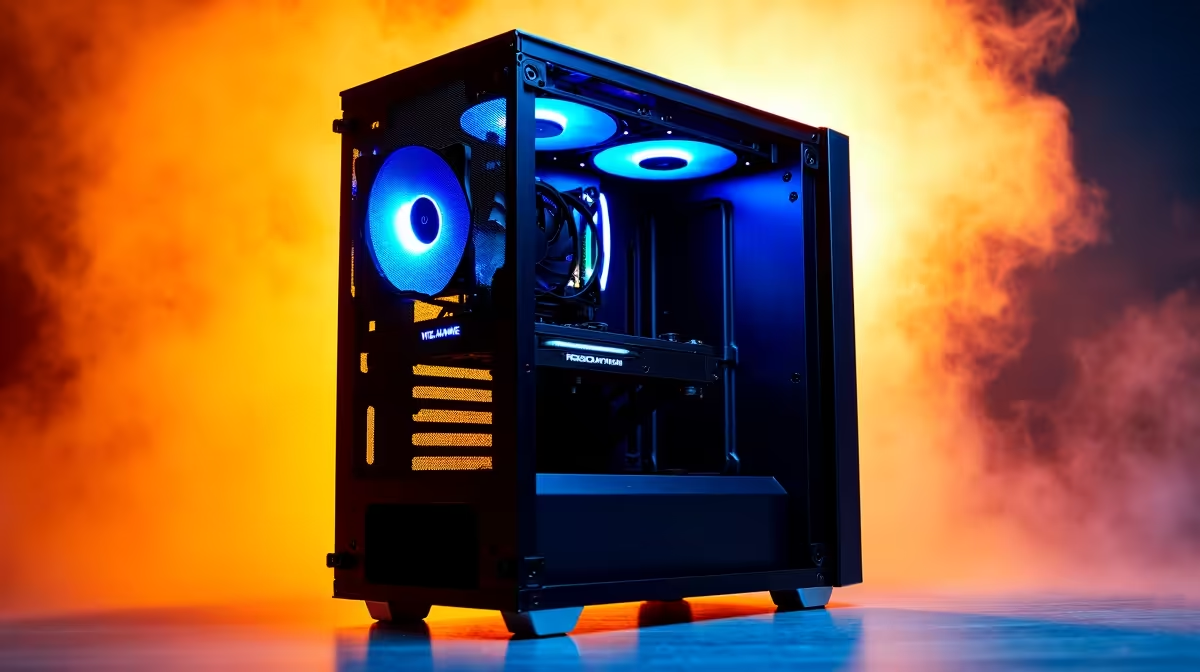
A high-airflow case is worthwhile for entry-level streaming when the current enclosure traps heat, restricts graphics-card clearance or forces noisy fan speeds during long sessions. It cannot compensate for a badly mounted cooler or an unsuitable power supply. Measure the existing system before rebuilding it.
Stream long enough to expose heat
Run the normal game, encoder and camera for at least the length of a real stream. Log processor and graphics temperatures, clock behaviour and microphone noise. Clean filters and check the current fan direction first. A front panel that looks closed may still cool adequately, while an open mesh design can be noisy beside the microphone.
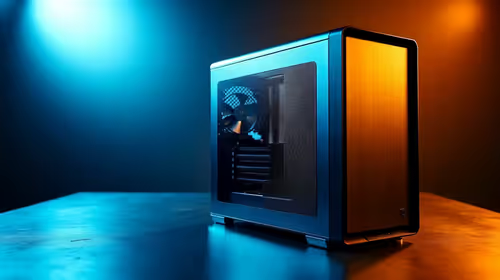
The Deepcool CG330 case is a verified reference at R770. The Gamemax Aeris 330 mATX case is verified at R650. Check motherboard size, graphics-card length, cooler height, power-supply format, included fans, filter access and front-panel connectors. A case price does not include every fan or guarantee compatibility.
Plan a simple intake and exhaust route, keep cables clear and place the tower where vents remain open. Ask a technician to verify installation if components must be moved. Back up important files before the rebuild and retest the identical stream afterward. Buy the case when the result is safer sustained temperature, lower useful noise or necessary clearance. If the original enclosure already passes the workload, direct the budget toward the microphone, upload connection or encoder component that actually limits the stream.
Cooling an entry streaming PC? > Ask Evetech to verify case fit and components around the measured session.