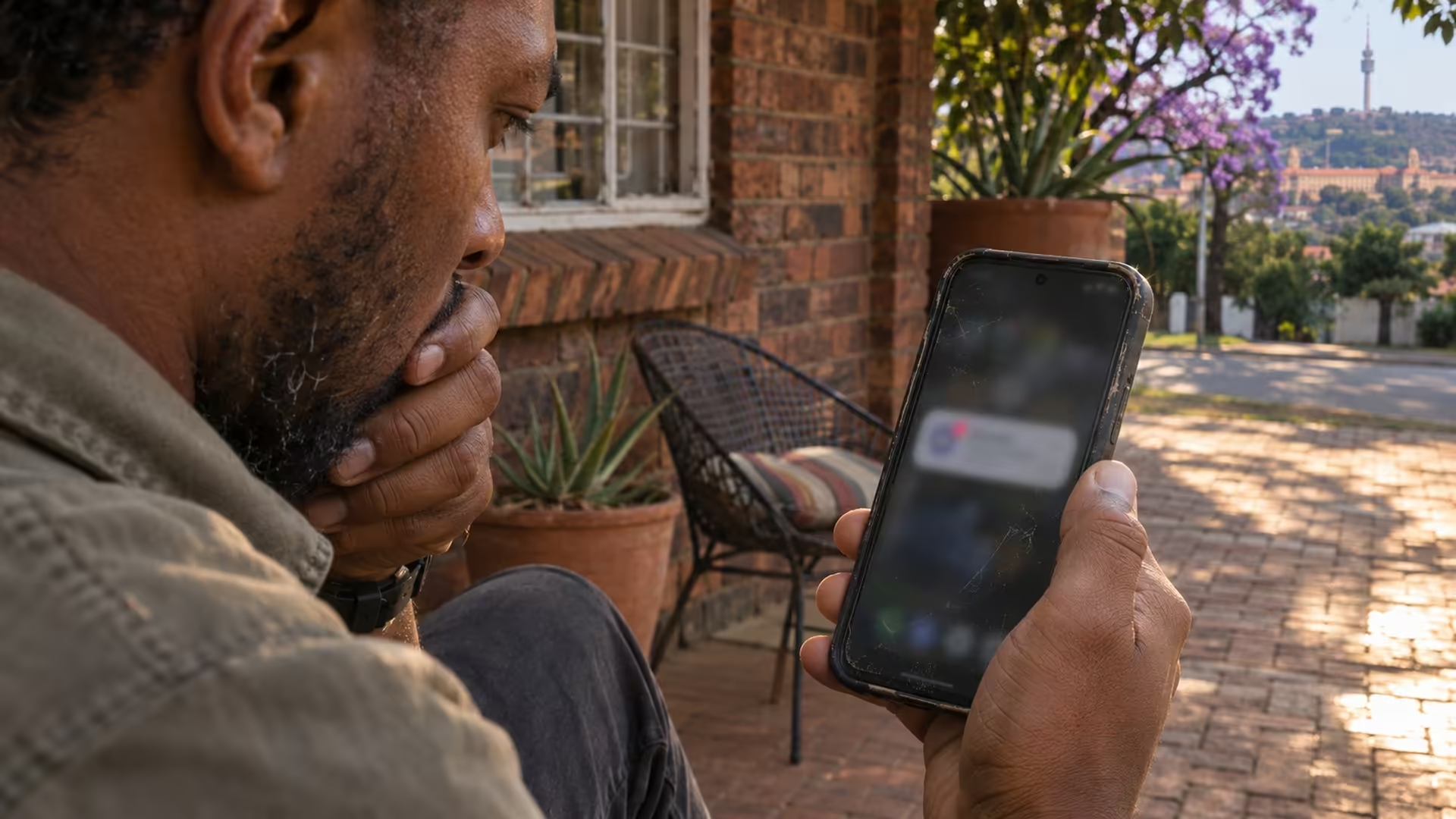
An ad appears while you browse. Another shows up as a notification after you close the browser. If you typed how to remove ads from my phone Samsung, start by recording where each one appears so you change the setting that controls it.
Quick Answer
Block pop-ups in your browser for ads that open new browser windows. Revoke a site's notification permission if its alerts keep appearing after you leave. If ads appear over the home screen or other apps, check what you installed before they started. These checks cost R0.
📱 Start with where the ad appears
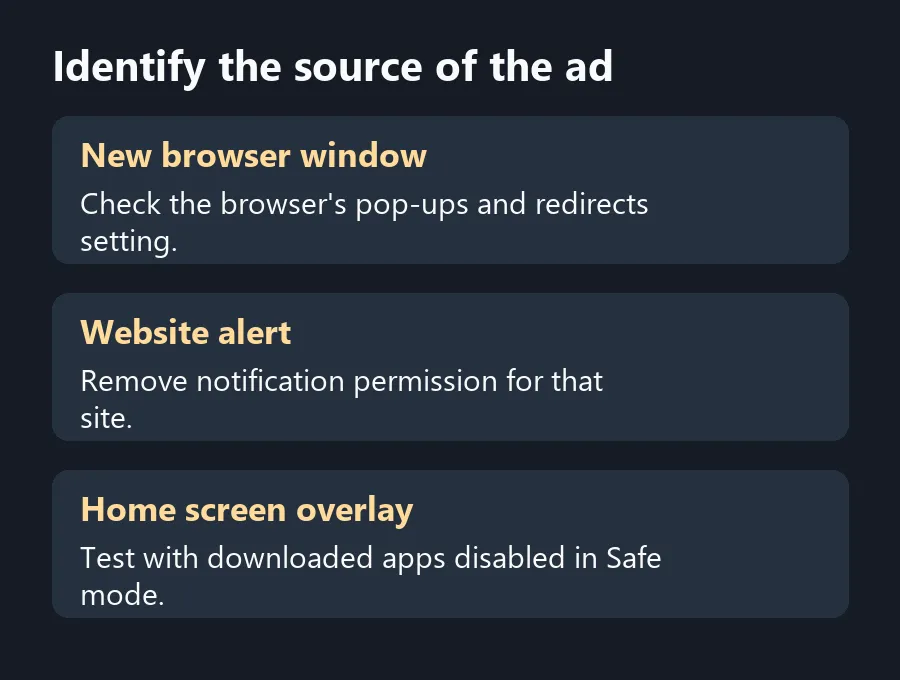
Open the browser you actually use and check its pop-up controls. In Chrome on Android, open Settings and look under site settings or permissions for Pop-ups and redirects. Keep pop-ups blocked if unexpected tabs are the problem. If the ad sits inside a webpage without opening a window, the pop-up switch may leave it visible.
Read the name beside an alert before dismissing it. An alert that names Chrome may come from a site you allowed to send notifications. Open that site's controls in Chrome and turn off its notification permission. A notification from another app belongs in that app's Android notification settings.
🧹 Test for a recently installed app
If an ad covers your home screen while you are using neither browser, look through the apps you installed around the time it began. Use the phone's normal app settings to remove one suspect app, then check if the interruption returns. Take care with apps that hold files or data you still need. Avoid tapping the ad itself to see what installed it.
Samsung documents Safe mode as a way to test with downloaded apps disabled. Look up the steps for your Galaxy model. If the ads stop in that mode, leave it and use the timing of your installations to narrow down which app to check.
🔋 Leave the accessories out of the diagnosis
If the interruptions start while your phone charges, note which app or notification appears on screen. Check whether the same app appears away from the charger before replacing anything. Power Banks help when you need extra battery capacity on a trip, while the Charger category helps you compare a replacement if your current charger fails. Buying either leaves the app and browser settings as they were.
Frequently Asked Questions
How do I block pop-ups on a Samsung Galaxy in Chrome?
Open Chrome's settings and block Pop-ups and redirects for sites. Labels can vary with your version.
What if I use Samsung Internet?
Open its own settings and find its pop-up control. Changing Chrome settings only changes Chrome.
Can a website alert me after I close the tab?
Yes, if you allowed it to send notifications. Revoke permission for that site.
Why do ads appear on my Galaxy home screen?
A downloaded app can be responsible. Check recent installs and follow Samsung's Safe mode instructions for your model.
Will the same steps work on a Galaxy A16?
Identify the source of the alert first. Use the corresponding app or browser controls on your version of Android.
Should I tap an ad to find out where it came from?
Use its notification label or the phone settings to identify the sender. Leave links in unwanted ads alone.
New browser window
Find whether a browser tab, site notification or downloaded app produced the ad.